It’s such a shame, isn’t it? Even when the office closes down and we’re all sent home, the work never ends; it just infringes a little bit more on our personal lives. If you, like a great number of us around the world have been forced to work from home thanks to the COVID-19 pandemic, chances are you’ve encountered what all corporate workers fear most; the dreaded video zoom conference call. Sure, they were originally designed to create an open line of communication between colleagues, but it feels now more like a sad window into the realities of our makeshift workstations. The veil has been lifted, and thanks to the power of virtual meetings, all your colleagues can now peer directly into your home, effectively putting an end to that final sanctuary all workers have left.
But fear not, it doesn’t have to be this way. Through the magic of funny backgrounds, Zoom Meetings can be great again. Keep the dream alive by changing your background to whatever you want. Who cares if you’re crammed into the corner of the kitchenette in your studio apartment? With the best Zoom video backgrounds, you can make it seem like you’re chilling in your Bel Air mansion. Taking a video meeting in your Daewoo Lanos? Forget it, now you’re in The Bahamas. With the best Zoom backgrounds, the world is your oyster and we want you to embrace it.
99+ Best Funny Zoom Backgrounds
Here’s a list of 99+ best Zoom virtual backgrounds to elevate your next video conference call.
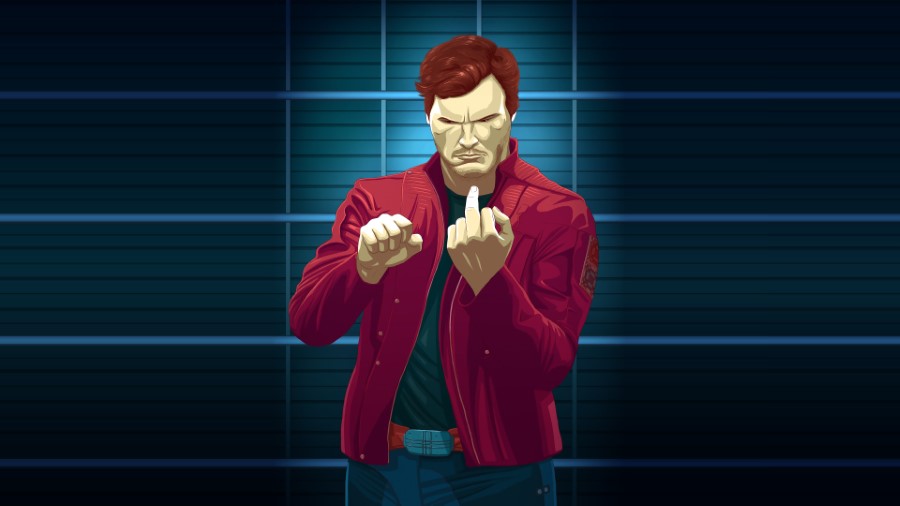
Channel your inner space outlaw with this cheeky lineup background
1. F U Guardians of the Galaxy
A surreal cosmic egg background featuring the solar system inside a yolk
2. Universe Egg
A wide eyed cartoon character makes for a humorous video call backdrop
3. Staredad
Dwayne Johnson and the Jumanji cast surrounded by mandrills
4. Jumanji
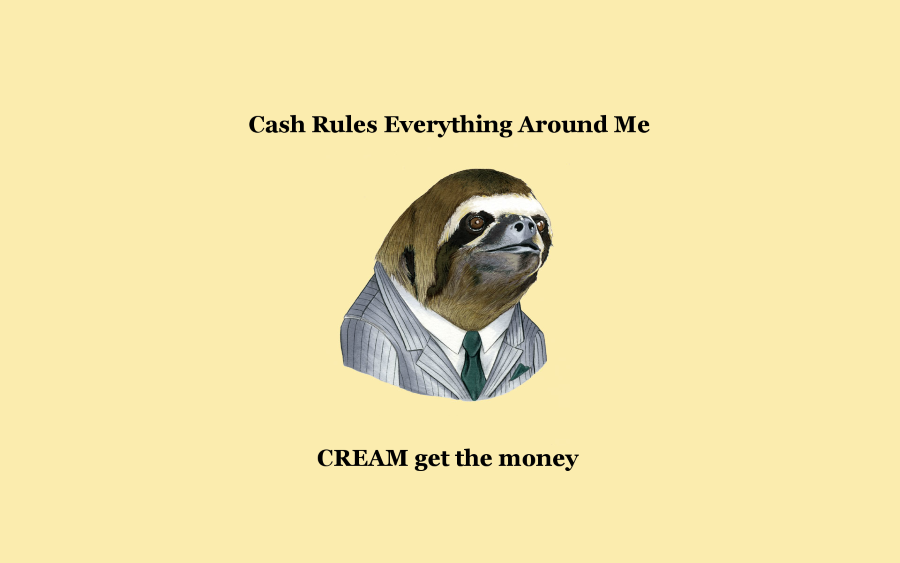
A business sloth background featuring iconic Wu-Tang Clan lyrics
5. CREAM
Casting couch Zoom background
6. Casting Couch
The iconic Drake Hotline Bling meme makes for a classic Zoom background
7. Drake No
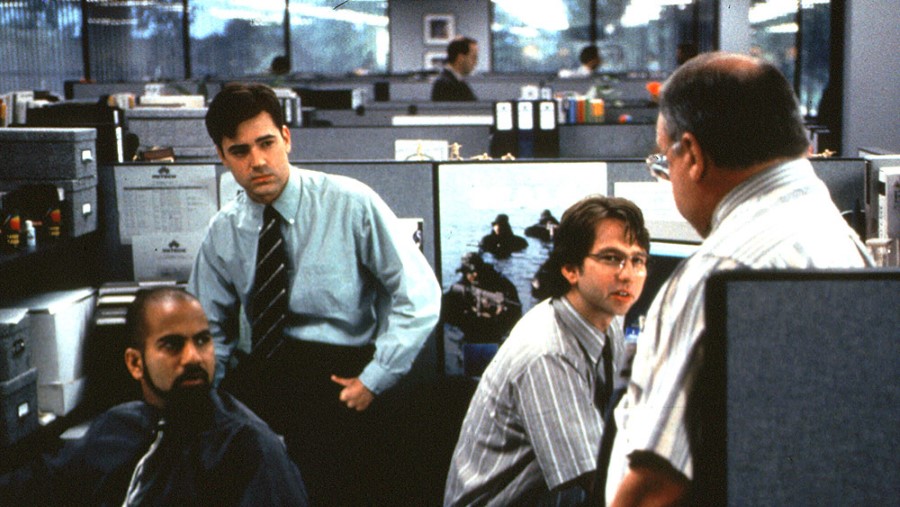
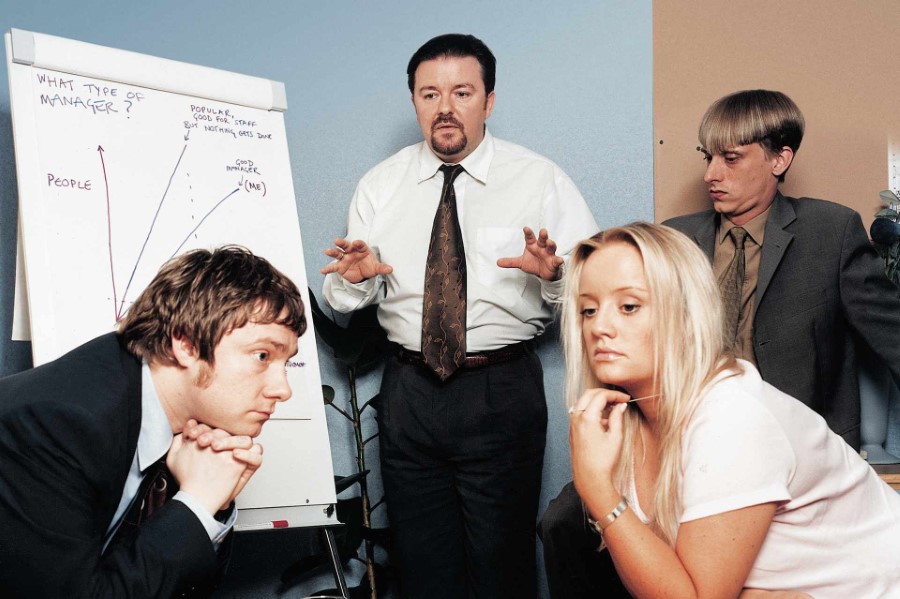
The iconic conference room interview background from The Office
8. The Office
The iconic This is Fine meme makes for a relatable background
9. Everything is fine
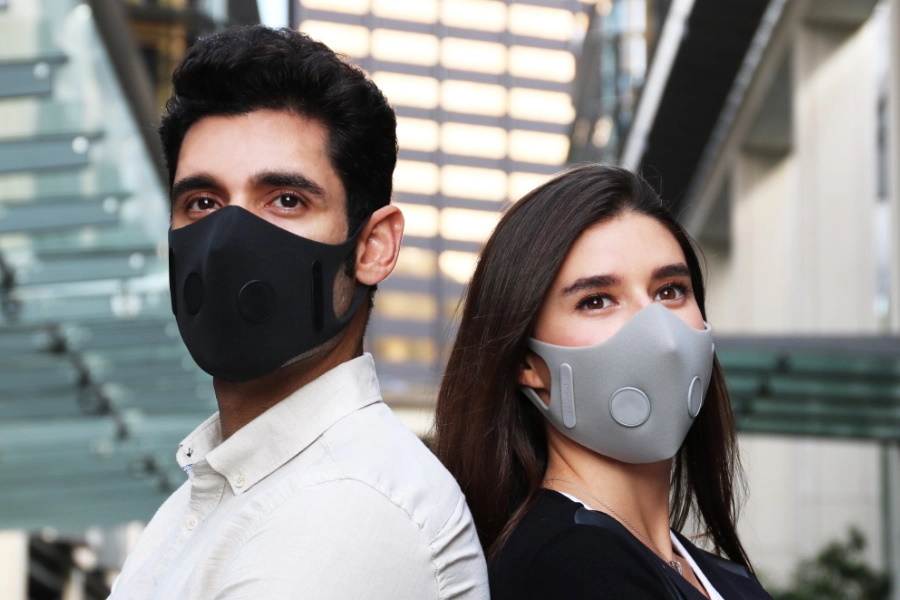
A man and woman wearing modern protective face masks in the city
10. COVID-19 Masks
The classic mocking SpongeBob meme makes for a hilarious video call background
11. Derpy Spongebob
A medical drama scene featuring surgeons in a sterile operating theatre
12. Doctors
The iconic woman yelling at a cat meme for your background
13. Woman Yelling at Cat
A serene mountain landscape with vibrant sunset gradients for your next meeting
14. Render Distance
A humorous comic book style background featuring a panicked Spider-Man
15. Spiderman
A humorous Zoom background featuring a massive stockpile of toilet paper
16. Toilet Paper Queen
A horde of zombies for a post apocalyptic Zoom background
17. Zombie Apocalypse
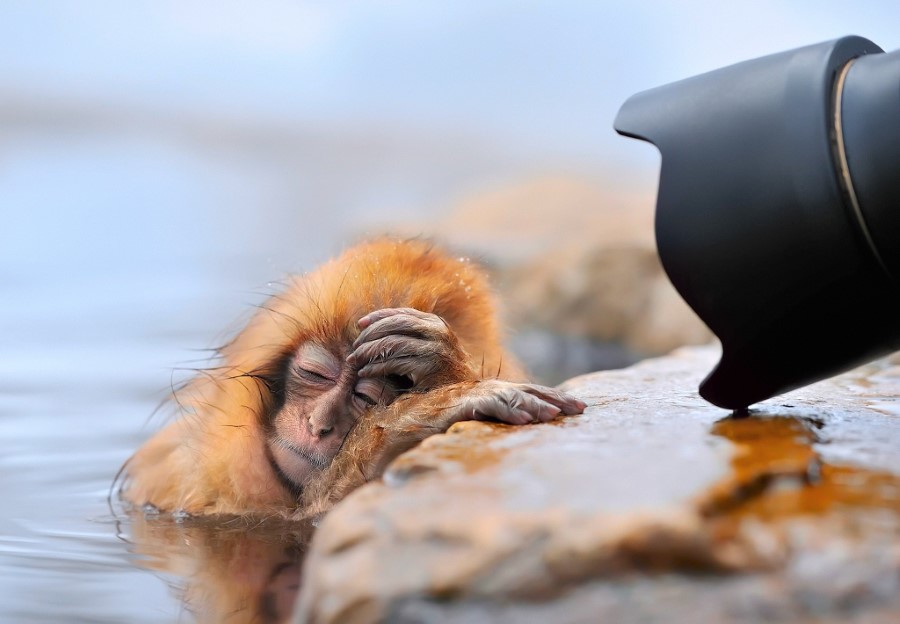
A stressed monkey makes for a relatable Zoom background
18. Monkey
A wide angle perspective of a dog resting on a pier
19. Doggy
Transport your next meeting to a tropical paradise with this island background
20. This Island Life
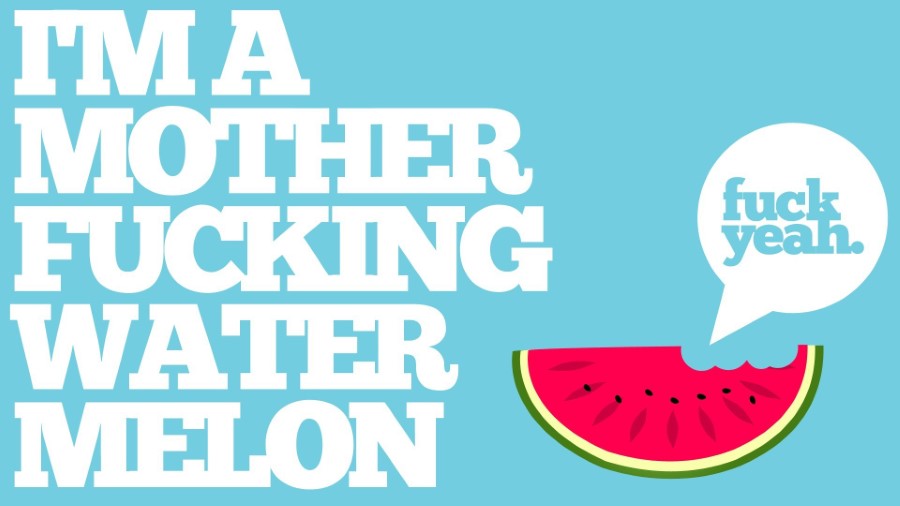
A bold and humorous watermelon graphic for your next video call
21. F**k Yeah Watermelon
Transport your next meeting to a serene alpine lake with this background
22. Lake
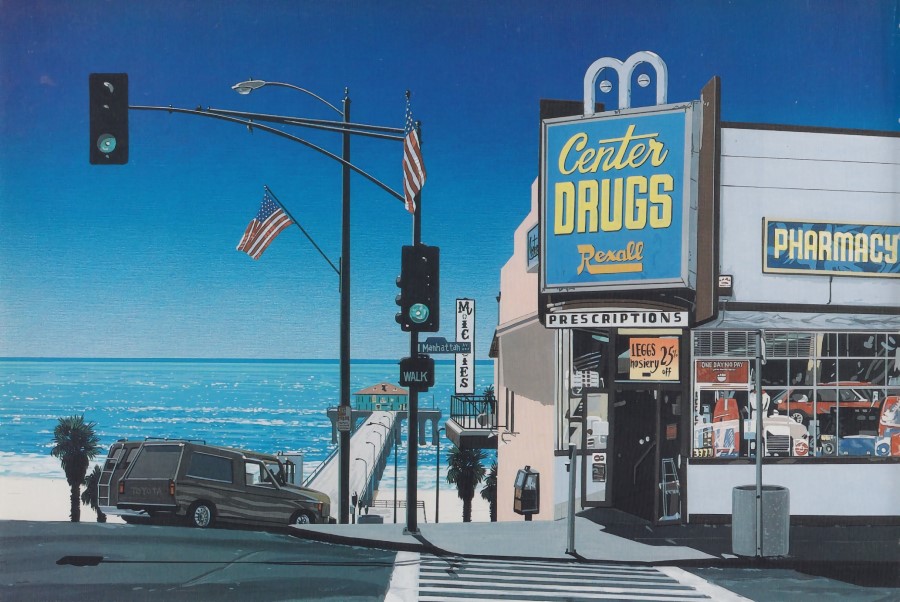
A retro coastal pharmacy scene makes for a serene virtual background
23. Drug Store
Add some mischief to your next meeting with this Minions Zoom background
24. Minions
Dramatic sunbeams breaking through clouds over a lush mountain landscape
25. God
A thermal heat map illustration of the classic Wojak meme
26. Livin’ The Dream
A literal interpretation of a purebred pug loaf for your next meeting
27. Dog Loaf
A space shuttle launch with fried chicken smoke for a spicy background
28. Chicken Take-off
A humorous scene featuring Jimmy Fallon and a robot in bed
29. Caught in Bed
A cheeky tennis court distraction for your next virtual meeting
30. Distraction
Intimidate your colleagues with this muscular masked character background
31. Weirdo
A humorous take on the classic Windows XP desktop background
32. Windows
Mr Bean takes the lead in this Mad Max inspired desert chase
33. Mad Max
The iconic distracted boyfriend meme makes for a hilarious Zoom background
34. Guy turning around
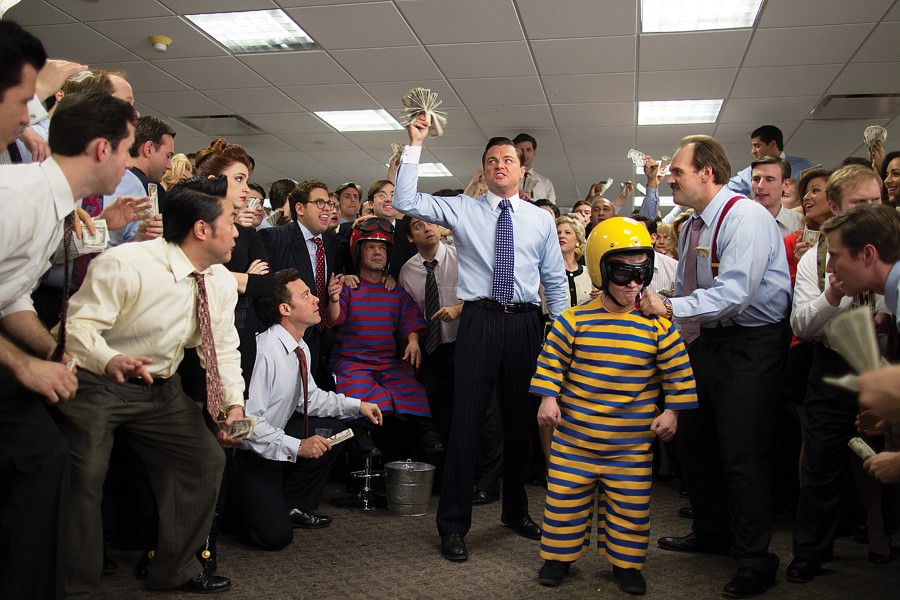
Channel your inner Jordan Belfort with this high energy office background
35. Wolf of Wall St
A playful repeating pattern of famous internet meme cats
36. Cats
The iconic BBC interview interrupted by children makes for a hilarious background
37. BBC News Webcam Guy
A laughing zebra makes for a hilarious video call backdrop
38. Zebra
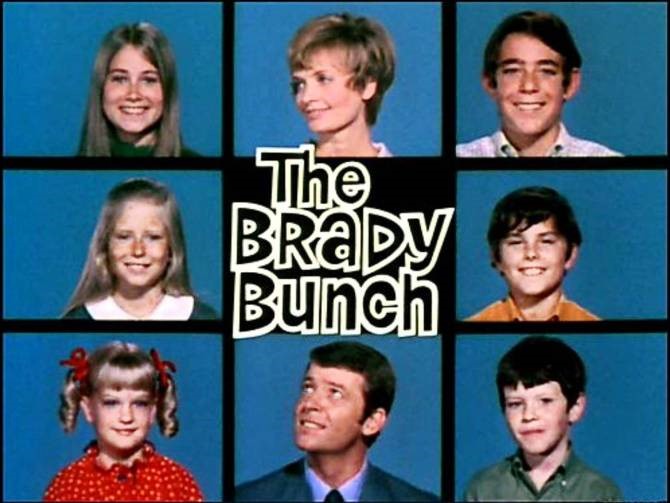
The iconic Brady Bunch grid makes for a nostalgic video call background
39. The Brady Bunch
A group of competitive runners participating in the Marine Corps Marathon
40. Marathon
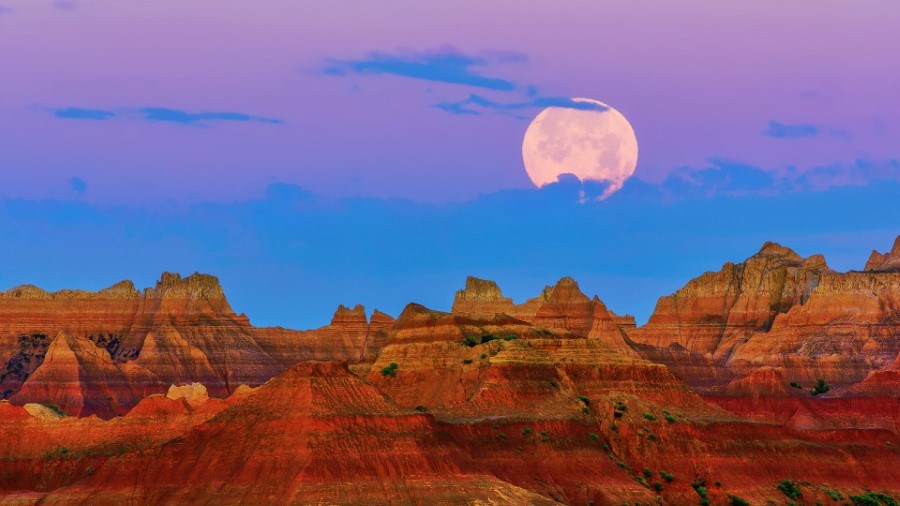
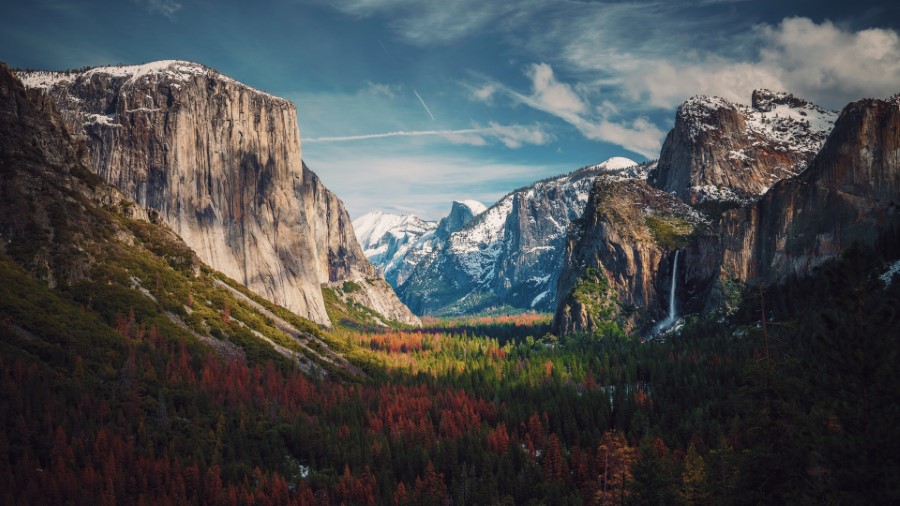
A serene desert landscape featuring a full moon over red rock canyons
41. Grand Canyon
A nostalgic pixel art gaming setup perfect for retro video game fans
42. Pixels
A cinematic digital landscape featuring a glowing star above the clouds
43. Rocket
A colourful anime maid illustration for a playful Zoom background
44. Anime
A vibrant abstract explosion of colour for your next video call
45. Explosion
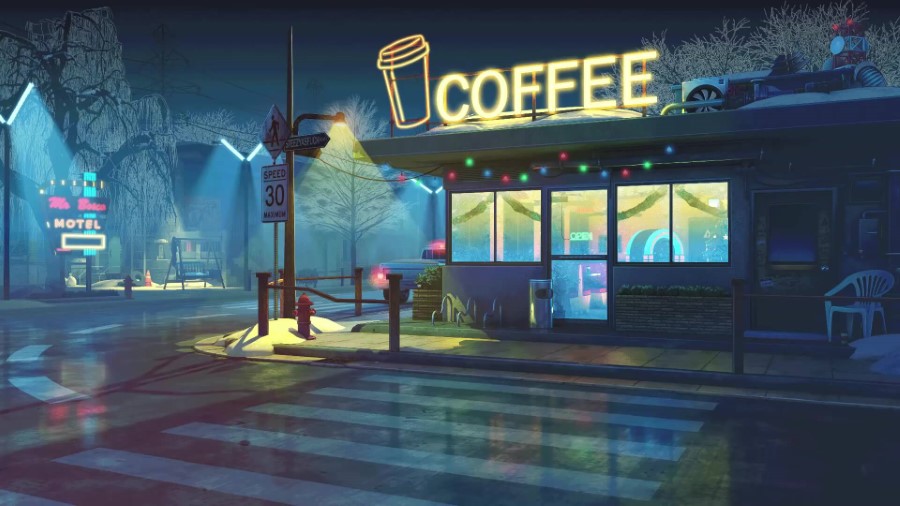
A moody neon coffee shop illustration perfect for a late night vibe
46. Coffee Break
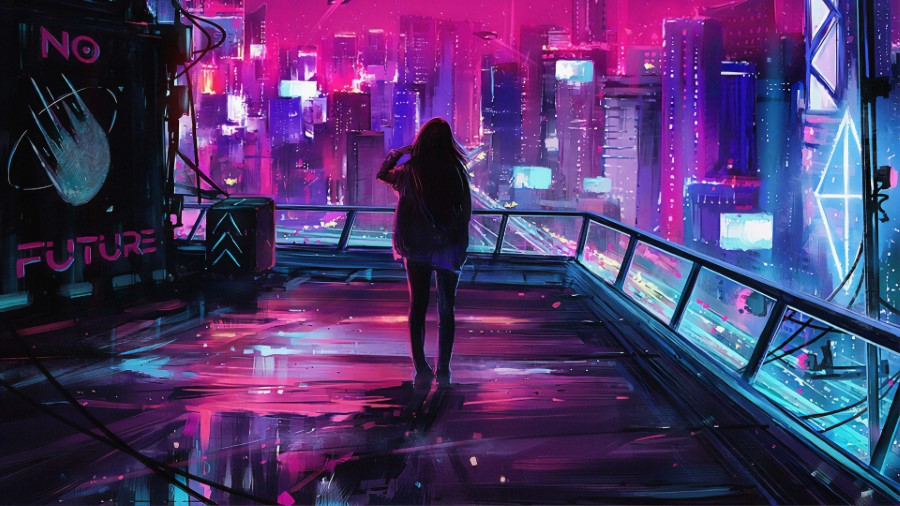
A futuristic cyberpunk cityscape with vibrant neon pink and purple hues
47. Fifth Element
A group of women running through the surf at the beach
48. Girls Running
A cinematic sunrise over Earth from space for a professional background
49. Space
A cinematic sci-fi landscape makes for a striking and mysterious background
In the left menu, click on the Virtual Background tab (Note: if you don’t see this tab, log in to the Zoom website, go to Settings and toggle on Virtual Background).
In the Virtual Background tab, select one of Zoom’s defaults or upload your own image.
If you have a green screen set-up, you can select that option.
To add your own image or video, click the + icon to upload from your computer.
How to Change Your Zoom Background on Mobile
Download the Zoom app for iOS to your iPhone or iPad
Open the app, sign in and join a meeting.
Tap the three dots at the bottom right to open the More menu.
The easiest way to create a virtual background in Zoom is to click Settings and then click Virtual Backgrounds. Choose from amongst the default images or upload your own by clicking +Add Image.
Is Zoom virtual background free?
Zoom’s default virtual backgrounds are free of charge. You’re also welcome to shop for virtual backgrounds from third-party providers, some of whom might charge.
What is virtual background in zoom?
Zoom’s virtual background allows you to add an image to the background during your video chats. Choose from Zoom’s menu of default images or upload one of your own.
Scott Purcell CFA is Co-Founder and Director of Man of Many, Australia’s largest men’s lifestyle publisher and the nation’s first 100% carbon-neutral, Climate Active certified digital media brand. Since launching the site from a spare bedroom in 2012, he has ...

















































































































Comments
We love hearing from you. or to leave a comment.