


Updated:
Readtime: 9 min
Every product is carefully selected by our editors and experts. If you buy from a link, we may earn a commission. Learn more. For more information on how we test products, click here.
In an effort to frame this review correctly, I feel compelled to admit something. For a while now, I’ve suspected the tablet is a product category that’s run out of road.
Perhaps that’s because smartphones (particularly the foldable variety) have grown large enough screen-wise to do most of what a tablet once did. Or maybe it’s because laptops have become ever thinner, lighter, and long-lasting enough to make a slab of glass feel redundant. Or it could simply be my own bias and the fact that when I do see tablets in the wild, they’re most often being used to keep some sticky-fingered gremlin occupied in order to give said gremlin’s parents a reprieve from their incessant demands.
So when the Samsung Galaxy Tab S12 Ultra landed, with pricing from AUD$2,299, I wasn’t expecting a change of heart. A tablet at that price (even one with a whopping 14.6-inch screen) felt like a hard sell in 2026. But after spending time with it, I’ve had to revise my position.
The 30-Second Samsung Galaxy Tab S12 Ultra Verdict
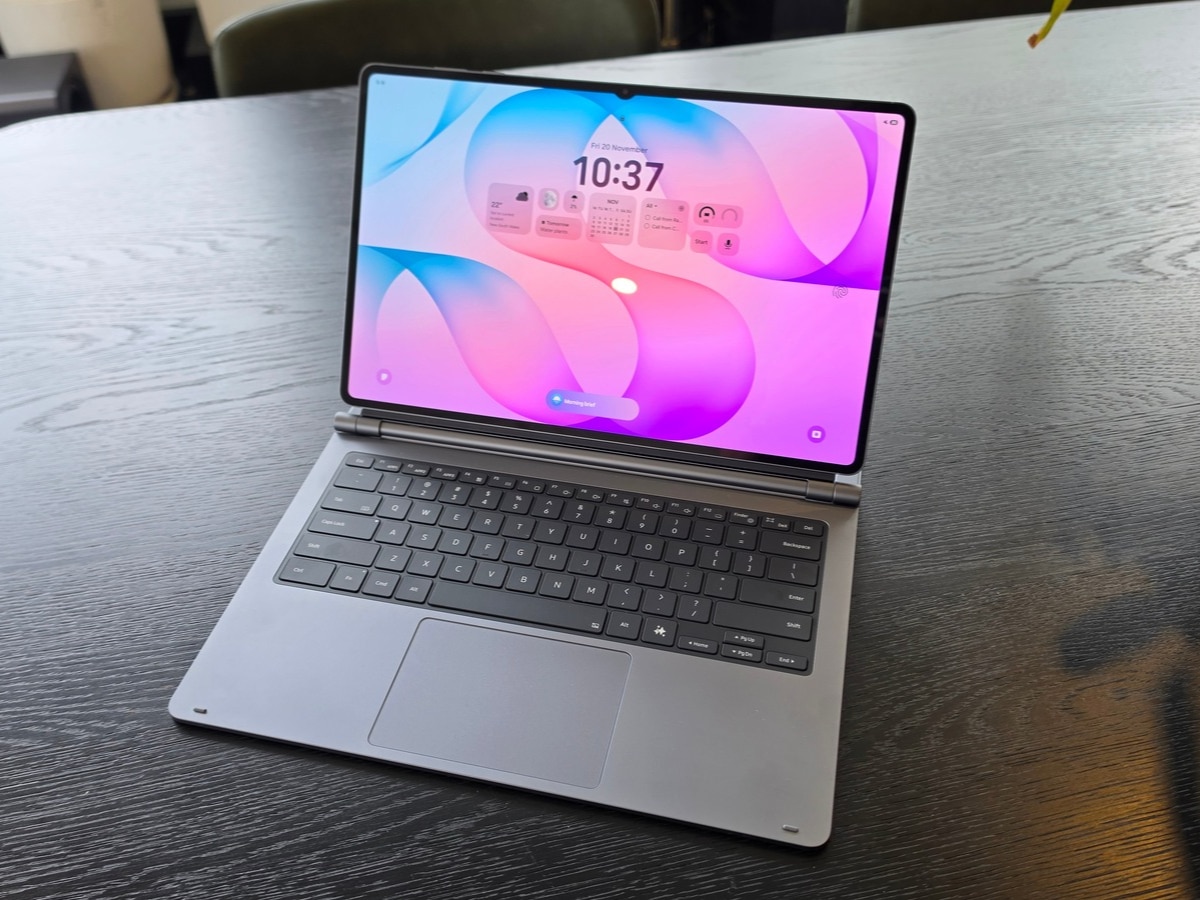
A polished and flexible tablet with a price to match, Samsung’s Galaxy Tab S12 Ultra caught me off guard with how useful it is and how much I enjoyed using it. With a massive, vibrant screen, a surprisingly handy S Pen, and the excellent Pro Keyboard attachment, it’s easy to recommend to those looking to upgrade their tablet or considering a laptop alternative.
Pros
- Display: A vast, bright 14.6-inch Dynamic AMOLED 2X panel that makes the case for the format all by itself
- Slim and light: 5.1mm thin and 692g, remarkably portable for a screen this size
- S Pen included: No extra spend for a stylus, and it’s IP68-rated alongside the tablet
- Pro Keyboard attachment: Edges this closer to a credible laptop alternative
- Battery: An 11,600mAh cell, with Samsung quoting up to 23 hours of video playback
- Longevity: Seven years of OS and security updates
Cons
- Price: A serious outlay, and a keyboard will add to the bill
- Familiar design: Looks near-identical to the Tab S11 Ultra (then again, what else would you expect?)
- Reflections: While the display is excellent, it’s very glossy and prone to reflection in direct light
Not a Toy
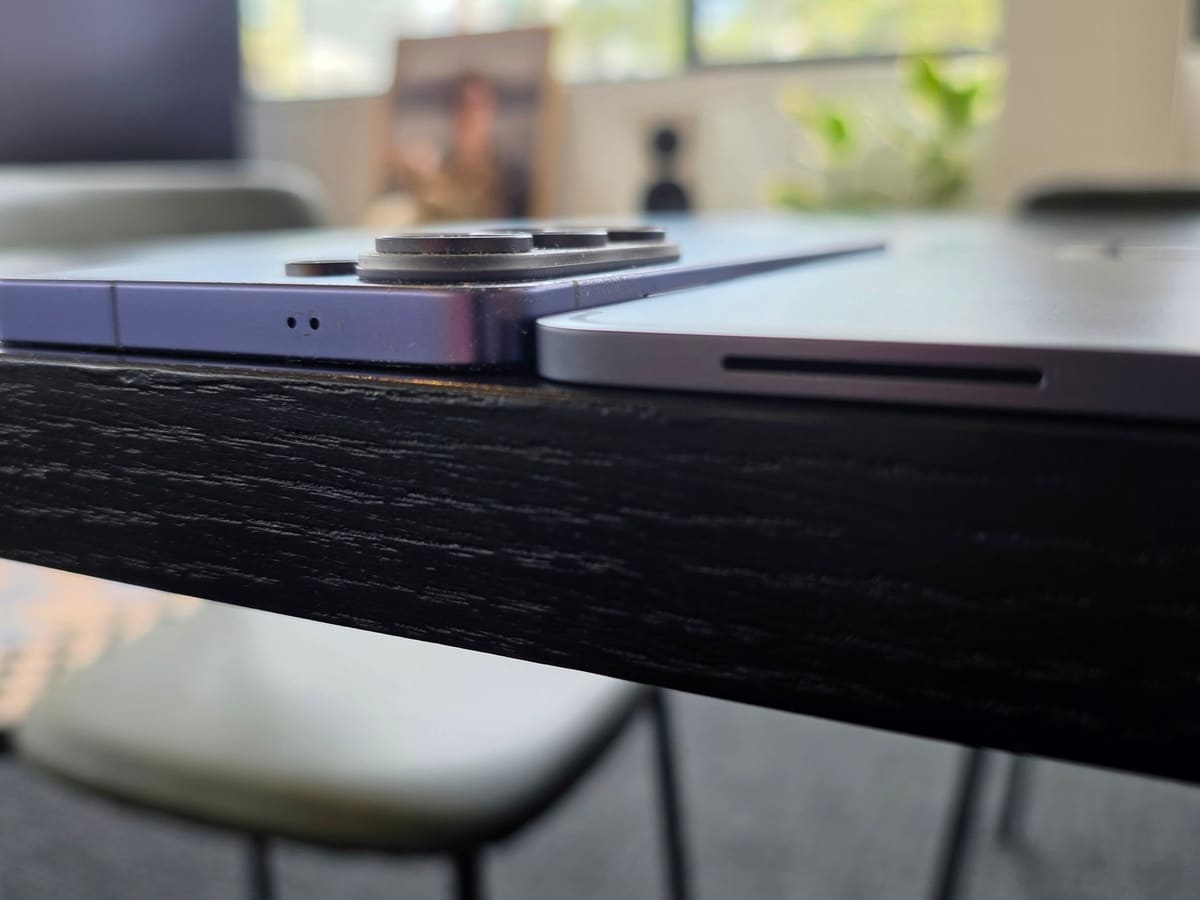
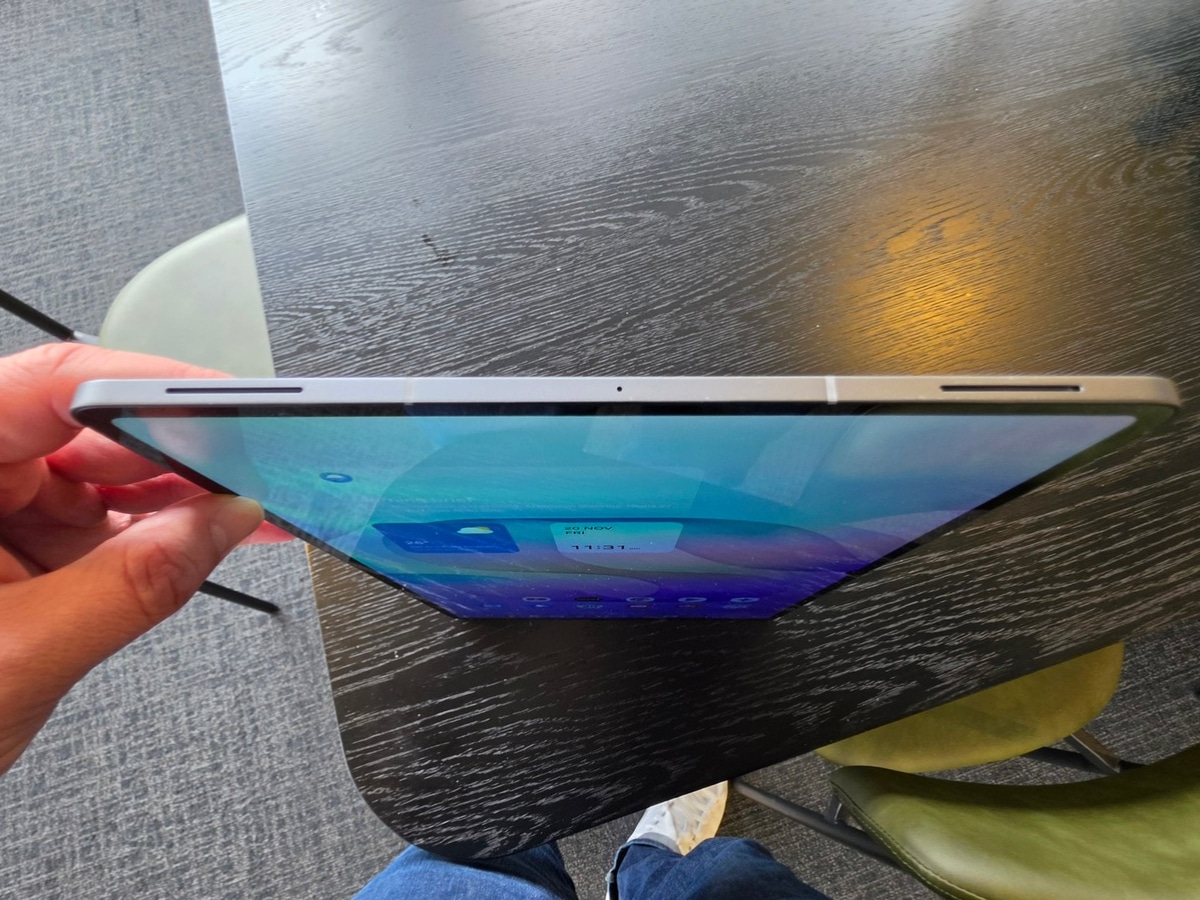
The first thing that started to dismantle my long-growing scepticism was how the Tab S12 Ultra is built. At 326.3 x 208.5 mm, it’s a big device. However, measuring just 5.1 mm thick, it’s also elegantly svelte. The aluminium frame gives it much-needed sturdiness, and the grey finish’s overall effect is understated rather than flashy. You could also describe it as dull, but it’s definitely not a toy-tastic hue.
As such, this doesn’t feel like something designed to be thrown in a kid’s backpack to keep them occupied while parents socialise. It is a serious, polished, and premium piece of kit. That said, if it does wind up in a sprog’s hands, the IP68 rating means a juice spillage won’t ruin your day.
Screen For Days
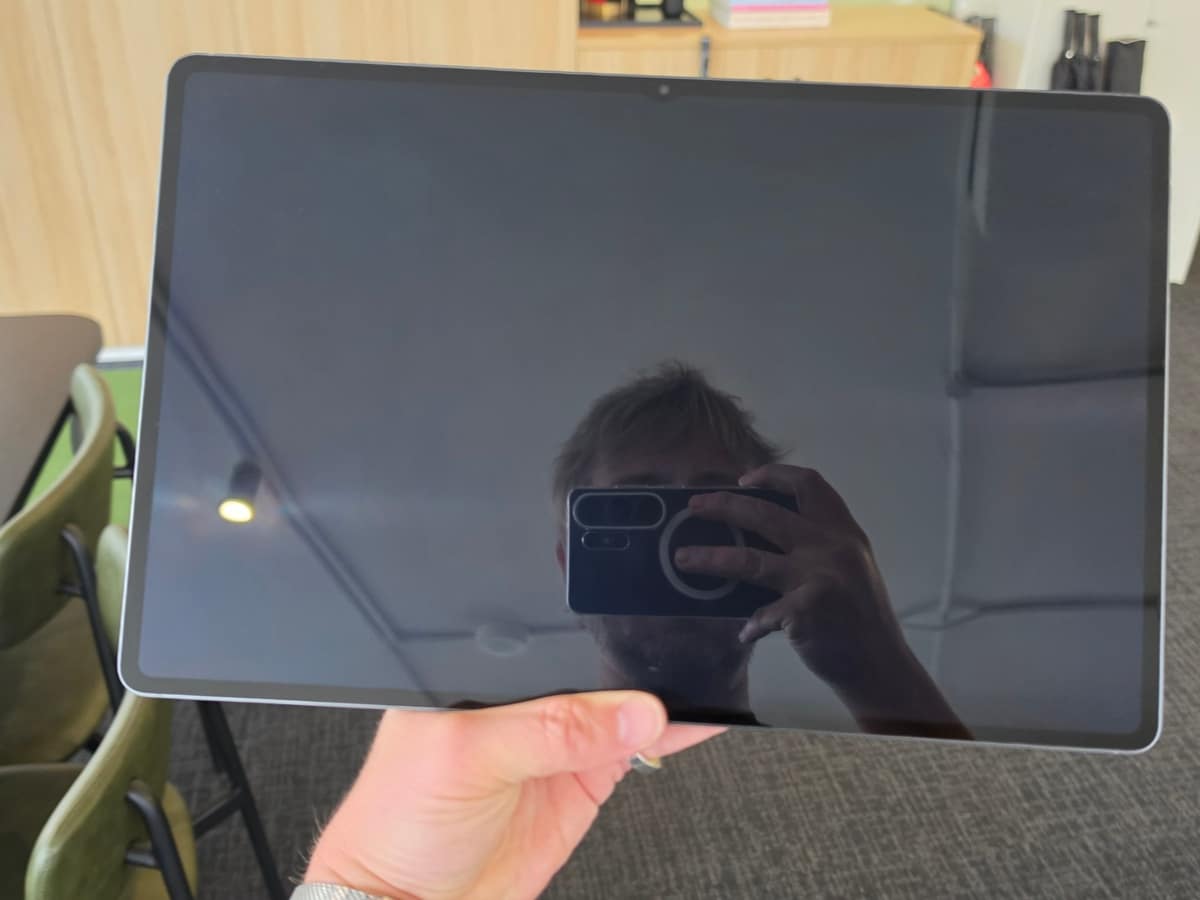
As for the display, it’s the major reason I find it easy to recommend the S12 Ultra. The 2960 x 1848 Dynamic AMOLED 2X panel runs at 120Hz and peaks at 1,600nits, with a new Seamless Vision Booster that adjusts contrast and colour to your surroundings. That makes whatever you have on screen highly viewable in all sorts of conditions, and it particularly makes a genuine difference on a bright, sunny day in Sydney. That said, it’s very glossy and prone to reflection in direct light, making darker scenes more difficult to make out. An anti-reflective coating wouldn’t have gone astray.
Indoors (and in the shade) colours are rich, blacks have authentic depth, and the slim bezels mean more of the panel is taken up by what you want. At this scale, a phone simply can’t compete when it comes to viewing content, and with the detachable keyboard there’s a versatility here that laptops don’t offer.
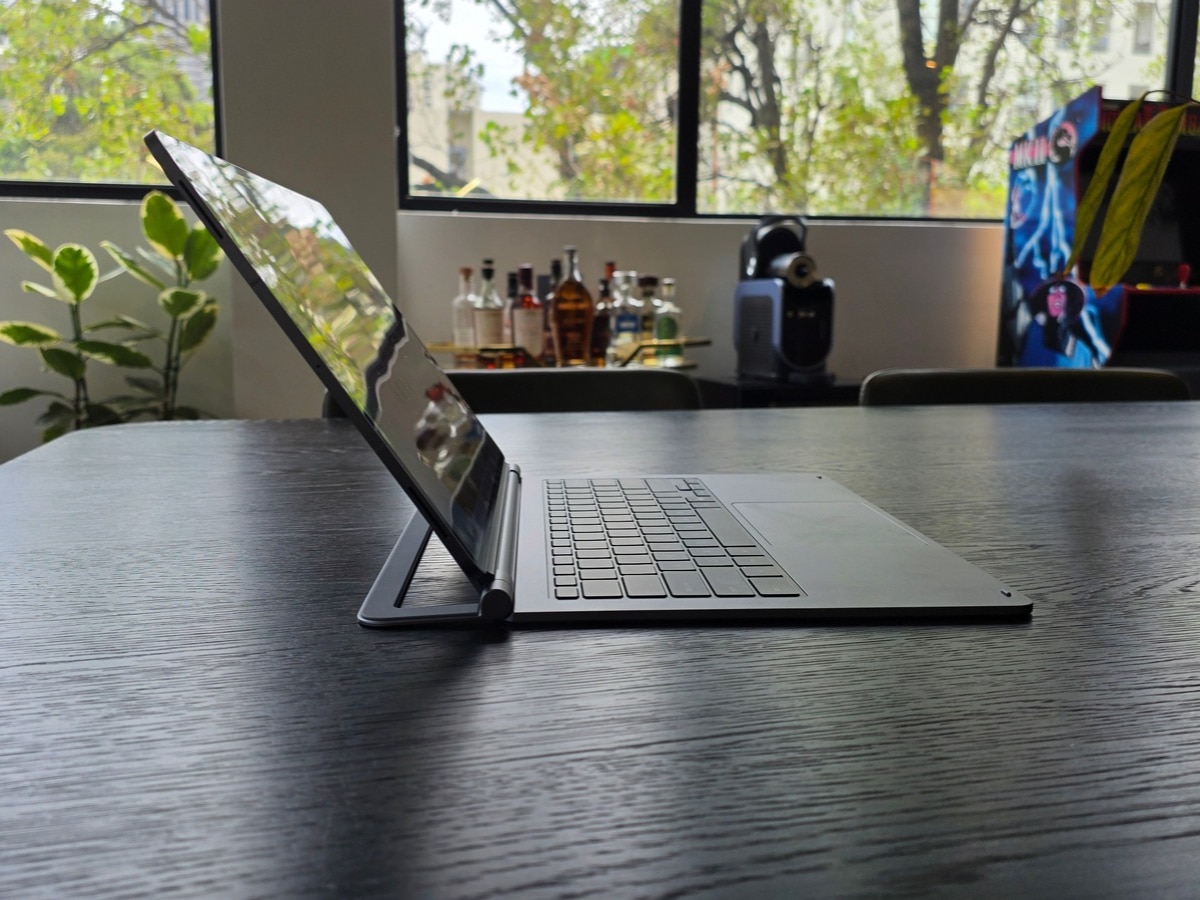
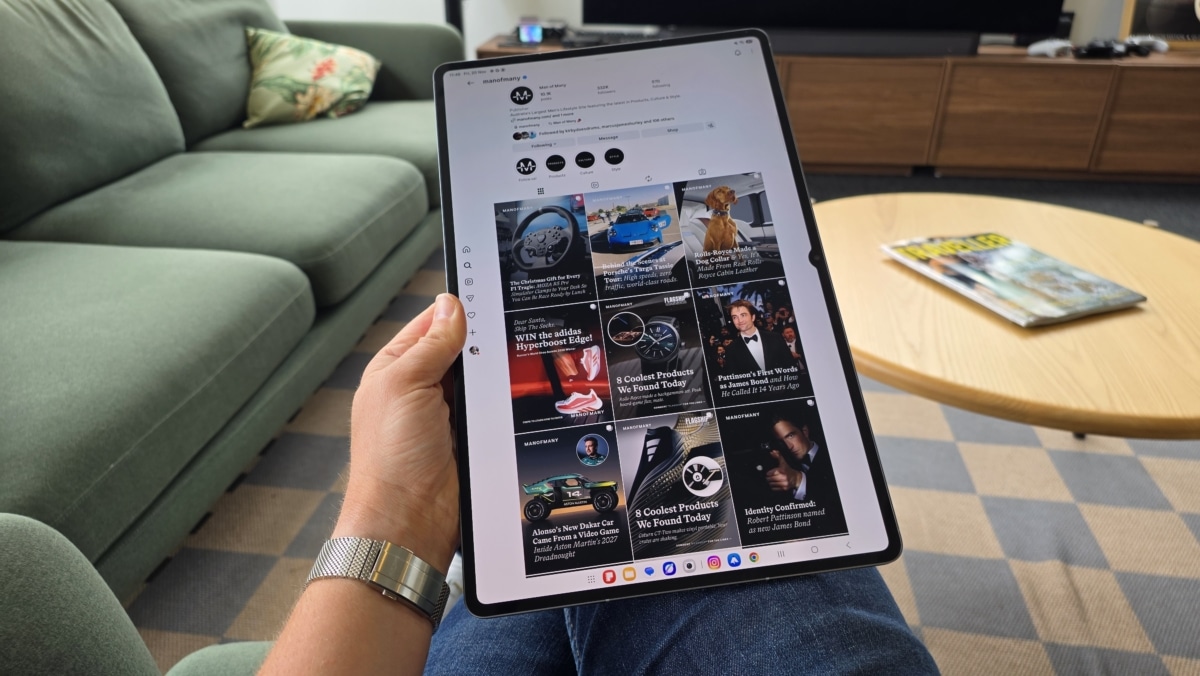
I frequently found myself kicking back on the couch with the Galaxy Tab S12 Ultra, leisurely performing many of the same activities I would on my phone, but feeling far more luxurious while doing so. Then, when it came time to write this review, I simply attached the Pro Keyboard (sold separately fro AUD$599) and got stuck in — I can honestly say I didn’t once feel the urge to reach for my MacBook instead.
Performance and Flexibility
When thinking of tablets, there’s a perception that they’re like a supersized smartphone, but as outlined above, the Galaxy Tab S12 Ultra is more a hybrid between a traditional tablet and a contemporary laptop. It fills this blend of roles while running incredibly smoothly, thanks to the 3nm MediaTek Dimensity 9500 chip, 12GB of RAM, and 256GB of storage under the hood. Samsung also offers 512GB and 1TB options (the latter bumps memory to 16GB), and every model includes a microSD slot supporting cards up to 2TB, a welcome feature that’s increasingly rare.
Samsung also claims meaningful gains over the Tab S11 Ultra across CPU, GPU and NPU, and a new 3D vapour chamber is designed to keep all that power from throttling. In my time with the device, it zipped through everything I threw at it without missing a beat, so it’s no slouch.
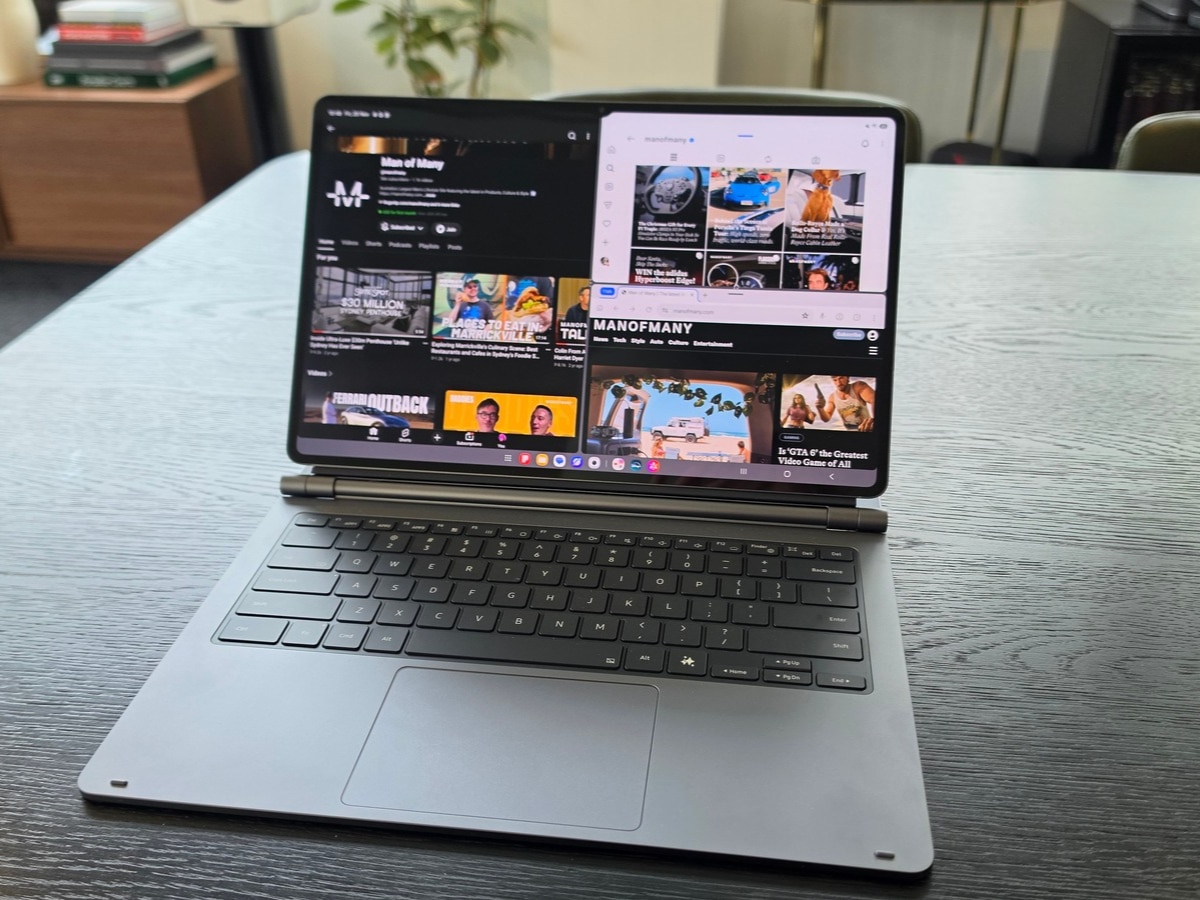
Software enables the Galaxy Tab S12 Ultra to act as a genuine work device. One UI 9 on Android 17 offers two- and three-way split screens and floating windows, and Samsung DeX turns the Tab into a desktop-style environment. With the Pro Keyboard attached, it starts to feel like a credible laptop alternative. Galaxy AI features like Now Nudge, which suggests the next logical action based on what’s on screen, are subtle but handy, and Note Assist can summarise a long page of notes in seconds.
Stylish S Pen
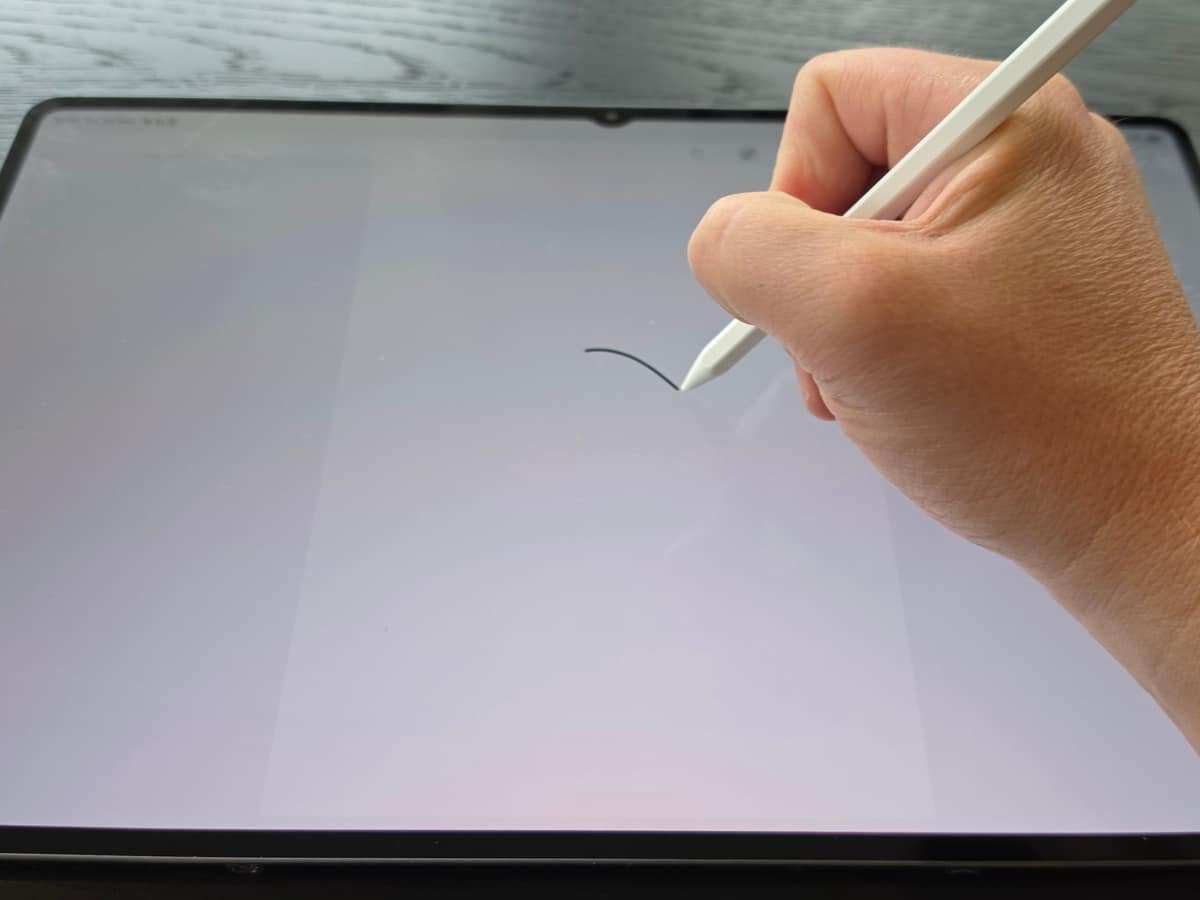
I’m someone who rarely reaches for a stylus or considers the absence of one a dealbreaker. However, I was pleasantly surprised by the S Pen’s feel and functionality here. It turns the screen into a notepad, a sketchbook or a markup tool, and for creatives there’s a nice bonus. Plus, it’s shaped like a real pencil, which is a cute design choice.
The Tab sees Adobe Photoshop arrive on an Android tablet for the first time, optimised for its large canvas. Notability, Goodnotes and Clip Studio Paint round out the offering, and Samsung bundles free trials, including six months of Google AI Pro. It’s the kind of thing a phone can’t do properly and traditional laptops can’t do at all, which is exactly the point.
Audio and Battery Life
Audio is a frequently underrated element when it comes to smartphones, tablets, and laptops, and the Tab S12 Ultra has addressed this, moving from two speakers to a four-channel system. It’s an acutely noticeable upgrade for a device you’ll likely use to watch all kinds of content. Samsung says it even upmixes two-channel audio, giving a wider soundstage without needing external speakers, and I believe it. There’s a breadth and complexity to the sonics here, along with far more volume than you’d expect from a device that’s a mere 5.1 mm thick.
Battery life is another strong suit. Samsung claims to offer 23 hours of video playback, and that aligns with my real-world experience. It’s worth noting that while the 11,600mAh cell is generous and 45W charging is supported, there’s no charger in the box.
How It Compares
Samsung is clearly aiming at the iPad Pro here, and the specs make a good case. The screen is larger, and the S Pen is included, whereas Apple’s Pencil is a separate purchase. Apple’s tablet is also lighter (the 13-inch iPad Pro weighs around 579g against the Samsung’s 692g).
Your choice will likely come down to ecosystem. With tech so tribalised these days, your mind is probably already made up by the time you’ve seen the logo on the box. However, if you’re on Android, there’s nothing else quite like the Galaxy Tab S12 Ultra.
Samsung Galaxy Tab S12 Ultra Final Verdict
I came into this review believing the tablet was a fading format; a gadget best left to the under-fives. I’m leaving it convinced there’s still a place for it, as long as it’s built like this.
The Tab S12 Ultra isn’t a revolutionary device, but just a very well-executed one. If you own the Tab S11 Ultra, there’s little reason to rush out and buy one, particularly given the AUD$2,299 starting price. But for anyone coming from an older tablet, or looking for a premium Android device that can be used to work, create, and entertain, it’s a compelling piece of kit.
Sure, it’s pricey, and the AUD$599 Pro Keyboard (which you’ll almost certainly want) only makes it more so. But it has made me reconsider the relevance of tablets in 2026, and that’s not something I expected.
NOTE: The author of this article, Rob Edwards, was loaned the Samsung Galaxy tab S12 Ultra for the purposes of this review. All reviews remain independent and objective. Samsung was not shown this review before publishing, and we received no money for posting the review. For more information on how we test products, view our editorial guidelines here.






















Comments
We love hearing from you. or to leave a comment.