
Updated:
Readtime: 6 min
Every product is carefully selected by our editors and experts. If you buy from a link, we may earn a commission. Learn more. For more information on how we test products, click here.
- Pair Apple TV 4K with two HomePod mini 2s under AUD$1,000.
- Add two HomePod 2nd gens up front for sub-AUD$2,000 surround.
- Flagship HomePods unlock Dolby Atmos Spatial Audio and room sensing.
- Your TV emits audio tones to automatically calibrate speaker timing.
- Switch between Surround Sound and Whole Room Audio in Control Center.
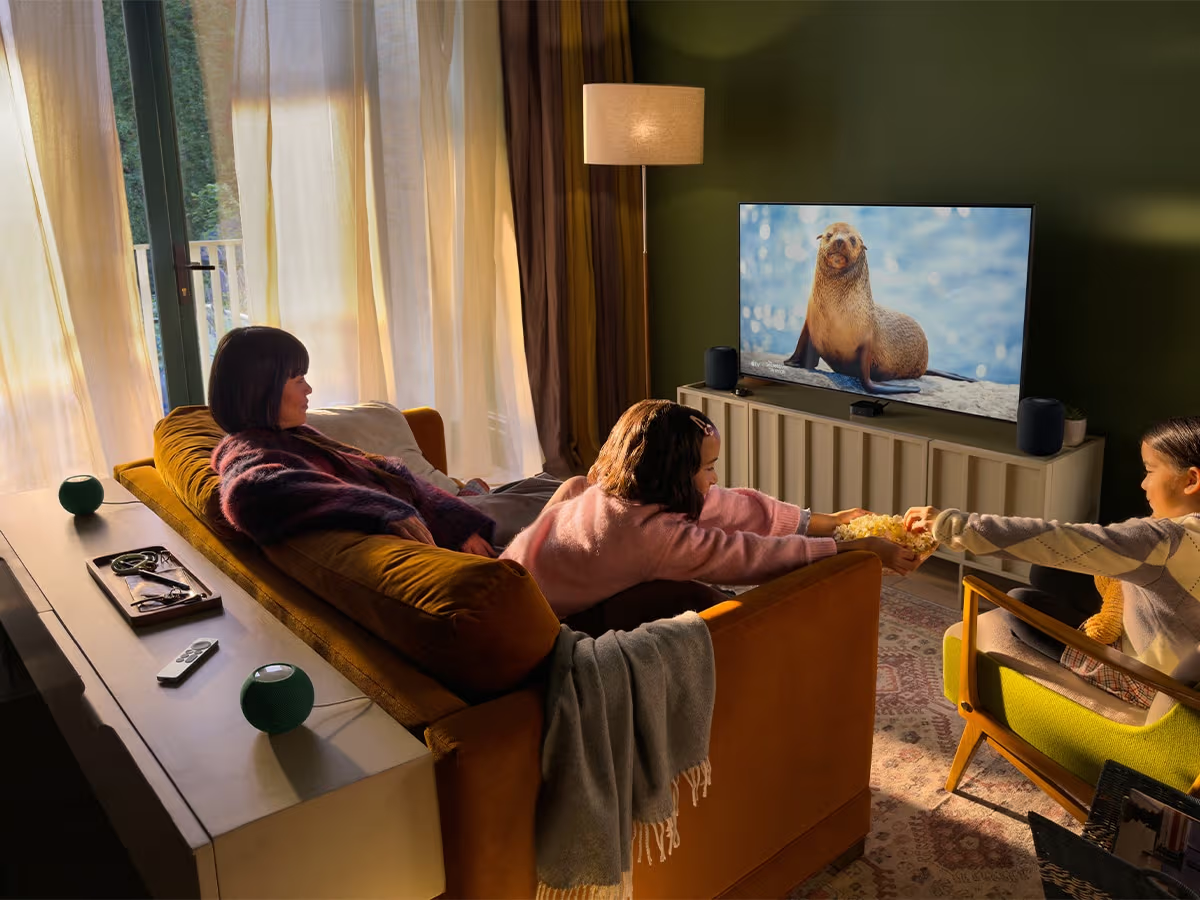
Let’s start with the obvious: It’s expensive to build a surround sound system. But as much as it costs money, it costs even more in time. Whether that’s researching the right system or running speaker wire across the living room to a receiver, there’s a reason it’s a hobby that many sink tens of thousands of dollars into. It’s for this reason that I’ve become such a fan of the fourth-generation Apple TV 4K. I love the idea of great audio, but I’m time-poor, money-poor, and I have too many hobbies. With its launch, powered by the new A19 chip and a dedicated AV1 decoder for smooth high-bitrate streaming, Apple has introduced a much cleaner wireless alternative within its own ecosystem.
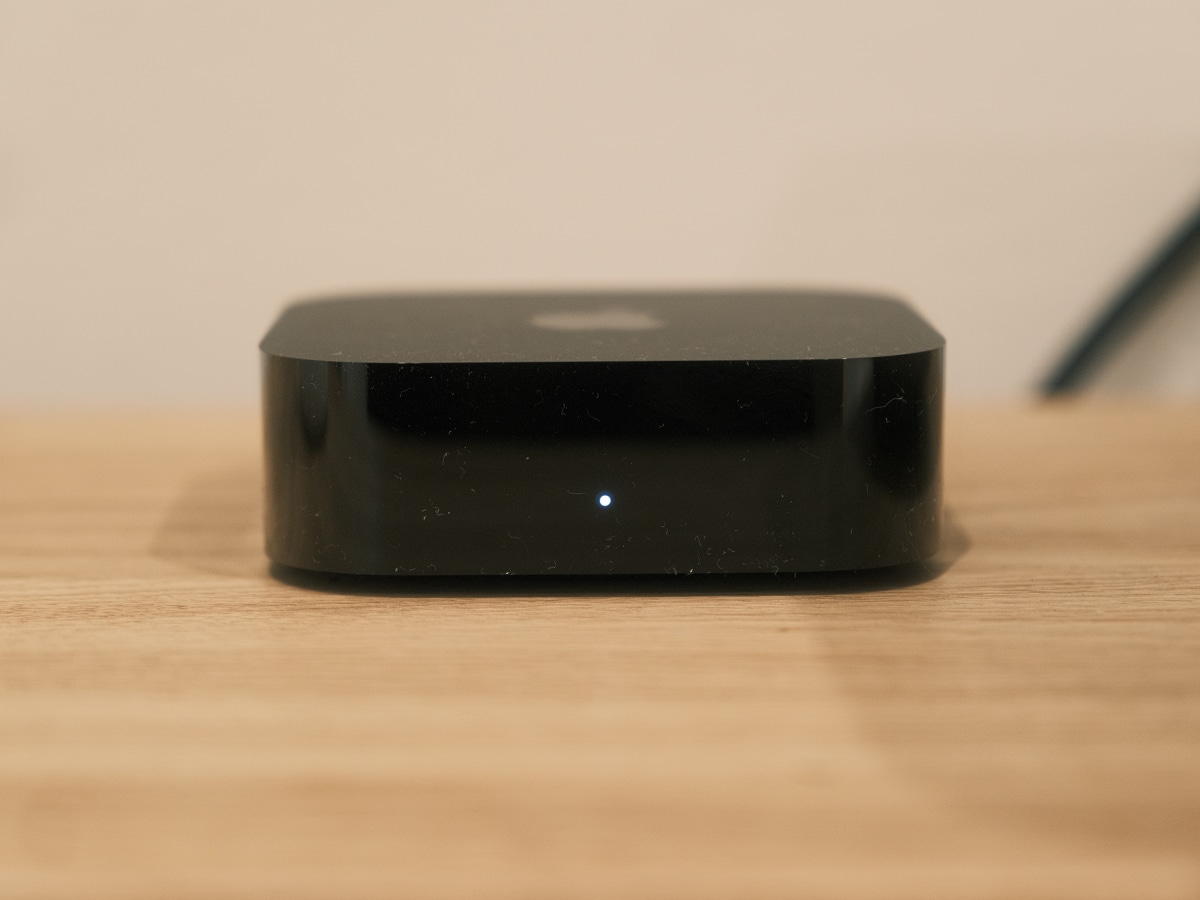
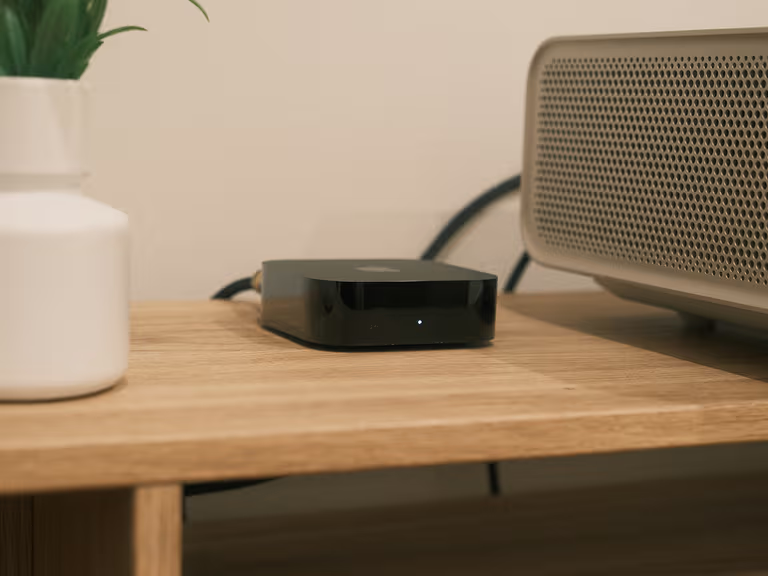
Exclusively on the new Apple TV 4K (4th generation), you can now link four HomePod speakers together for a true front-and-rear home theatre surround sound system. Even better, you don’t have to spend a fortune to get started. By placing two HomePod mini 2 speakers (AUD$229 each) around your lounge, you can create a two-speaker surround array with the new Apple TV 4K (AUD$449) for under $1,000. If you want to push the front soundstage further without blowing past AUD$2,000, there’s also an upgrade path that adds the full-size HomePod (2nd generation) speakers up front.
Before you clear space on your media unit for a soundbar, here’s how Apple’s sub-AUD$1,000 starter setup works, what the sub-AUD$2,000 upgrade adds, and the strict pairing rules you need to follow.
Sub-$1,000: Wireless Stereo With Two HomePod mini 2s
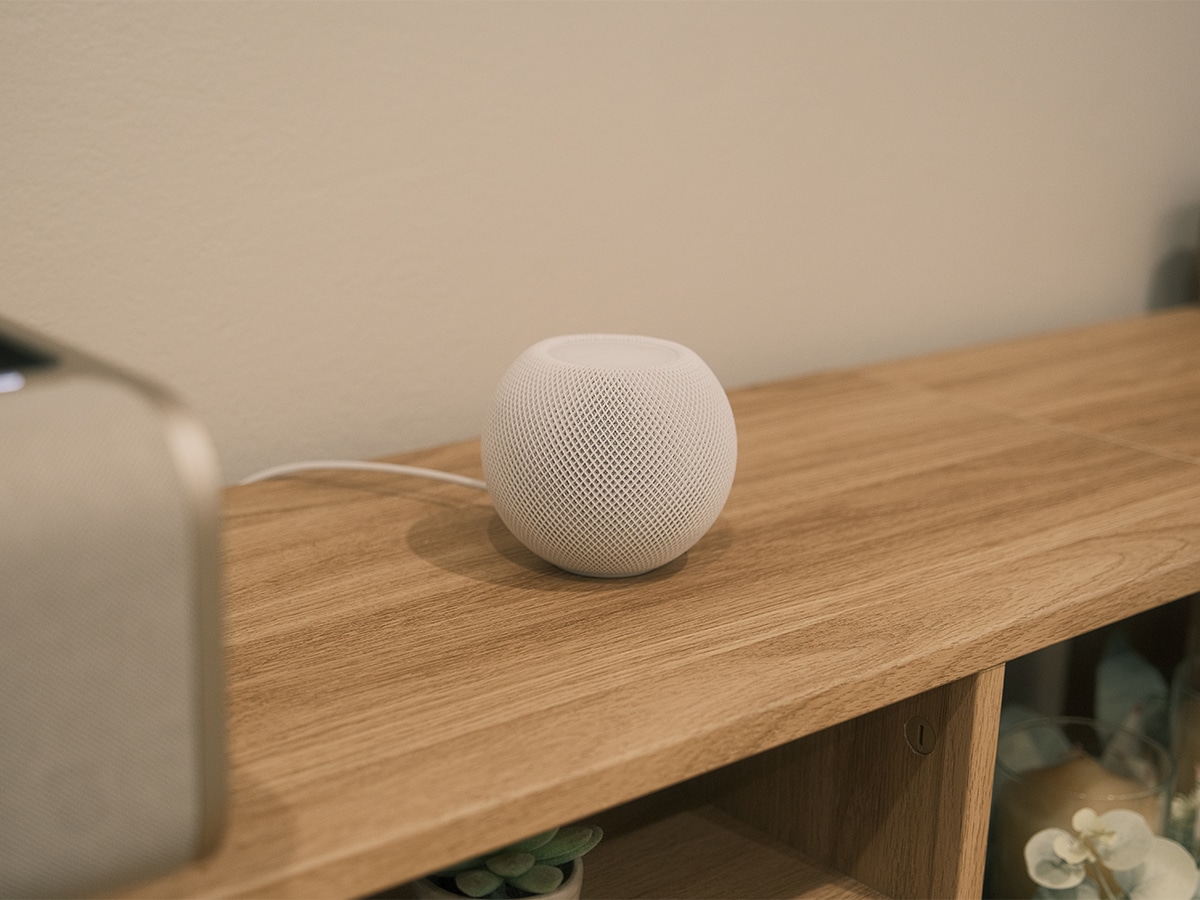
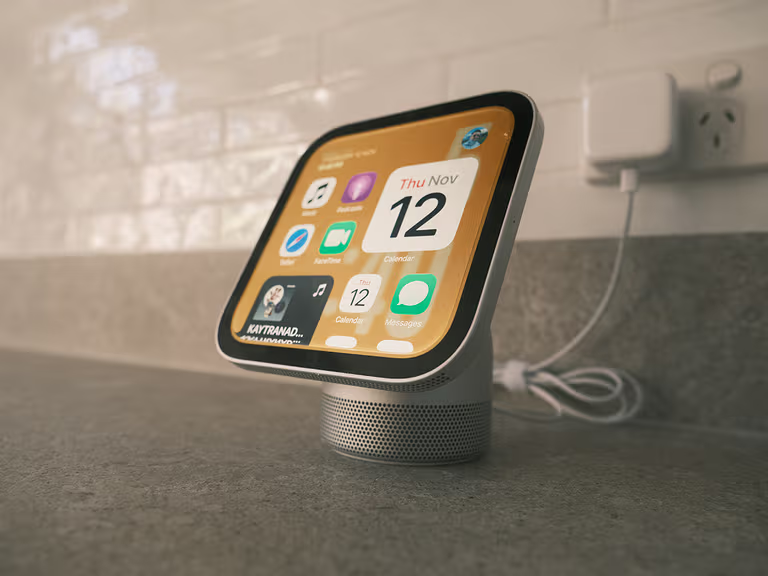
To keep your total outlay comfortably under AUD$1,000, the smartest entry point is pairing an Apple TV 4K (4th generation) with a wireless stereo pair of HomePod mini 2 speakers flanking your TV. At AUD$229 each (AUD$458 combined), they require two units of the exact same model and generation to link. They come in White, Pink, Blue, Green, and Midnight – though stick to White or Midnight if you want them to visually match a future upgrade to full-size HomePods.
Powered by an included 20W USB-C adapter, each unit packs a full-range driver and dual force-cancelling passive radiators for 360-degree audio. As a stereo pair, they’re head-and-shoulders above thin OLED TV and UST projector speakers, delivering wider left-to-right separation that pairs brilliantly with tvOS’s Enhance Dialogue feature. They also double as smart home hubs with smoke/carbon monoxide Sound Recognition, indoor temperature and humidity sensors (which can temporarily dip in accuracy during extended high-volume playback), and Audio Sharing for connecting up to two pairs of AirPods for late-night viewing.
There are clear acoustic limits at this price: you’re getting stereo rather than multi-channel surround sound, and the HomePod mini 2 omits standalone Spatial Audio and built-in room sensing without its big brother up front. Fortunately, your initial investment isn’t wasted. Start here, then consider dropping another AUD$1,000 on two full-size HomePod (2nd generation) speakers when you’re ready to expand.
Sub-$2,000: The Four-Speaker Surround Sound Upgrade
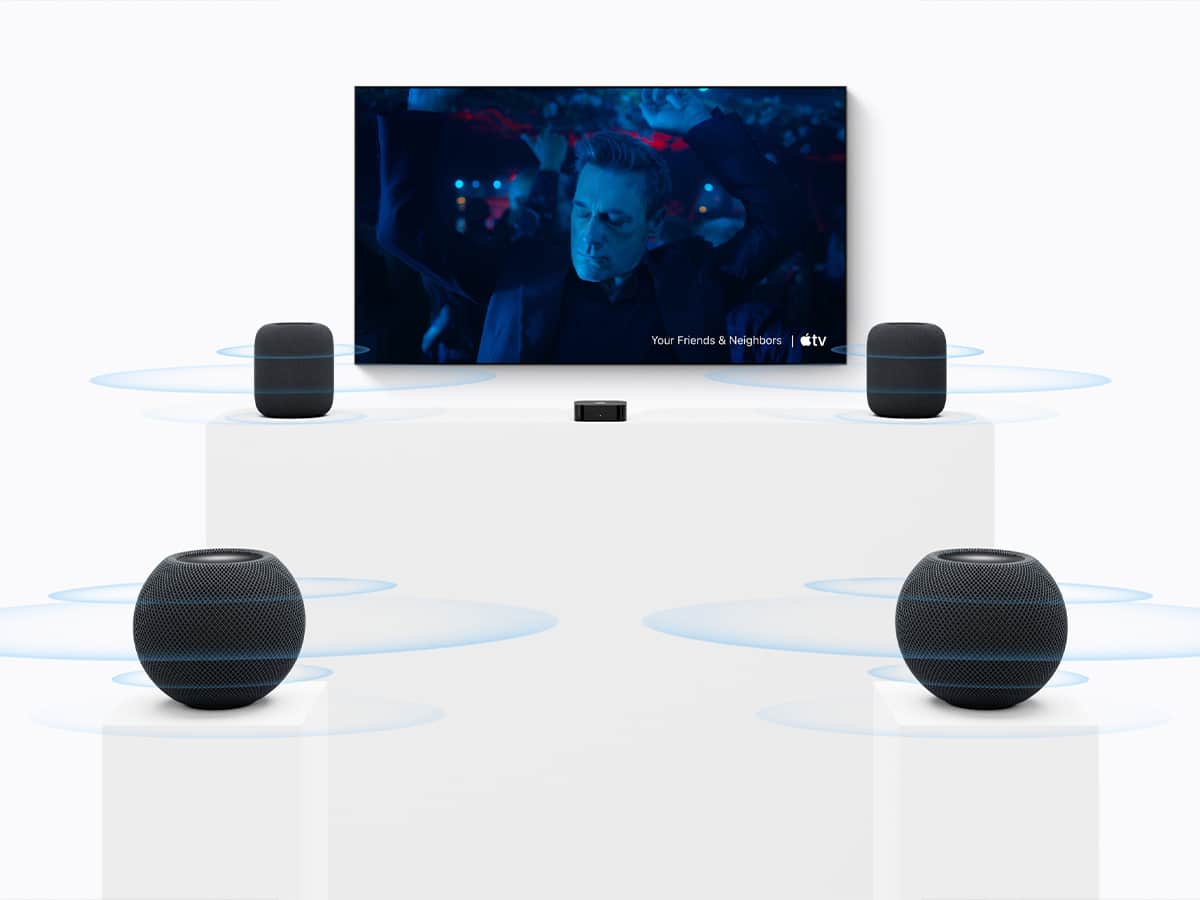
Exclusively on the Apple TV 4K (4th generation), Apple now supports four-speaker home theatre surround sound. The setup requires matching front and rear pairs – older first-generation HomePods and original HomePod minis are excluded entirely. Because only each pair needs to match internally, you can move your existing HomePod mini 2 speakers (AUD$458) behind the couch as rear channels and place two flagship HomePod (2nd generation) speakers (AUD$549 each, AUD$1,098 total) up front beside your TV, where their Spatial Audio support shines.
That brings the four-speaker outlay to AUD$1,556 (available in White or Midnight, power cables included), leaving AUD$444 under the $2,000 mark for the Apple TV 4K. Keep an eye out for sales on the HomePod (2nd generation), too—since it’s an older model, deals are common, and we scored our pair on Black Friday for AUD$842 all-in.
Stepping up to the full-sized HomePod up front unlocks Spatial Audio for Dolby Atmos content (sending sound around and above you with pinpoint precision) alongside standard 5.1 and 7.1 surround mixes. You also get built-in room sensing to automatically tune audio to each speaker’s physical placement, plus a high-excursion woofer and five-beamforming tweeter array for deeper bass and clearer dialogue.
There are a few caveats to keep in mind. Dolby Atmos and surround mixes only work with compatible titles in supported apps, and while the Apple TV 4K handles streaming Dolby Digital Plus Atmos across Apple TV, Netflix, Disney+, and Prime Video, it doesn’t support lossless Dolby TrueHD or DTS passthrough for local Blu-ray rips. The Home Theatre group is strictly capped at four HomePods with no dedicated subwoofer option, and AirPlaying audio to a fifth speaker disables Dolby Atmos and Spatial Audio.
Once positioned, your TV emits calibration tones so each HomePod can pinpoint its location and automatically balance timing and volume. With an HDMI eARC-equipped TV, you can even route audio from a PS5 or Xbox through the Apple TV 4K to your HomePods. When the credits roll, holding the Siri Remote’s TV button opens Control Center to switch Speaker Mode from Surround Sound to Whole Room Audio for even music playback, or link other AirPlay speakers for multiroom audio and Intercom.
Verdict
If you want genuine cinema sound without turning home audio into a second full-time job, the fourth-generation Apple TV 4K makes a compelling case for skipping the traditional AV receiver and speaker wire. Starting with two HomePod mini 2 speakers gives you a crisp, wide wireless stereo setup for under AUD$1,000, and moving those minis behind the couch later when you add two full-sized HomePod (2nd generation) speakers up front unlocks true four-speaker Dolby Atmos surround sound for under AUD$2,000 (or even less if you catch the flagship HomePods on sale).
It’s still an Apple-first compromise rather than a dedicated audiophile set-up. You’re locked into strict matching pairs, capped at four speakers with no option for a dedicated subwoofer, and limited to streaming Dolby Atmos rather than lossless Dolby TrueHD or DTS formats. Even so, automatic acoustic calibration, HDMI eARC support for consoles, and one-tap switching between Surround Sound and Whole Room Audio make it the easiest wireless home theatre upgrade you can set up in an afternoon.
Whichever tier you start with, new subscribers also get three months of Apple Music free with an eligible HomePod purchase (renews at AUD$14.99 per month).























Comments
We love hearing from you. or to leave a comment.