

Updated:
Readtime: 8 min
Every product is carefully selected by our editors and experts. If you buy from a link, we may earn a commission. Learn more. For more information on how we test products, click here.
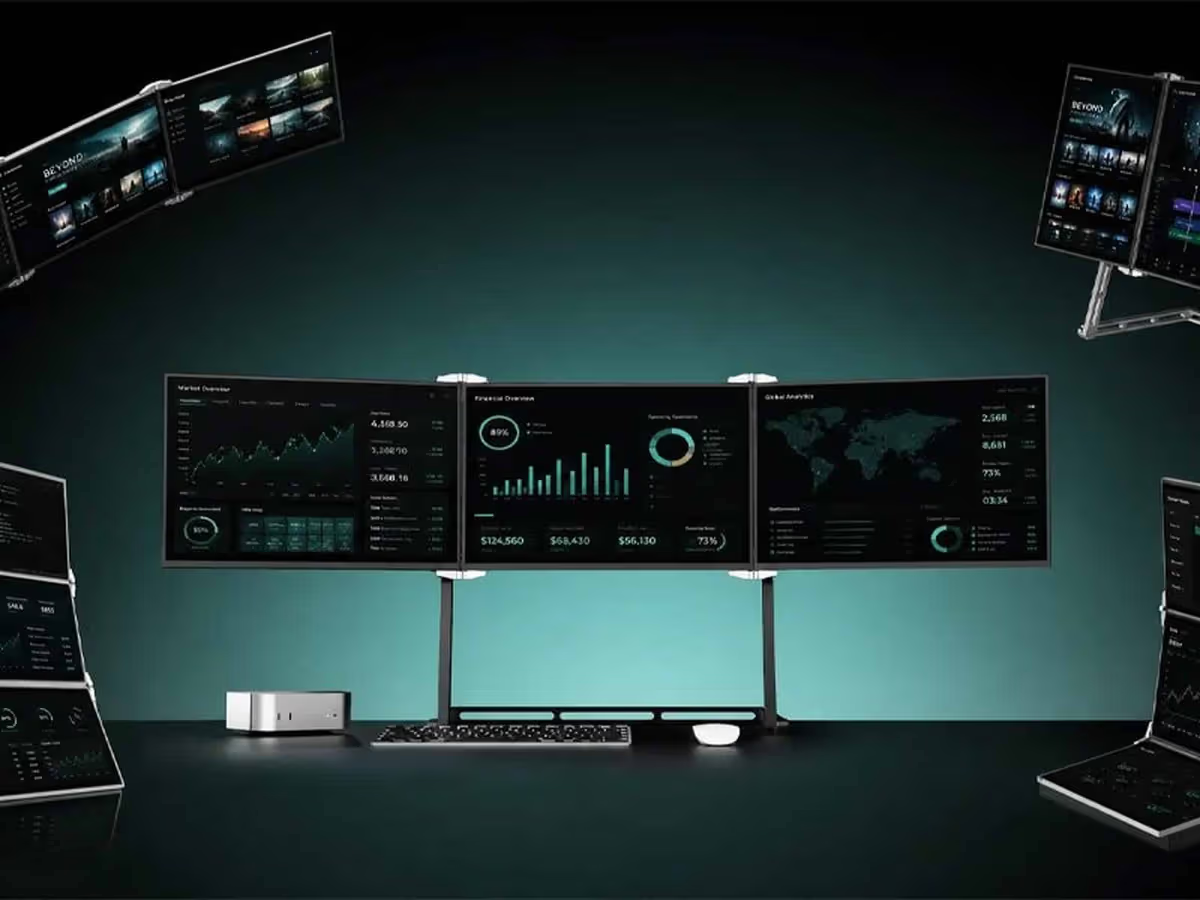
The KAIWO SnapFold X16 is a modular three-screen display system that lets you carry one, two or three portable monitors and snap them together into a full workstation. For anyone splitting time between the office, home and airport lounges, it offers more screen space without having to haul around a full desktop setup.
The live SnapFold X16 Kickstarter campaign is sitting on 118 backers and US$935,901 pledged so far, with the maker pitching it as a transformable grid for coding, trading, design work and content creation. If you live out of a laptop bag but still need serious screen space, it’s worth considering.
What Is the SnapFold X16?
The SnapFold X16 is a modular portable monitor system that clicks together into a triple-screen workstation for laptops and desktops. It’s designed to solve the usual portable monitor headache, where you either carry a single extra screen or commit to a bulky permanent setup. Here you can build your own grid, shifting between one, two or three 16-inch displays depending on where and how you’re working.
The campaign describes it as a transformable three-screen display built for a wide range of workflows, from coffee shop emails to colour-critical creative work. Each SnapFold X16 panel can stand on its own kickstand or link up with the others, creating a continuous multi-monitor layout with only an 8mm gap between screens, which you can check in detail on the SnapFold X16 Kickstarter page.
SnapFold Design and Build
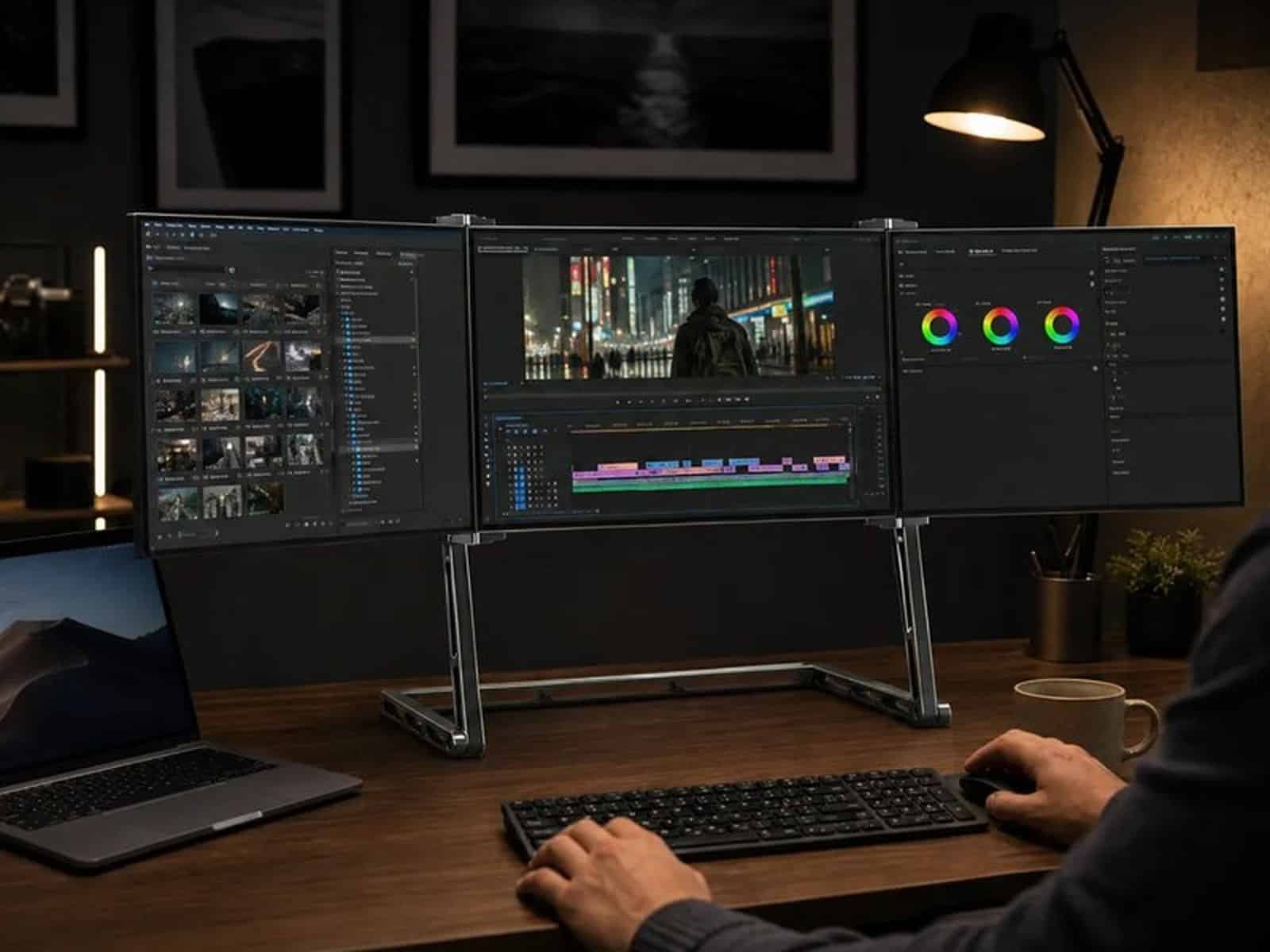
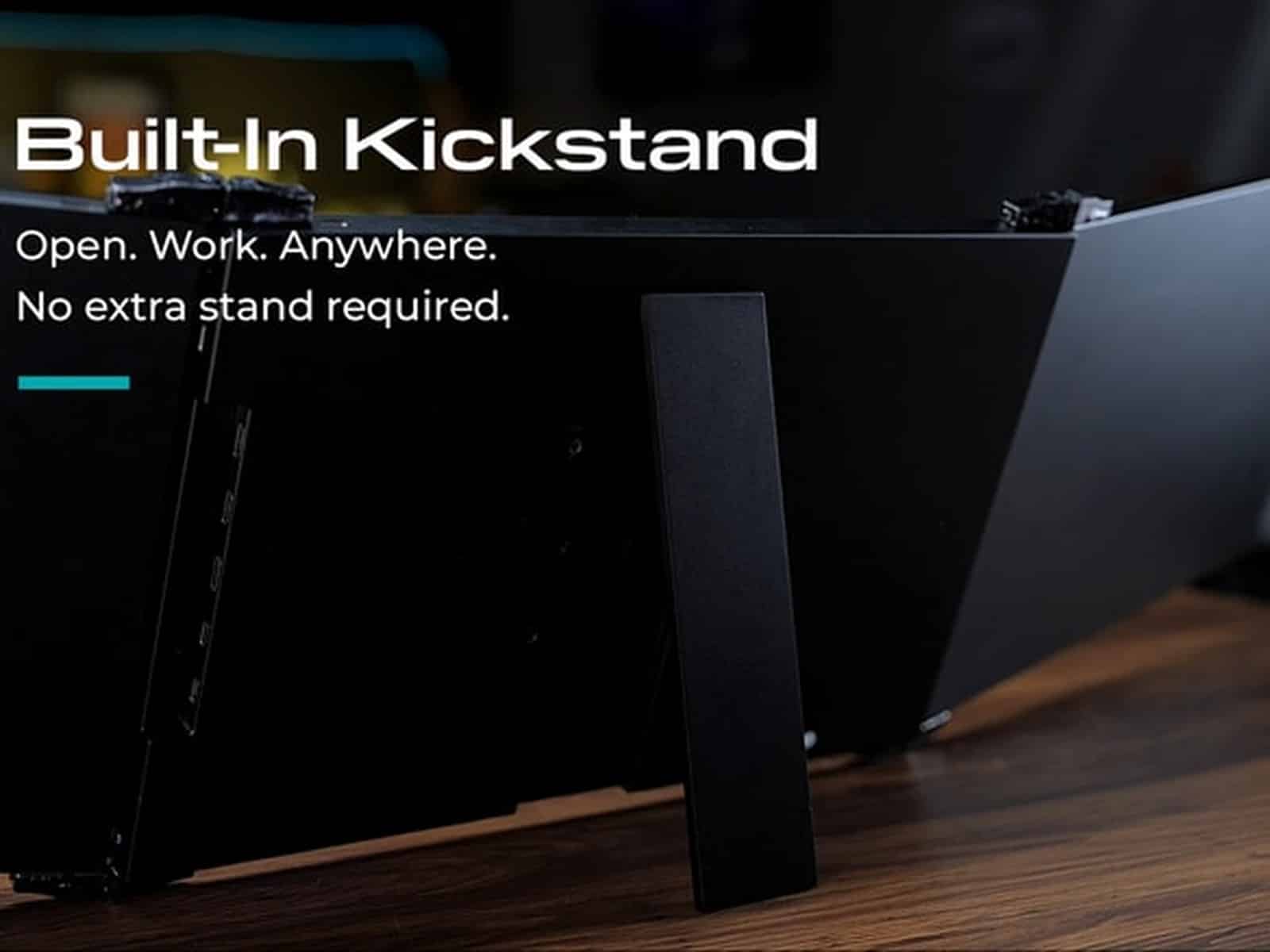
The SnapFold X16 uses a tool free modular design so you can reconfigure the layout without reaching for a screwdriver. The panels are 16 inch displays that attach to each other to form a grid, helped by what the maker calls a Built In Kickstand for solo use and an optional three level Pivot Stand for a more ergonomic desk setup. The focus is on keeping gaps between displays down to 8mm so your eye line moves more naturally across the trio of screens.
In practice that means you can drop a single panel on a small table, run two side-by-side in a hotel, or sit three across at your main desk. The brand positions the system as travel-friendly, with each screen slim enough to carry separately in a bag. If you’re trying to decide if the physical footprint will suit your desk or backpack, the photos and diagrams on the SnapFold X16 campaign give a good sense of scale.
How the SnapFold Works
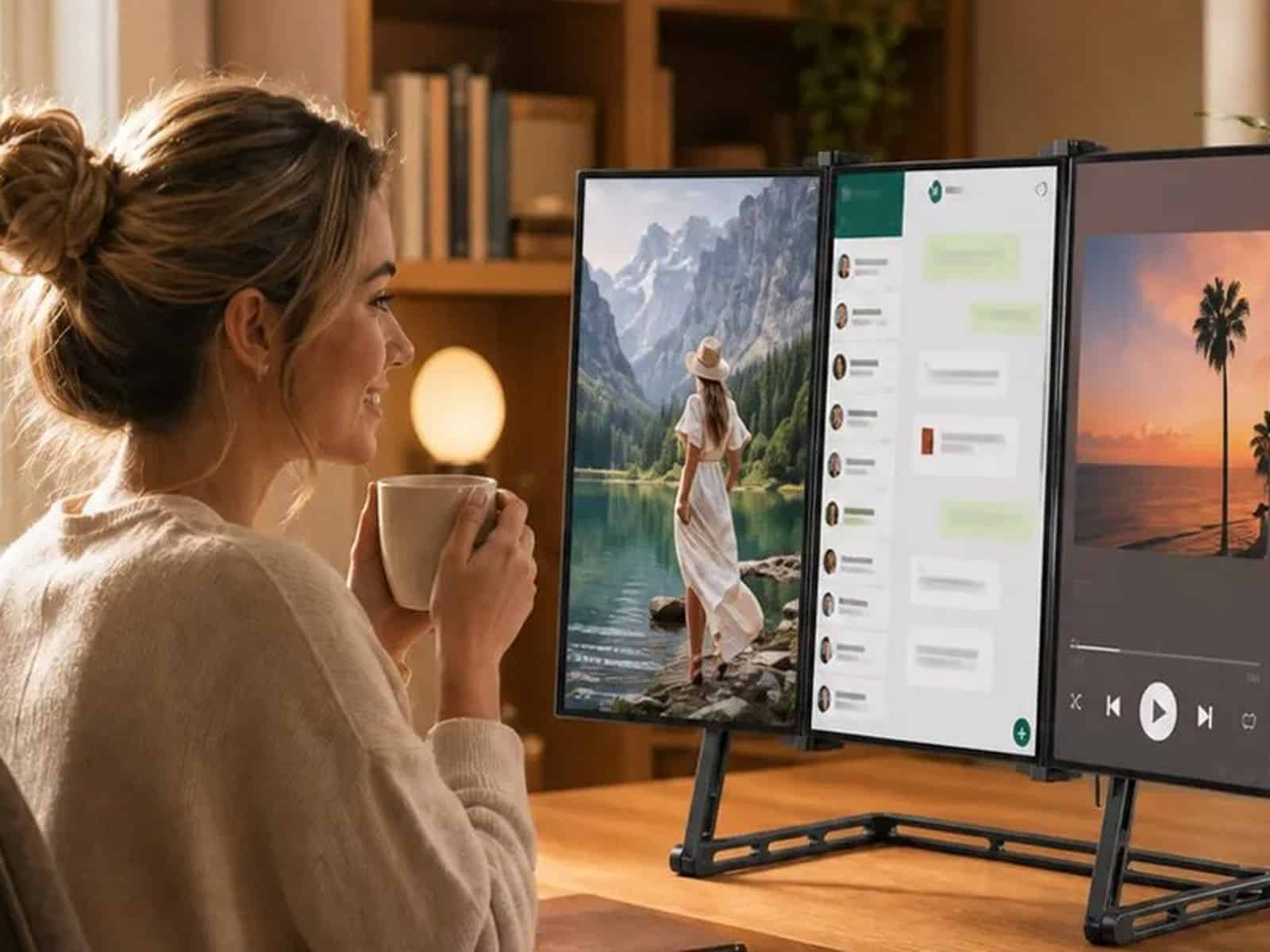
The SnapFold X16 is built around a single cable workflow. The maker says you sit down, plug in one USB C cable and get power, video and data through that connection, which is especially handy for MacBook users who are short on ports. The campaign also highlights flexible connectivity across USB-C and HDMI so you can feed the panels from a range of laptops and other devices without relying on extra dongles.
Once connected, you configure the physical layout by snapping one, two or three screens together, then adjust height using the optional Pivot Stand if you have it. The system is pitched as plug-and-play rather than something you need to assemble, with the built-in kickstand letting each panel stand alone in places like airport tables or hotel rooms. For a closer look at the connection layout and use cases, the SnapFold X16 Kickstarter listing includes GIFs and workflow examples.
SnapFold X16 Technical Specifications
Here are the key technical details the campaign shares for the KAIWO SnapFold X16 triple screen workstation, pulled straight from the Kickstarter page.
- Product type: Modular triple screen portable workstation
- Screen size: 16 inch displays (SnapFold X16 panels)
- Display gap: 8mm between adjacent screens
- Connectivity: USB-C and HDMI inputs
- Cable solution: Single USB-C connection carrying power, video and data
- Stand options: Built in kickstand, optional three level Pivot Stand
SnapFold X16 Pros and Cons
Based on the campaign details, here is how the SnapFold X16 stacks up, with the main strengths and trade offs to think about before you hit the Kickstarter pledge button.
What We Like
- Modular system lets you carry and use one to three screens as needed
- Single cable USB-C setup reduces desk cable clutter
- Built in kickstand means no extra stands or accessories for basic use
- Optional Pivot Stand offers three height levels for better ergonomics
- Tight 8mm display gap aims to create a more continuous multi-screen view
What to Keep in Mind
- Product is still in crowdfunding so real world reliability is unproven
- Pivot Stand is an optional add on, not included with the basic setup
- Requires USB-C or HDMI capable host devices for full flexibility
- Multi screen layouts may be cramped on very small desks or cafe tables
What to Consider Before You Pledge
Triple screen portable setups are tempting if you live in spreadsheets, trading dashboards or creative apps, but they’re only useful if your laptop and desk can actually handle them. Check that your main machine supports multiple external displays over USB-C or HDMI, and think about the places you’ll use it most, from office desk to kitchen table. If you’re mostly on the road with small workspaces, one or two panels might be more realistic than trying to run the full three screen grid all the time, something you can see play out across the examples on the SnapFold X16 campaign page.
Kickstarter isn’t a traditional retail store, it’s a pledge for a product that’s still moving through development and production. Delivery timelines can slip and features can change between prototype and final units, even when a team has display manufacturing experience like KAIWO and its parent company MINGTAI. Read the risks and timeline section on the SnapFold X16 Kickstarter carefully before you commit.
Man of Many’s Verdict
The KAIWO SnapFold X16 looks suited to laptop heavy workers who want a flexible multi monitor setup they can take between home, office and travel, especially coders, traders and creatives juggling lots of windows. If you’re happy with a single external screen, or you rarely move your workstation, a simpler and already shipping monitor could make more sense, but for power users who like backing hardware on Kickstarter the SnapFold X16 project is an option.
Where to Buy the SnapFold X16
The SnapFold X16 is available exclusively through its live Kickstarter campaign at the time of writing. To secure one you’ll need to pledge on Kickstarter, choosing from reward tiers that range from single screen setups through to the full Solo Workstation bundle with three SnapFold X16 panels, plus optional add ons like the Pivot Stand.
SnapFold X16 FAQs
The SnapFold X16 is a modular portable monitor system that links up to three 16 inch displays into a triple screen workstation for laptops and other devices.
The system is designed to run from a single USB C cable that carries power, video and data, with additional connectivity options including USB C and HDMI as listed on the Kickstarter page.
Backing the campaign is a pledge that typically gets you one or more SnapFold X16 screens in different bundles, such as the three screen Solo Workstation, with some tiers offering add ons like the Pivot Stand. Exact inclusions depend on the reward tier you select on Kickstarter.
The campaign includes a timeline graphic that outlines the expected delivery schedule, but as with any crowdfunding project these dates can shift. Check the latest estimated timelines on the SnapFold X16 Kickstarter page before pledging.
All pledge tiers, bundle options and add ons are listed on the official SnapFold X16 Kickstarter campaign page, which is where you choose your reward level and place a pledge.
If a modular triple screen rig sounds like the missing piece in your setup, spend a few minutes with the SnapFold X16 Kickstarter campaign and see if the workflow and timeline stack up for you.




















Comments
We love hearing from you. or to leave a comment.