

Updated:
Readtime: 3 min
Every product is carefully selected by our editors and experts. If you buy from a link, we may earn a commission. Learn more. For more information on how we test products, click here.
- Apple’s iOS 27.3 beta adds front-camera face unlock to iPhone Duo.
- Secure Exclaves process facial data locally on Apple’s A20 Pro chip.
- Touch ID remains mandatory for Apple Pay, passwords, and 45-minute timeouts.
- iOS 27.3 also lets the foldable lock automatically when closed.
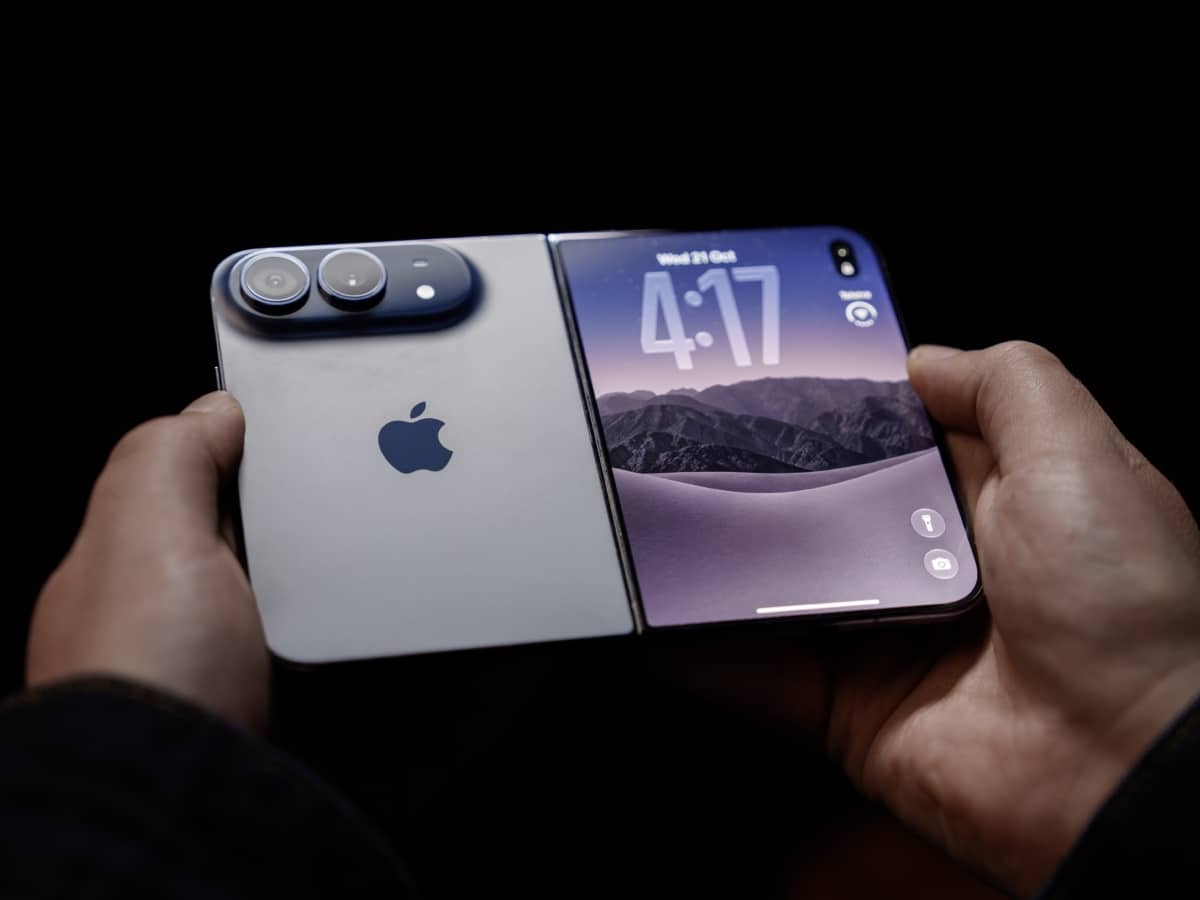
When I flew to Cupertino for the unveiling of the iPhone Duo, Apple’s decision to sell a AUD$3,499 flagship with a side-mounted Touch ID button felt like a step backward.
Every other modern iPhone lets you glance at the display to see your notifications and swipe straight in to use it, whereas the foldable buyers were left trying to find a narrow button every time they wanted to unlock the smartphone. That all changes in its latest iOS 27.3 developer beta: Apple has rolled out a welcome software fix that lets owners unlock the iPhone Duo using its front camera.
The update pairs convenient facial recognition with the existing fingerprint sensor, though strict security limits mean Touch ID still handles the heavy lifting.

Having daily-driven the iPhone Duo for the past few weeks, I found that reliance on Touch ID broke the rhythm I’d built of quick one-handed checks far more than expected, especially when Samsung’s rival Galaxy Z Fold8 pairs rapid fingerprint scanning with built-in facial recognition. Because Apple’s first foldable omits the infrared dot projector required for full Face ID, iOS 27.3 uses a silicon-level feature called Secure Exclaves on the A20 Pro chip to verify live imagery from the standard 12-megapixel front camera locally. Neither iOS, third-party apps, nor Apple can access your facial verification data, keeping biometric matching isolated inside dedicated chip hardware.
Once toggled on under Settings > Touch ID and Passcode, the camera unlocks the closed 5.4-inch outer screen at a glance, though you must still scan your fingerprint after 45 minutes of inactivity, whenever the device is unfolded, or when approving Apple Pay or saved passwords.
Next to facial unlock, iOS 27.3 introduces a Close to Lock toggle under Settings > Display and Brightness, so the phone locks automatically the moment you shut it.
Building on recent additions like cover-screen Reachability and Apple Pencil support, Apple is steadily smoothing out some of the rough edges of its first foldable.


























Comments
We love hearing from you. or to leave a comment.