

Updated:
Readtime: 5 min
Every product is carefully selected by our editors and experts. If you buy from a link, we may earn a commission. Learn more. For more information on how we test products, click here.
If you’re like me, it’s probably been a while since you upgraded your WFH arrangement. You spent hundreds, if not thousands, of dollars during the pandemic to create a comfortable space with the best USB-C hubs, keyboards, speakers, and monitors. However, it’s been years, and as always, technology has come a long way, as I’ll explain in this review.
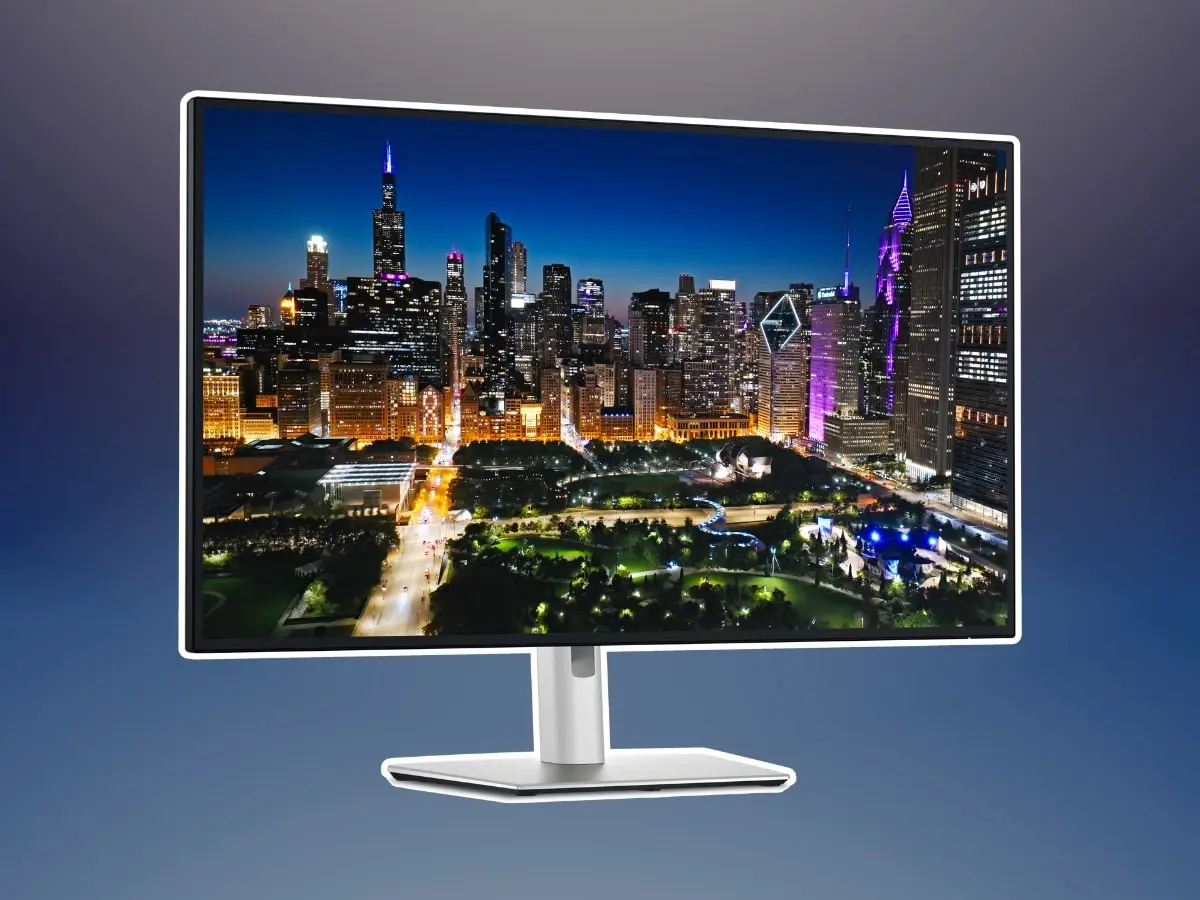
Enter the Dell UltraSharp 32 4K Thunderbolt Hub Monitor (U3225QE), a 31.5-inch monitor that features a 4K UHD (3,840 x 2,160-pixel) resolution and a 16:9 aspect ratio, doubling as a Thunderbolt 4 hub. It’s probably of higher quality than the screen you have at home, but the real trick is that it can replace the clunky USB hub thanks to the assortment of ports, which includes a built-in Thunderbolt 4 upstream port. This charges your laptop, provides an Ethernet connection, and features a variety of USB downstream ports. Essentially, it eliminates the majority of the cables running down the back of your desk while simultaneously providing a top-notch picture.
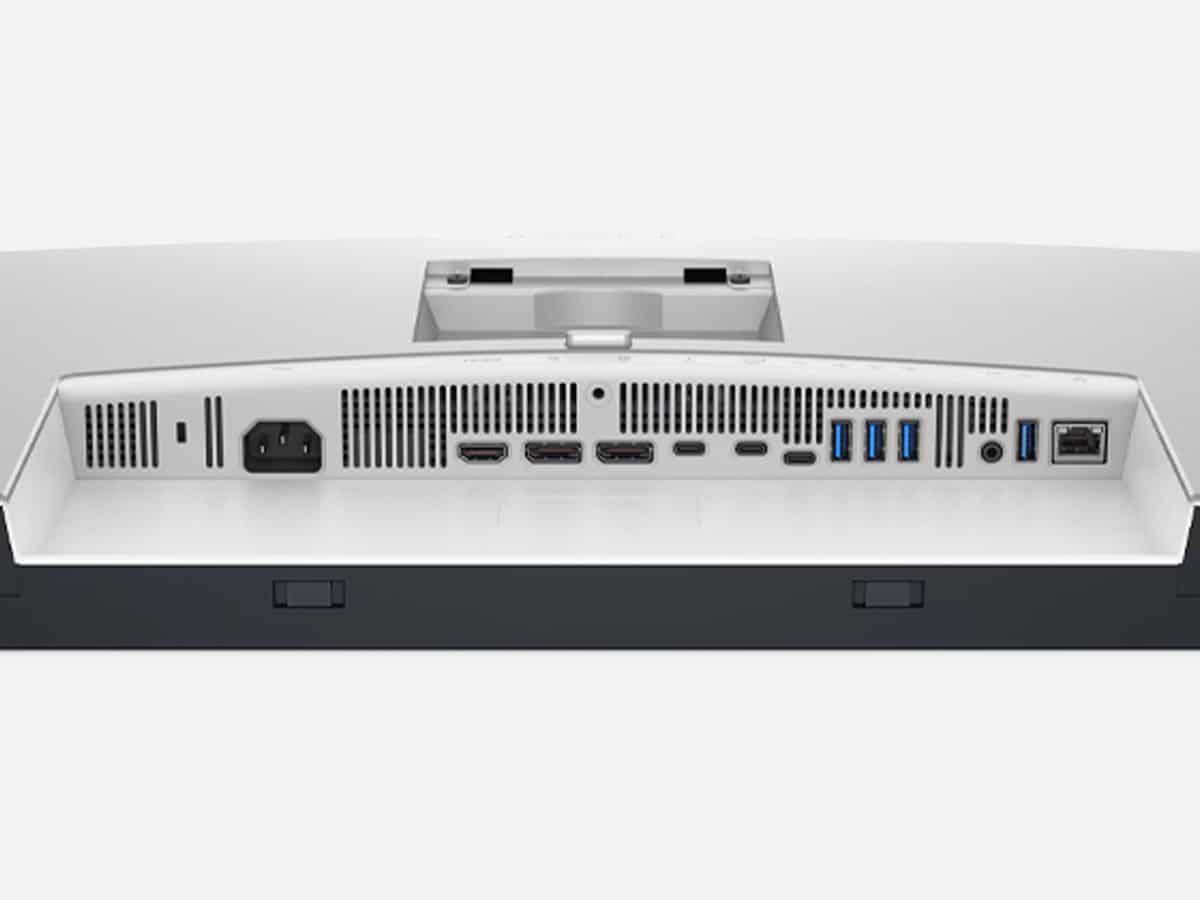
To clarify, the back of this monitor features the aforementioned Thunderbolt 4 ports, an RJ-45 Ethernet port, as well as two full-size DisplayPort 1.4 connectors, one HDMI 2.1 port, and seven downstream USB ports (two USB-C ports and five USB-A ports). The trick is that the monitor lacks built-in speakers, but it does include a 3.5mm audio-out port that supports headphones or powered external speakers.
Design
Priced at around AUD$1,200 at the time of publishing this article, the Dell UltraSharp 32 4K Thunderbolt Hub Monitor (U3225QE) has been a fantastic addition to my desk. I’ve been testing it for the last few weeks, thanks to Dell, and I’ve used it to accomplish tasks such as writing this article, editing videos in Premiere Pro, and even engaging in some console gaming on my PS5 Pro, which allows me to push the limits of the 120Hz refresh rate display.
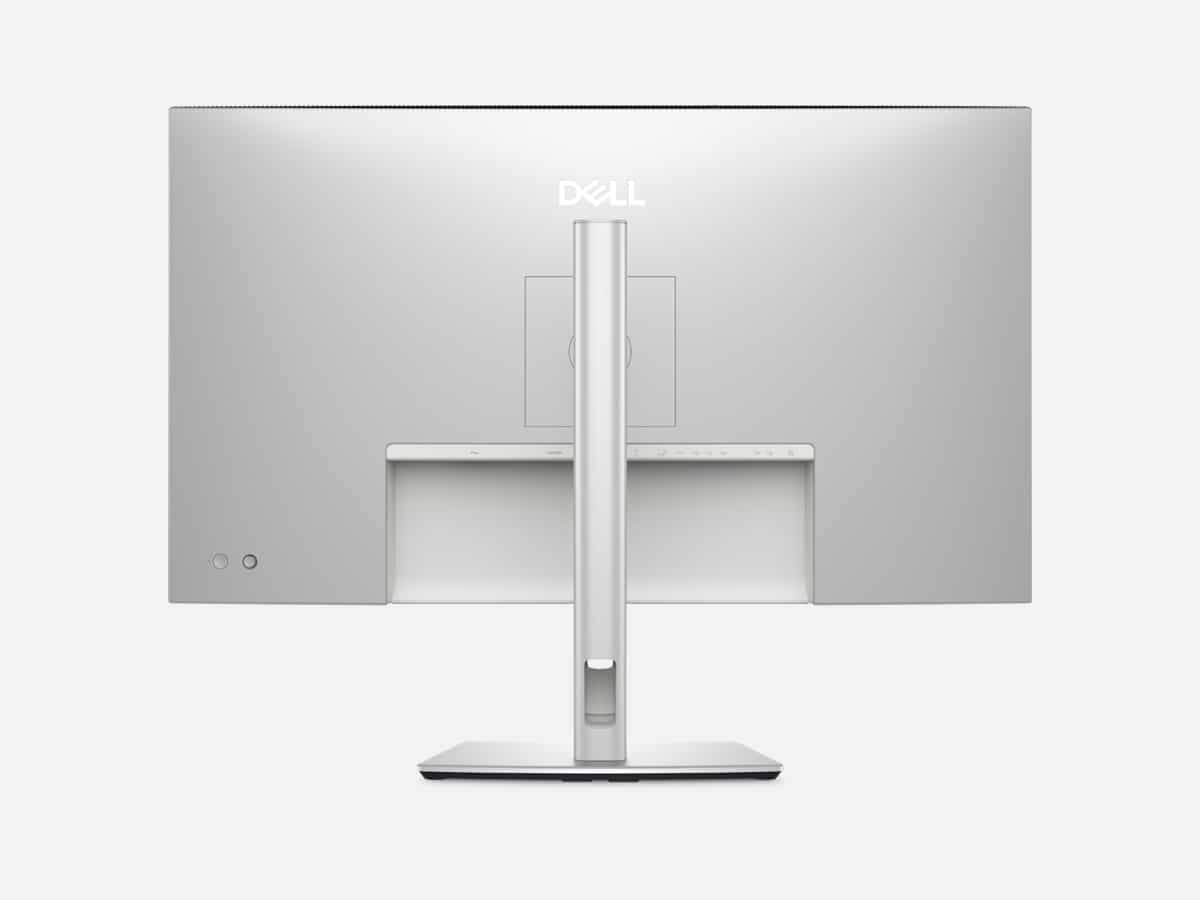
Functionally speaking, I have the monitor mounted on an arm stand, utilising the array of holes in the back of the monitor that are 100mm apart to accommodate a VESA bracket (not included) for wall or arm mounting, as I have in my case.
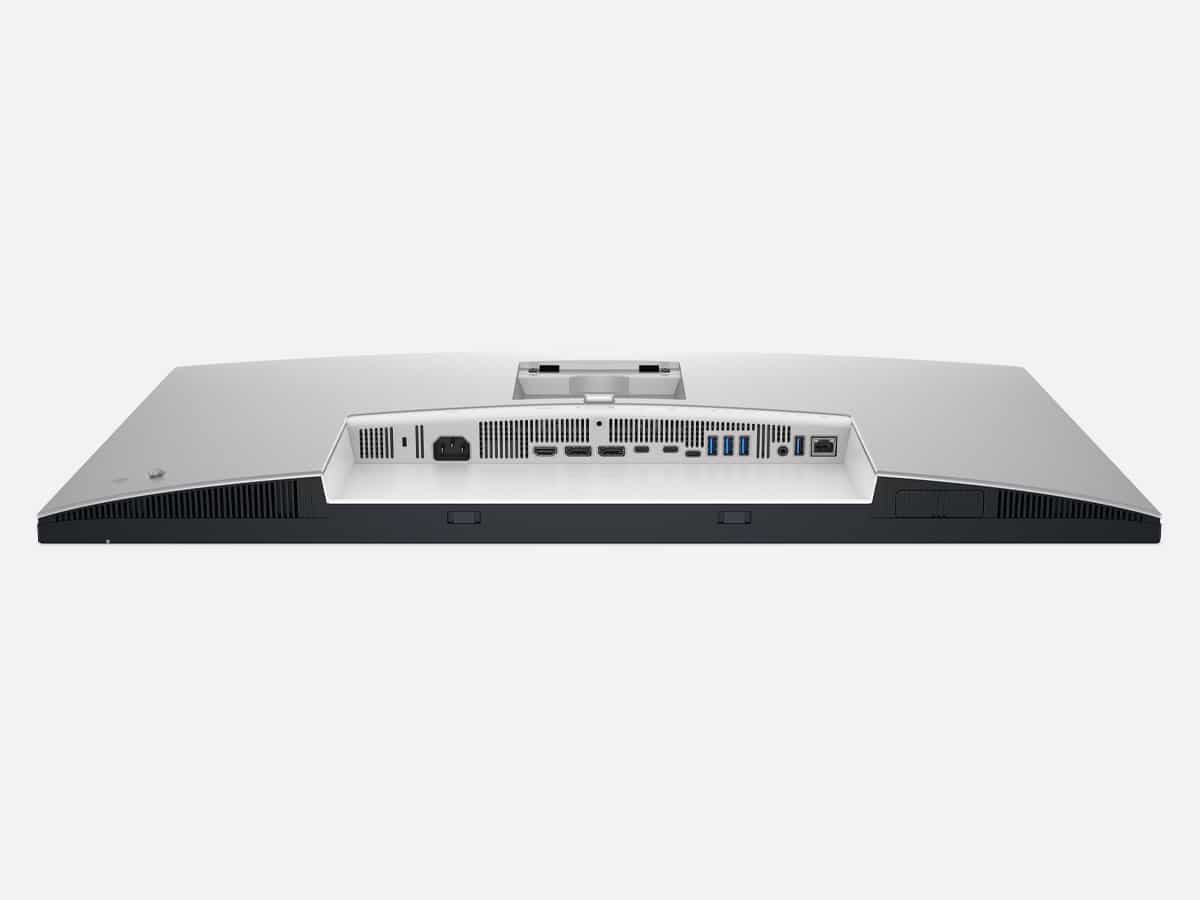
There’s a hole near the bottom of the monitor where you can run cables to those ports mentioned above.
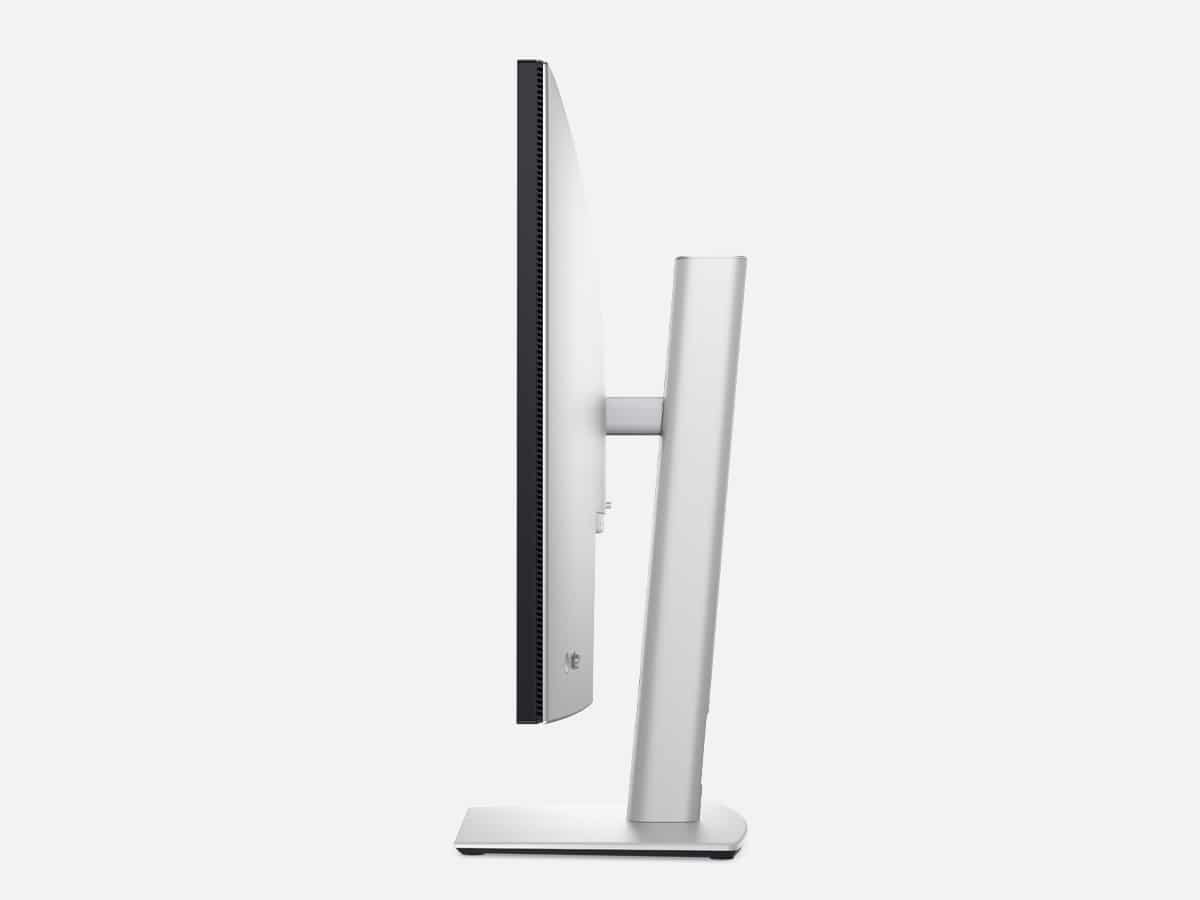
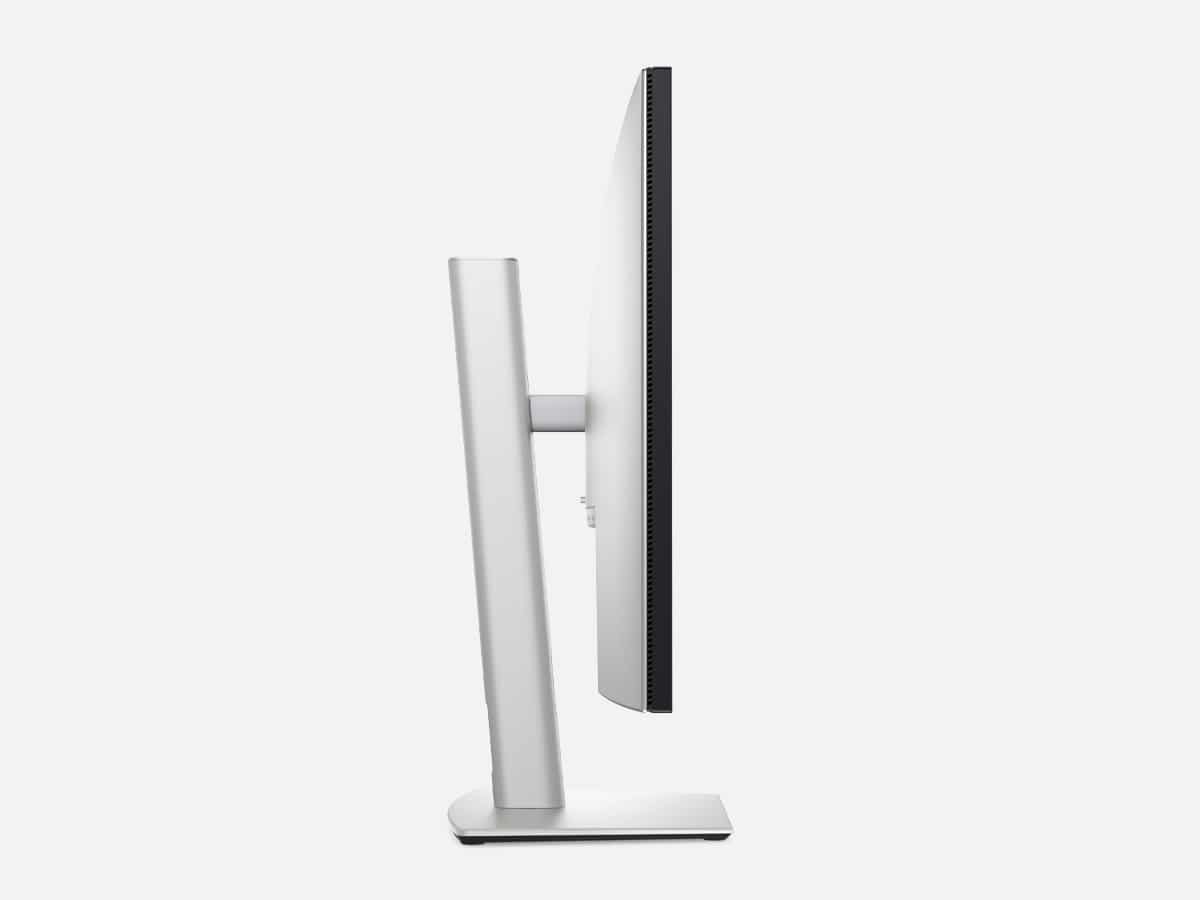
When not mounted to an arm of a stand, you’ll get 5.9 inches of height adjustment, 30-degree swivel adjustment to either side, 90-degree pivot adjustment in either direction, and tilt adjustment of up to 5 degrees toward or 21 degrees away from the user.
Lastly, there’s a small four-way joystick controller with a central button located on the back of the monitor, providing access to the menu to fine-tune the image, select ports, and more.
Picture Quality
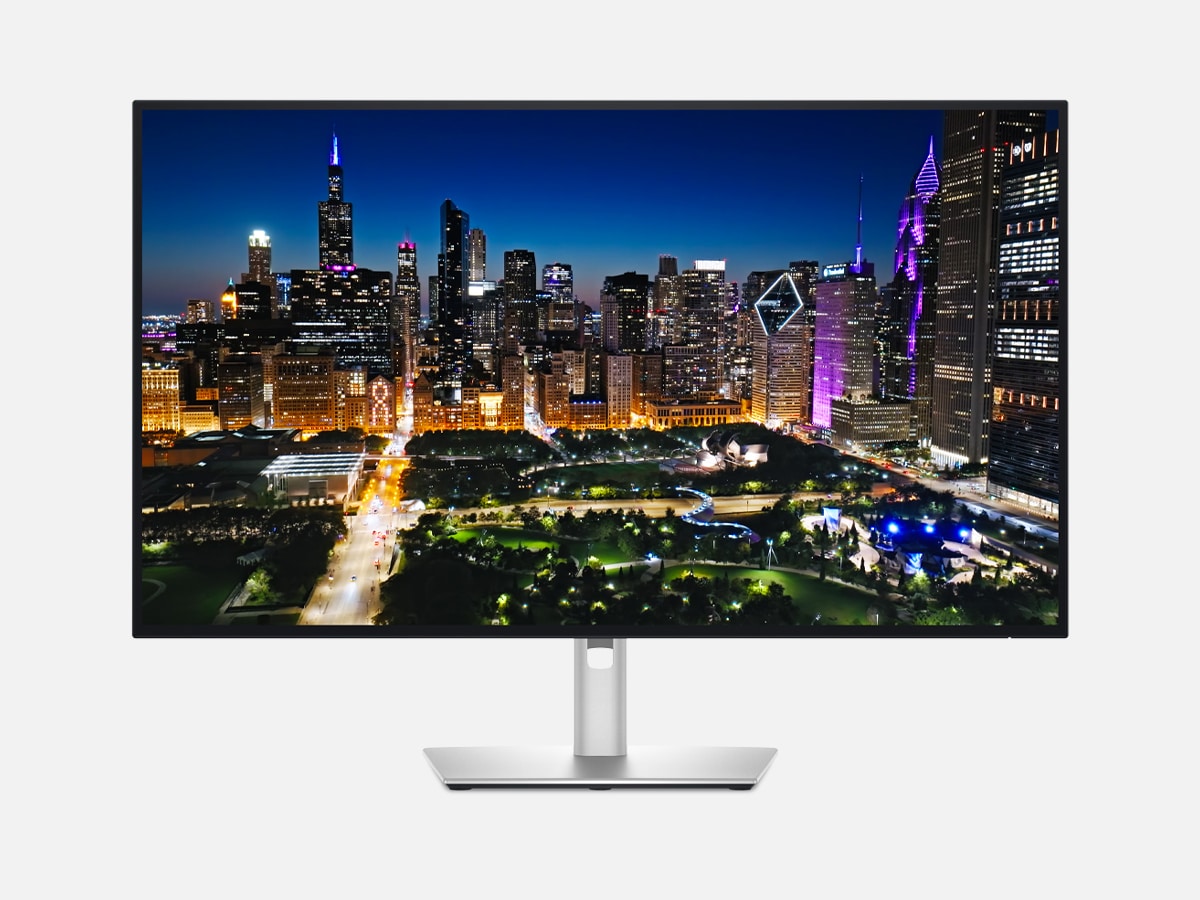
You’re aware that there are a multitude of ports, but it’s the picture quality that surprised me the most.
I won’t bore you with statistics, but please know that the Dell UltraSharp 32 4K Thunderbolt Hub Monitor (U3225QE) is one of just a handful of monitors (including the Dell UltraSharp U2725QE) that utilise LG’s new IPS Black technology. This screen offers deeper contrast than standard in-plane switching (IPS) panels, and in tests, returned a near 3000:1 contrast ratio.
The test also showed that it covered 100% of the sRGB colour space, 99.4% of DCI-P3, and 95.3% Adobe RGB. If you put that in plain English, it’s as good as most high-end monitors that come in at a similar price point, and when you factor in the ports, that’s a great deal.
Verdict
With so many ports, a high-quality image, and a 120Hz refresh rate available through an HDMI 2.1 port, the Dell UltraSharp 32 4K Thunderbolt Hub Monitor (U3225QE) could be the best all-around monitor on the market. It does something that no other monitor can currently do, if you need and want all the ports.
Yes, it’s expensive at around AUD$1,200, but it’s still cheaper than the next best monitor in this segment, the BenQ PD3226G (AUD$1,899), which offers a refresh rate of 144Hz.
If you’re in the market for a new all-around monitor, the Dell UltraSharp 32 4K Thunderbolt Hub Monitor (U3225QE) is worth considering. Suppose you want to declutter your desk, remove cables, and upgrade your monitor for improved image quality when editing photos and even a little console gaming. In that case, this is the monitor you’ve been looking for. You can purchase it directly from the retailers listed below.
Specifications
| Adaptive Sync | N/A |
| Aspect Ratio | 16:9 |
| Dimensions (HWD) | 24.4 by 28.1 by 8.5 inches |
| Resolution | 3840 by 2160 |
| Panel Size (Corner-to-Corner) | 31.5 |
| Pixel Refresh Rate | 120 |
| Rated Contrast Ratio | 3000:1 |
| Rated Screen Luminance | 450 |
| Screen Technology | IPS Black |
| Warranty (Parts/Labour) | 8 |
| VESA DisplayHDR Level | DisplayHDR 600 |
| Video Inputs | DisplayPort |
| Video Inputs | HDMI |
| Video Inputs | Thunderbolt 4 |
| Video Inputs | USB-C |
| Weight | 20.6 |



























Comments
We love hearing from you. or to leave a comment.