

Updated:
Readtime: 15 min
Every product is carefully selected by our editors and experts. If you buy from a link, we may earn a commission. Learn more. For more information on how we test products, click here.
- 1-inch square sensor delivers native 8K/60fps video with 14.5 stops of dynamic range.
- Built-in 105GB storage provides a high-speed safety net for 220Mbps recording.
- AI SuperNight 2.0 handles complex, low-light environments with minimal noise.
- Ultra-hard, user-replaceable lenses eliminate trail damage anxiety.
- Priced from AUD$899, featuring direct magnetic ecosystem mounting.
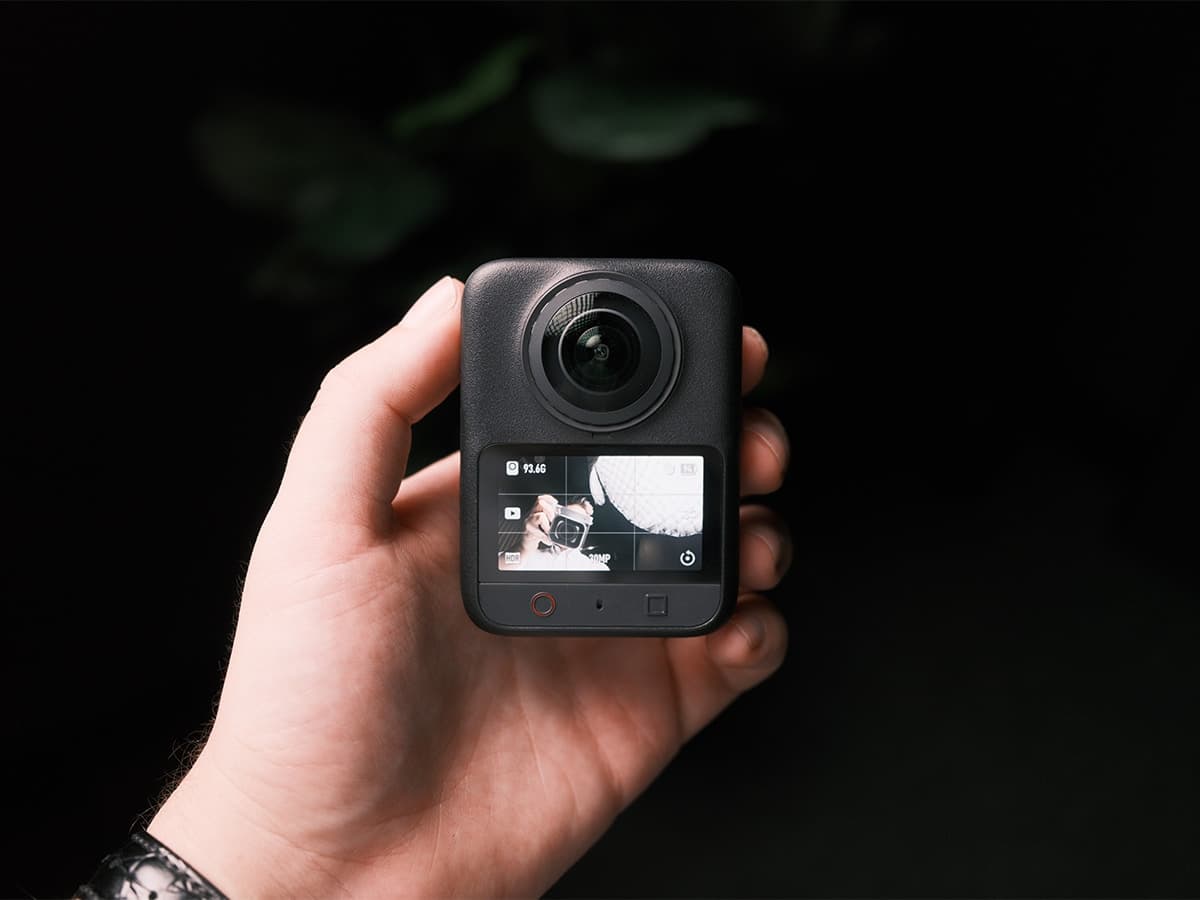
Over the past three weeks, I’ve put the DJI Osmo 360 II through its paces on rugged hiking trails, in high-contrast forest canopies, and low-light urban environments to see if it can genuinely replace my heavy camera bag filled with action cameras, drones, gimbals, and even the odd hybrid digital camera.
I’ll start the review by saying that I’ve never been a fan of 360-degree cameras. I don’t use them in my workflow, and I never reach for them when they’re in my bag. More often than not, there’s a better quality camera for the job. So, for this review, I challenged myself by bringing only the DJI Osmo 360 II on weekend adventures.
Designed specifically for solo adventurers, mobile filmmakers, and action enthusiasts who need to capture dynamic, multi-angle footage without managing complex multi-camera setups, this 360-degree flagship promises cinematic clarity in a pocketable chassis. I set out to answer a single question: Has DJI delivered the definitive, hassle-free tool for solo creators, or does the technical overhead of 8K 360-degree video still create too much friction in real-world workflows?
The 30-Second Verdict
If you need a camera that captures everything happening around you in immense detail, this is the current benchmark. The DJI Osmo 360 II elevates the panoramic format with high-end imaging and practical hardware upgrades.
Pros:
- 105GB of built-in storage eliminates the need for expensive, high-speed micro-SD cards.
- User-replaceable lens design completely solves the anxiety of scratching exposed glass.
- 14.5 stops of dynamic range balance harsh sunlight and deep forest shadows in a single take.
- Single-Lens Action Mode functions as a sharp, traditional 4K action camera.
Cons:
- Reframing spherical footage yields roughly 1080p of true optical detail, and final exports lack clarity.
- Spotlight Follow feature crops too tightly into the footage, rendering the final tracked video too soft.
- Editing 220Mbps 8K files requires an Apple M-series chip or a high-end CPU.
- Premium feature set pushes the entry price into a higher bracket, starting at AUD$899.
Should You Buy It? Yes. If you are a solo creator, hiker, or action sports enthusiast tired of missing the shot because your camera was pointed the wrong way, the Osmo 360 II is a great tool. However, if you’re an aspiring filmmaker and want to use this as a supplementary piece to a main camera, invest in a drone or the Pocket 4 or 4P instead.
Technical Specifications
| Specification | Details |
| Price (AUD$) | Standard Combo: AUD$899 Adventure Combo: AUD$1,079 |
| Camera Sensor | 1/1.1-inch square CMOS with 2.4 μm pixels |
| 360° Video Capture | 8K/60fps, 8K/30fps, 8K/120fps (Vortex mode) |
| Single-Lens Action Mode | 4K/60fps (Standard/Dewarp) 4K/120fps (Ultra-Wide) |
| Dynamic Range | 14.5 stops |
| Photos & Timelapses | 120MP HDR 360° Photo, 16K 360° Timelapse |
| Audio & Mics | 4-microphone array with DJI OsmoAudio |
| Battery Life & Charging | 100 mins at 8K/30fps 80% fast-charge in 22 minutes |
| Storage & Weight | 105GB high-speed internal storage; 183 grams |
| Waterproofing | 10m bare camera (50m with Invisible Dive Case) |
Design, Ergonomics, and Field Mechanics
When hiking narrow single tracks or peering over cliff edges, framing a shot is a manual task that requires some thought and is often inefficient. You have to put the camera on a tripod, hit record, walk back into the shot, walk past the camera, then pick it back up. This is what excites filmmakers, but most people who watch content about trails, mountain bike rides, and adventures don’t really care about the video’s cinematic look. More often than not, viewers want to sit and watch a person show off a trail in a single, continuous shot.
That’s where 360-degree cameras come in, as you can use them like an action camera, but shoot multiple different angles at once.
I attached the camera to DJI’s 1.2m Invisible Selfie Stick, but you can extend even further with a 2.5m Extended Carbon Fibre Selfie Stick if you want to get drone-like footage. How do you press record when the camera is on an extension pole? Use Voice Control or Gesture Control to trigger recording by opening your palm. Because the software intelligently stitches the hardware out of the final footage, the resulting angles look exactly like a low-flying drone following you up the mountain.
What genuinely impressed me was how the custom 1/1.1-inch square CMOS sensor handled the high-contrast lighting of the dense forest I walked through. By utilising a square design rather than a traditional rectangular sensor, DJI increased sensor utilisation by 25 per cent, reduced power consumption, and captured significantly cleaner footage. Moving from deep canopy shadows into harsh, direct sunlight usually destroys a sensor’s highlight retention, but the Osmo 360 II is the first consumer 360 camera to offer 14.5 stops of dynamic range, and that seems to make all the difference in my footage.
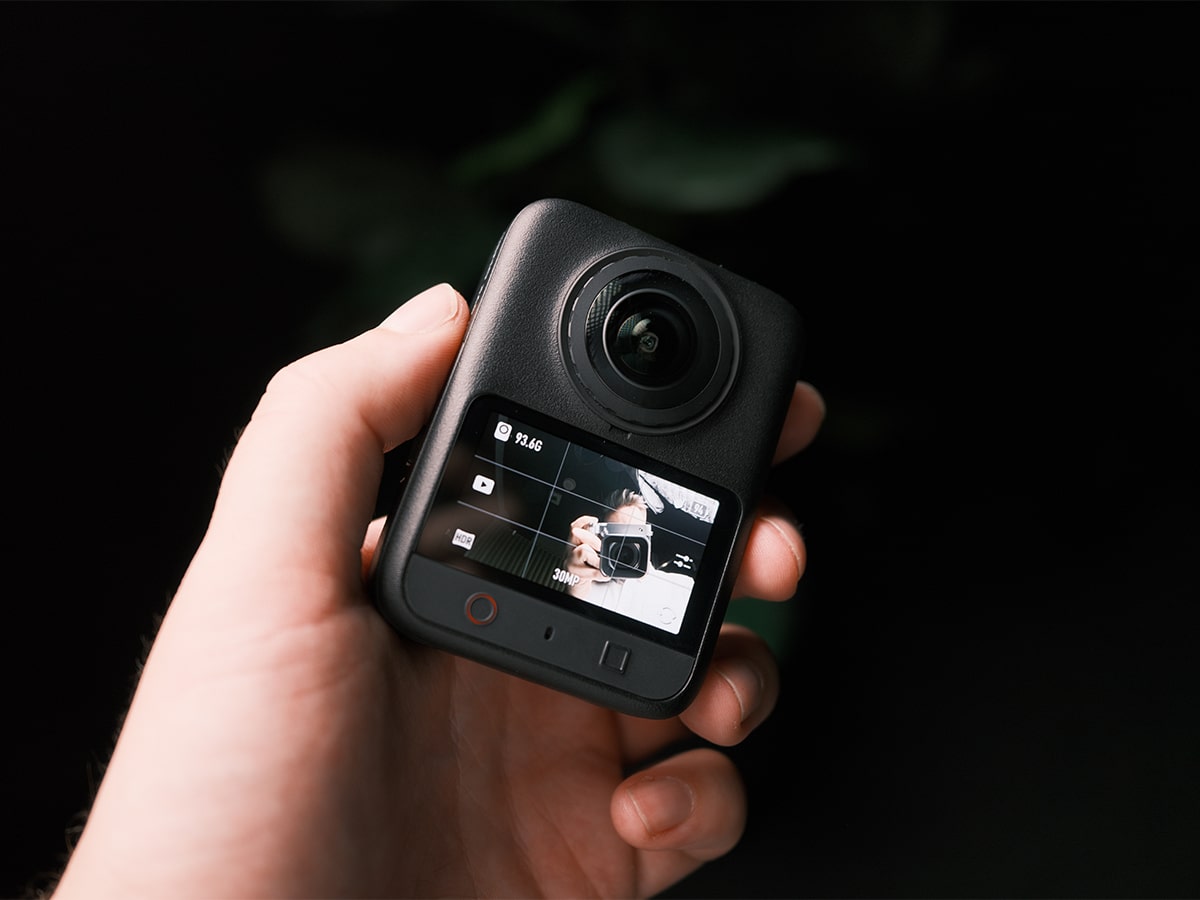
The sensor leeway meant the bright sky and the dark trail were correctly exposed in the same shot. The large 2.4 μm pixels, paired with an f/1.9 aperture, ensure the image remains sharp, even when shooting high-speed motion.
I didn’t talk much in my video, but I did use the new Spotlight Follow feature. By selecting myself as the subject, the software tracked my movements and kept me perfectly centred in the final reframed video, no matter how much the camera swayed or rotated on the pole. However, when it came time to edit, the mode seemed to crop quite tightly, which means the final footage is nowhere near crisp enough for any commercial work, and I wouldn’t want to use it for YouTube or social media channels either.
Dual Recording mode is a trick taken from the new iPhone that captures both a front-facing view and a selfie view from the exact same 360-degree take. It’s clever, but the iPhone does a better job of this.
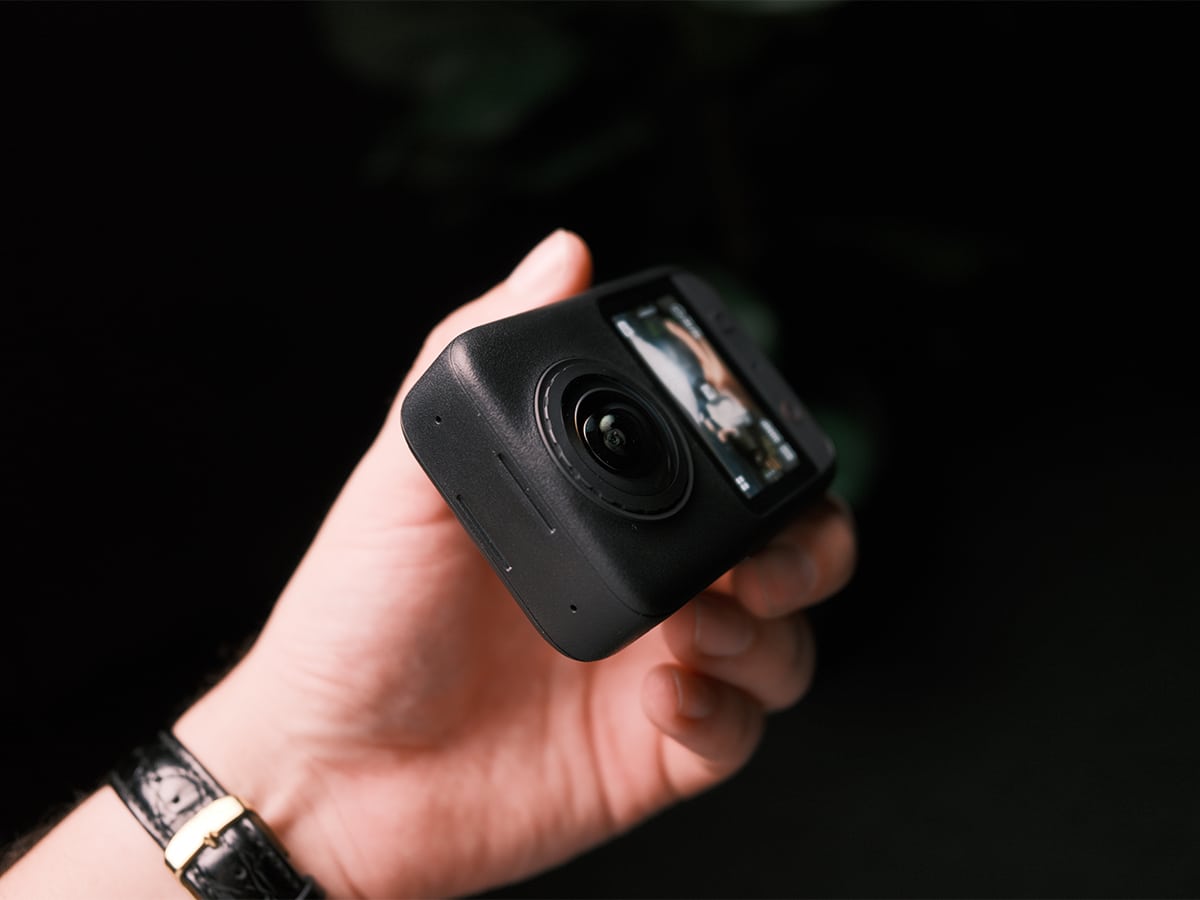
Durability has always been an issue with 360-degree cameras because the lens protrudes from the case. It was a HUGE flaw with the previous-generation DJI Osmo 360 when I reviewed it, as you couldn’t even replace the lenses, but the brand has fixed this in a few ways. Firstly, both optical elements are treated with an upgraded ion sputtering process that applies a second-generation ultra-hard optical coating. This delivers a 150 per cent increase in surface strength compared to the original Osmo 360, surviving up to 2,000 rubs with steel wool in laboratory testing while maintaining a water contact angle above 100 degrees for superior water-beading performance.
Then, if a worst-case scenario occurs along a narrow sandstone track and you manage to scratch the glass, the Osmo 360 II features an all-new user-replaceable outer lens design.
You don’t have to send the camera away to a service centre or pay for an expensive full-body replacement. Hallelujah! You can simply unscrew the outer lens module yourself. Using the official Osmo 360 II Lens Replacement Kit (AUD$49), thread the fresh glass element onto the lens, run the automatic self-calibration routine directly on the touchscreen, and keep shooting without delay.
Video Quality and Low-Light Performance
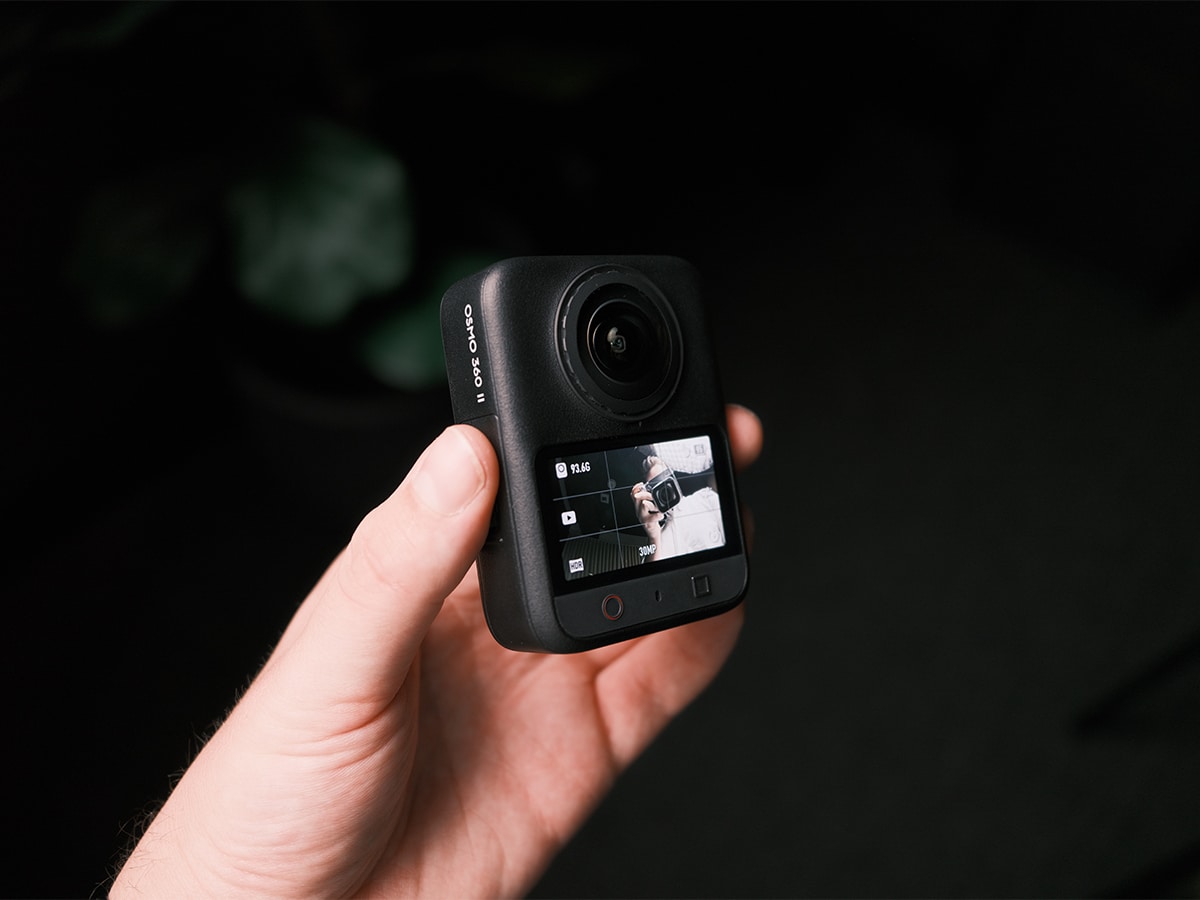
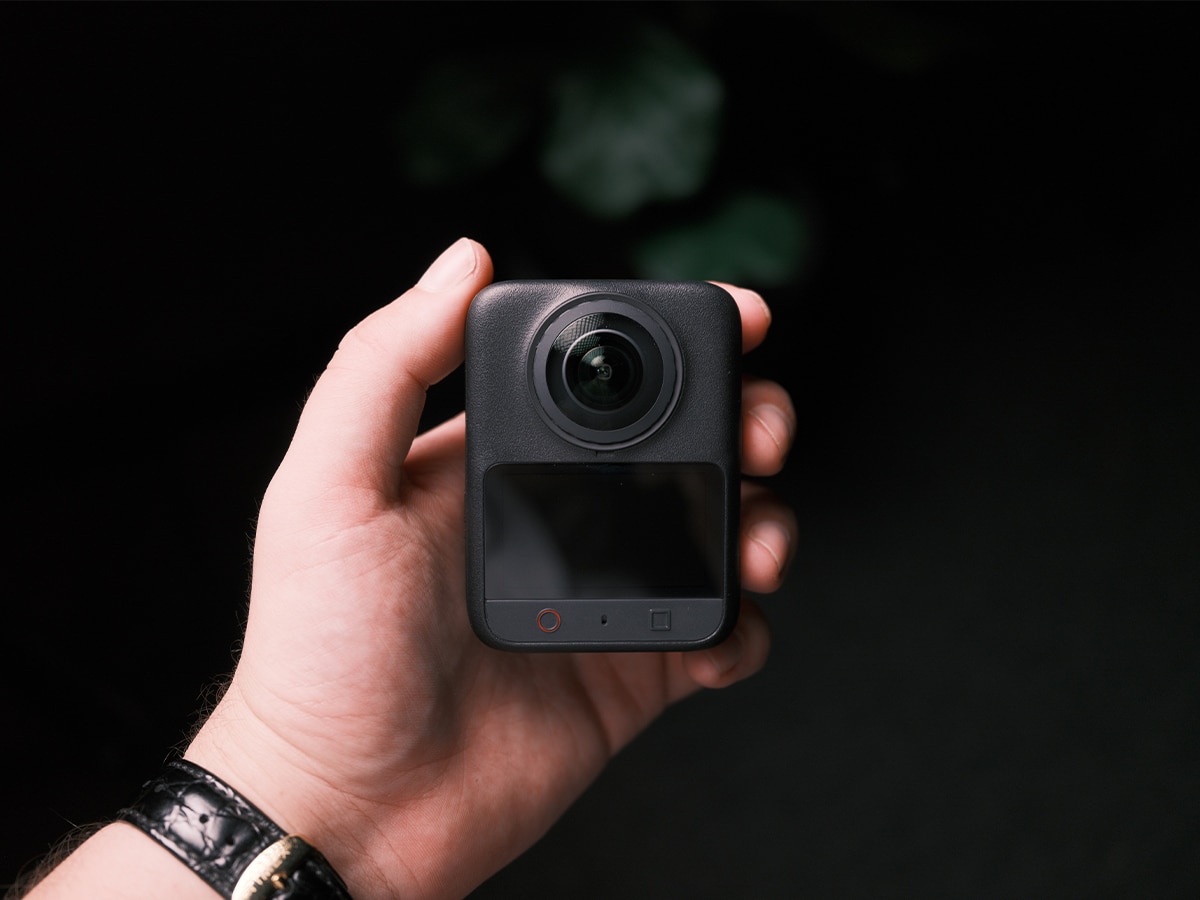
It feels like 360-degree camera technology has mostly peaked with the Osmo 360 II. DJI has once again managed to squeeze native 8K video into a 360 camera that measures just 61mm x 81mm x 36.3 mm and weighs 183 grams. It’s compact, easy to take with you, and the weight is great news for people who want to stick it on a long pole and wave it around their head like a drone.
But don’t let the 8K numbers fool you. While the Osmo 360 II technically shoots 8K/60fps spherical video, the reframed footage you actually watch on your phone or television will rarely look like native 8K, or even a true 4K image. To understand why, we need to look at how a 360-degree camera actually uses its pixels. The Osmo 360 II captures a massive 7680-by-3840-pixel image, but it has to wrap those pixels around an entire 3D sphere (360 degrees horizontally and 180 degrees vertically). That works out to roughly 21.3 pixels for every degree of your surroundings.
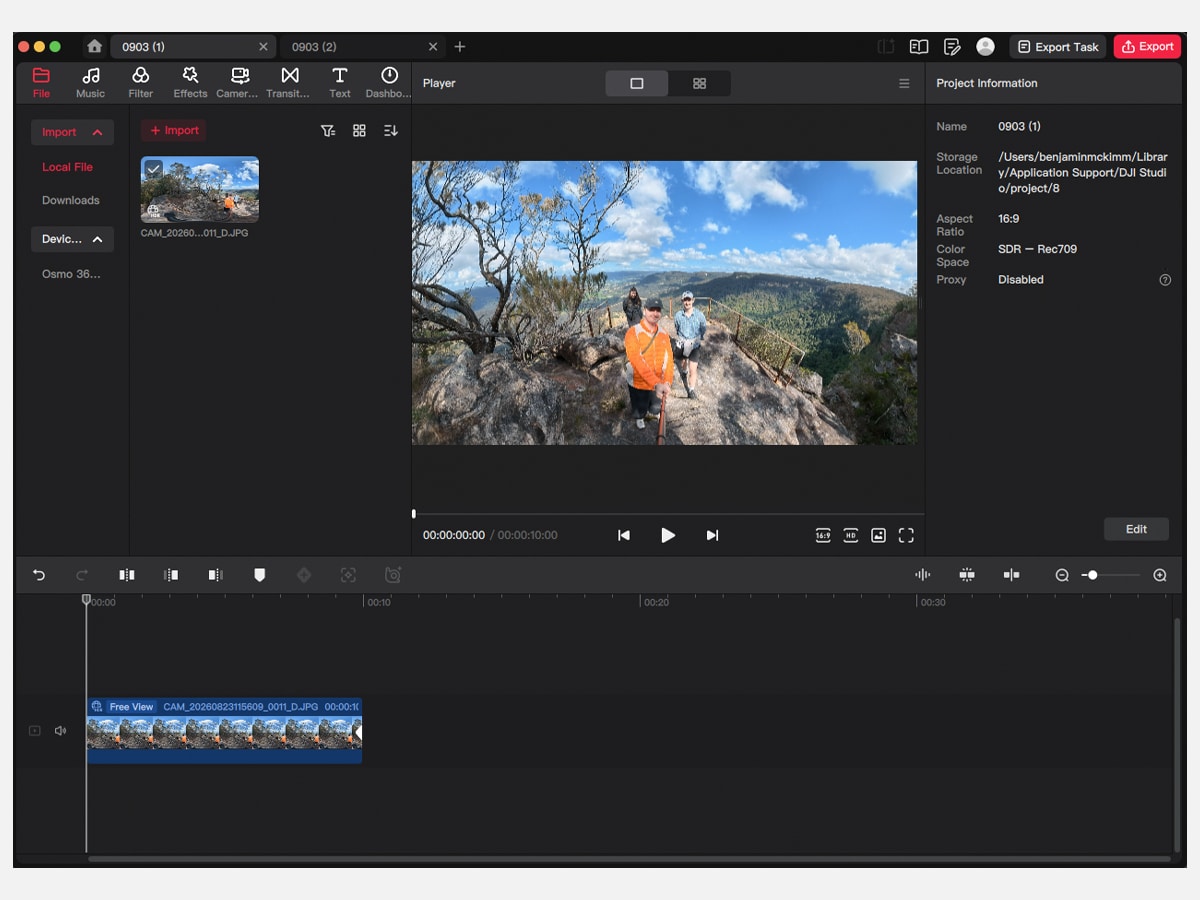
When you sit down at your computer to edit and reframe that footage into a standard 16:9 flat video, you are punching in on a very specific portion of that sphere. If you select a standard 90-degree field of view to show yourself hiking up a trail, you are only using a quarter of the available horizontal pixels. Basic math dictates that taking 90 degrees multiplied by 21.3 pixels leaves you with exactly 1920 horizontal pixels. This means your massive 8K spherical file yields roughly 1080p of true optical detail when reframed to a standard perspective.
DJI software will then upscale that 1080p optical crop into a 4K export file, which looks perfectly fine for a basic social media reel or a few frames in a YouTube vlog.
It’s why the Single-Lens Action Mode is so important. If you know you only want to film what is directly in front of you, switching to the single lens lets the camera dedicate its entire 1-inch sensor to a single flat 4K/60fps recording, delivering a MUCH sharper image.
Unlike cinema cameras, where you set the frame rate at 24 and work around that. High frame rates on 360 cameras make fast-moving scenes sharper and reduce the motion blur. If you want to slow the action down, the camera supports 4K spherical slow motion at 240 fps, and I used it to film some great footage in my sample video. I did so by utilising DJI Studio’s AI frame interpolation, which you can push to an equivalent of 64x panoramic slow motion, which resembles a cropped 8K at 480fps.
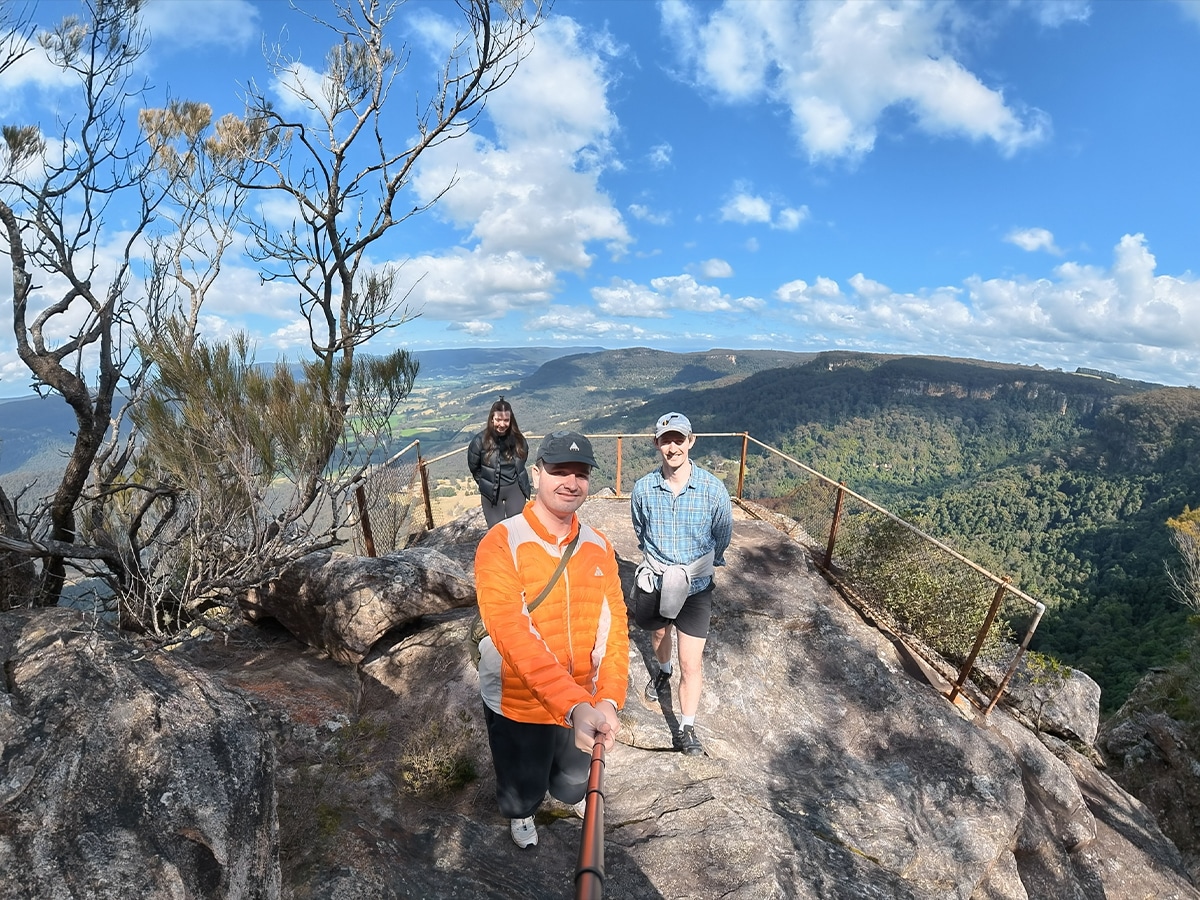
Photo Quality
Photographers will appreciate the 120MP HDR 360 Photo mode, which captures the full scene in high resolution. These massive 15520 by 7760 pixel images feature true-to-life lighting and retain richer highlight and shadow detail, giving you maximum flexibility to crop multiple flat frames from a single shot. This is bolstered by AI High-Precision Smart Stitching, which drastically reduces visible seams, close-range misalignment, and distortion when subjects cross the stitch line.
If you want to capture the passage of time, the 16K 360 Timelapse feature creates highly detailed timelapses with ample room to reframe, especially when using the dedicated Clouds mode.
Low-light recordings have also been improved thanks to AI SuperNight 2.0. I had a chance to test this when I visited the waterfall on my hike, and the all-new AI noise-reduction algorithm aggressively cleans up the image for pretty clean, detailed low-light shots that previous generations simply could not handle.
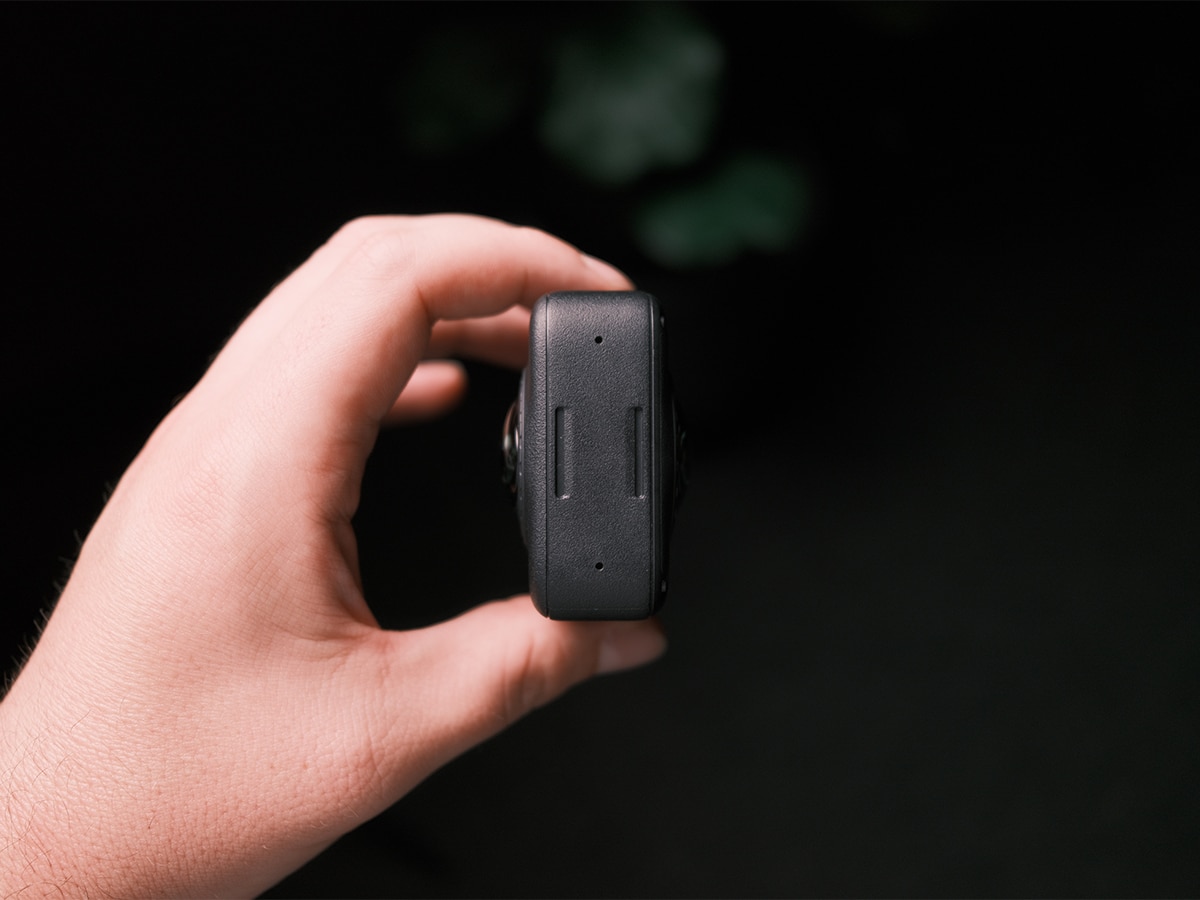
The inclusion of exactly 105GB of built-in high-speed storage is a masterstroke by DJI, as storage prices have skyrocketed. Having fast, reliable internal memory also acts as a critical safety net, ensuring you can start shooting immediately without depending on a removable card. When you do need to offload the files, the camera supports ultra-fast transfers via USB 3.1 and Wi-Fi 6.
Audio Quality
I didn’t connect any microphones to the camera to keep the setup as simple as possible for my test.
The DJI Osmo 360 II features a built-in four-mic array with wind-noise reduction and delivers decent sound straight from the body.
Honestly, the footage is not that good, so I’m not sure anyone expects the microphone quality to be high-end either. With the DJI OsmoAudio direct microphone connection, the camera pairs seamlessly with the DJI Mic 3, DJI Mic 2, DJI Mic Mini 2S, DJI Mic Mini 2, and DJI Mic Mini for dual-channel recording without external receivers.
Battery and Charging
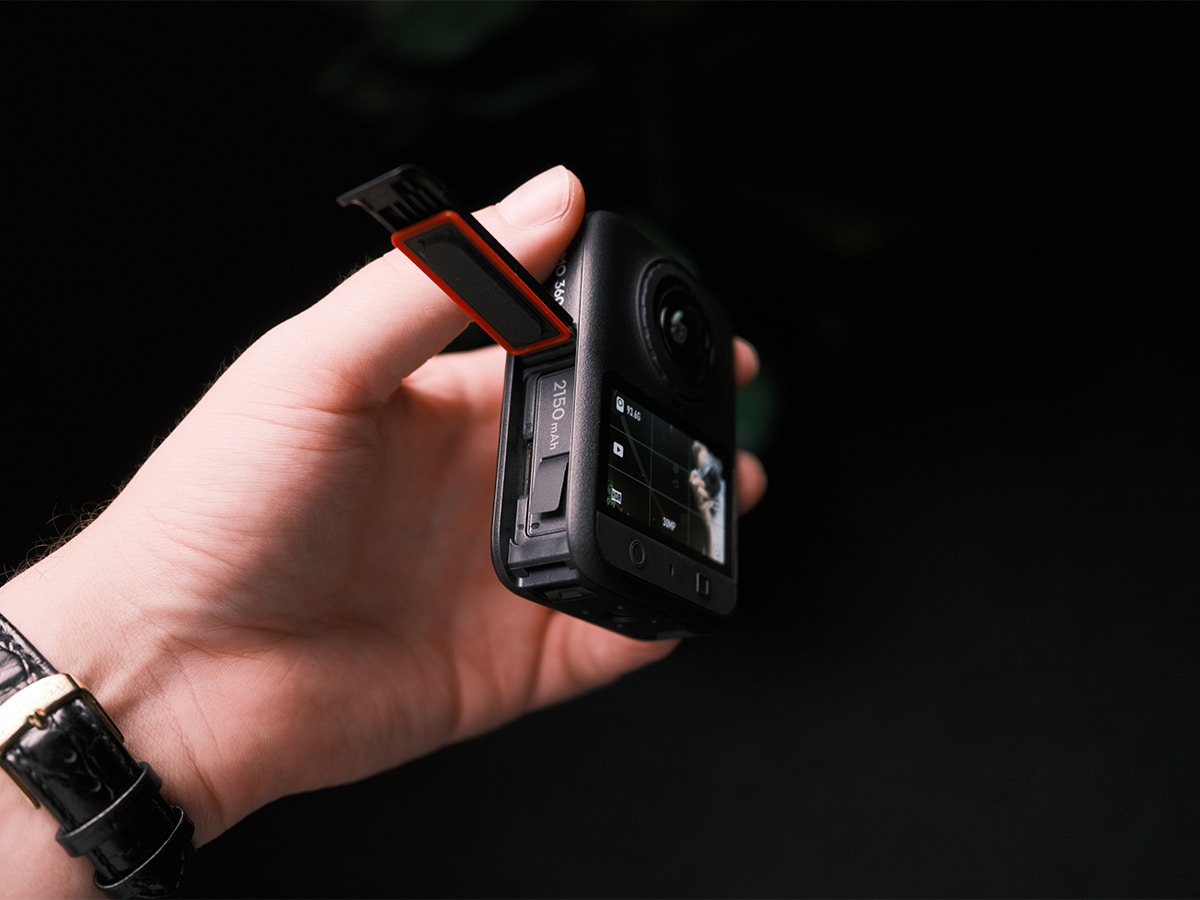
Power management is handled by a 2,150mAh battery fully compatible with the broader Osmo Action series and supports magnetic charging. It provides 100 minutes of continuous recording at 8K at 30 fps.
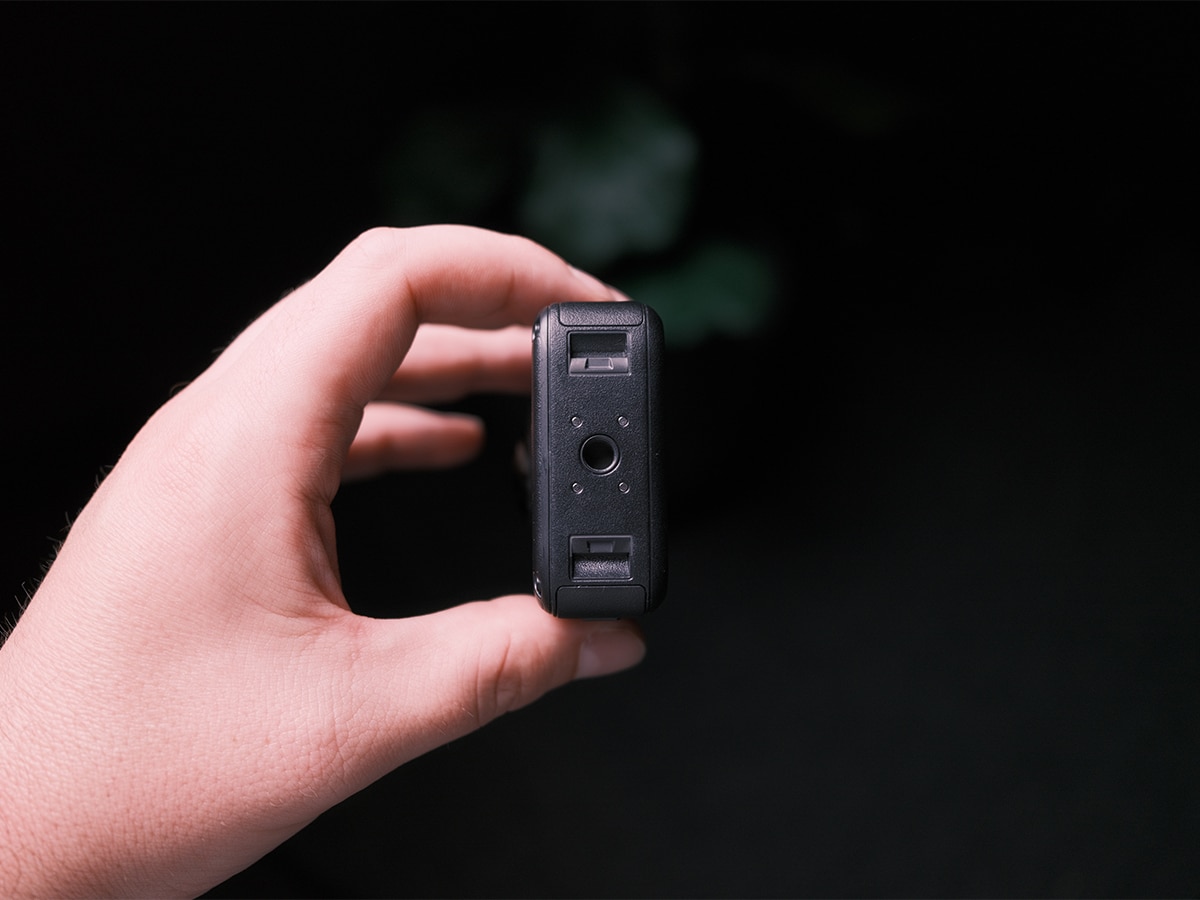
When you run low, it fast-charges to 80 per cent in just 22 minutes. If you need extreme endurance, the optional Battery Extension Rod extends runtime by a massive 180 minutes. Mounting the camera is easy thanks to a dual-direction quick-release design featuring a standard 1/4-inch threaded port and magnetic attachment points, making it fully compatible with existing Osmo Action gear.
How Difficult Is It To Edit Videos?
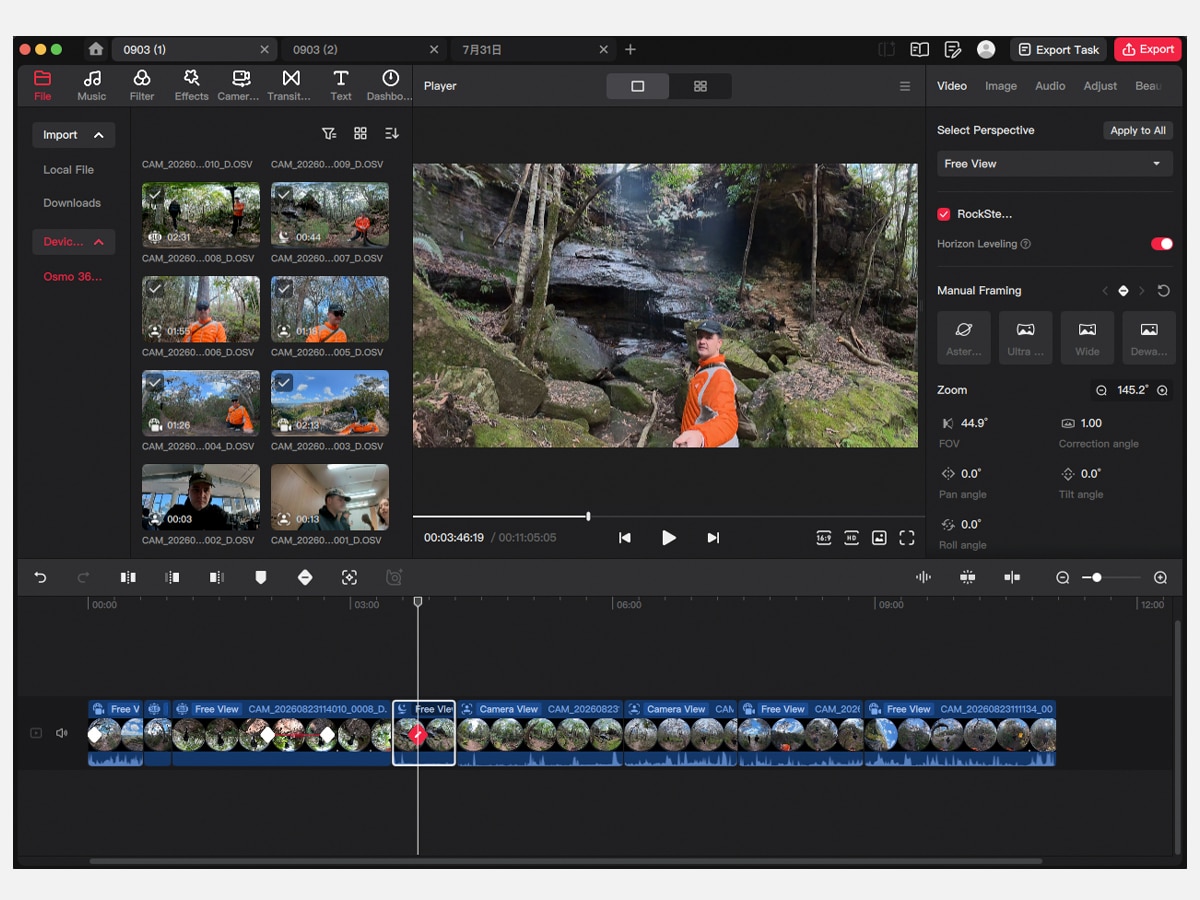
The heavy lifting of panoramic content has always been the editing process. DJI has made quite a few strides in improving this workflow for beginners, but I still wouldn’t call it easy.
The 360 Editing 2.0 tools can analyse the spherical footage and automatically punch in on the best angles, making it incredibly easy to export a standard 4K reframed video for social sharing. However, professional creators need to be realistic about the hardware requirements for desktop editing. The camera records native 8K video at massive bitrates. To smoothly edit these 220 Mbps files, apply a colour grade (if desired), and export without your computer freezing, you’ll need a modern machine with an Apple M-series chip or a high-end dedicated PC GPU.
Quite frankly, I’m not sure we’ll ever get to the point where these videos are easy to edit on your own. They sit somewhere between professional and amateur in terms of skill level, and that makes it quite awkward. Key framing is simple enough, but having a million of them on a timeline isn’t ideal. The sweet spot is for quick cuts, while leaving an abundance of data intact for professionals. Quick social media turnarounds can be easily achieved with the AI One-Tap Edit page, but longer edits take the sort of time and patience that I’m not interested in investing in for footage that is only of okay quality.
The counter to my argument is that DJI has improved the professional workflow by providing a direct plugin for DaVinci Resolve. Users can import 360 video files exported from DJI Studio straight into their timelines. Every video format now supports a 10-bit D-Log M colour profile, which captures over a billion colours and provides professional colourists with the latitude needed for serious grading.
Price, Availability, and Verdict
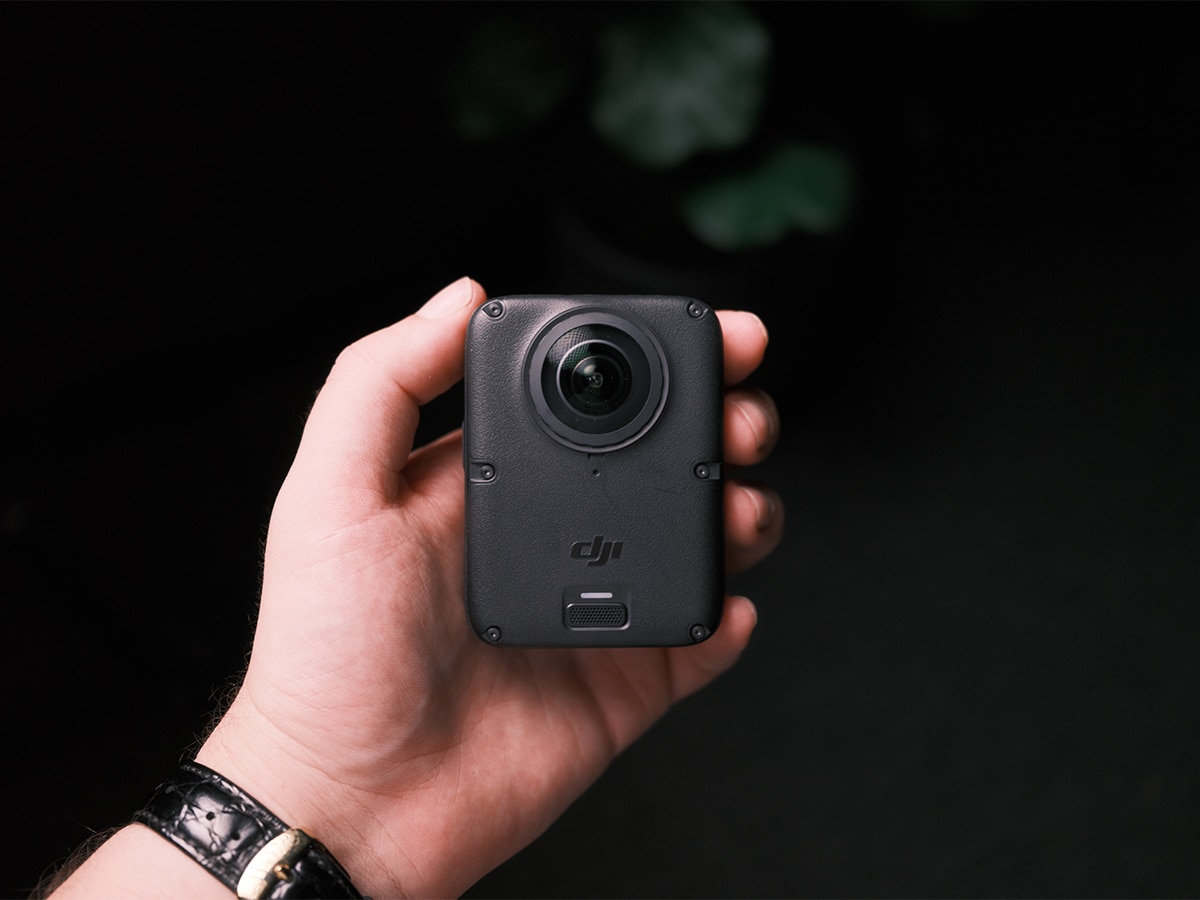
The Osmo 360 II is priced at AUD$899 for the Standard Combo, while the extended Adventure Combo is priced at AU$1,079.
DJI offers a range of dedicated accessories, including the Replacement Lens Kit Dual for AU$49, the Battery Extension Rod for AU$149, and the Osmo Heavy Duty Clamp Kit for AU$69. Creators who need extra protection can take advantage of the DJI Care Refresh program, which covers accidental, collision, and water damage and offers up to two replacements in a one-year plan or four in a two-year plan.
The pace of innovation in the tech industry often forces creators into a cycle of constant hardware updates. Yet when a pocket-sized device delivers high-quality video resolution, robust internal storage, and professional dynamic range, the hardware simply gets out of the way. It leaves the creator with absolutely no more excuses for poor execution.
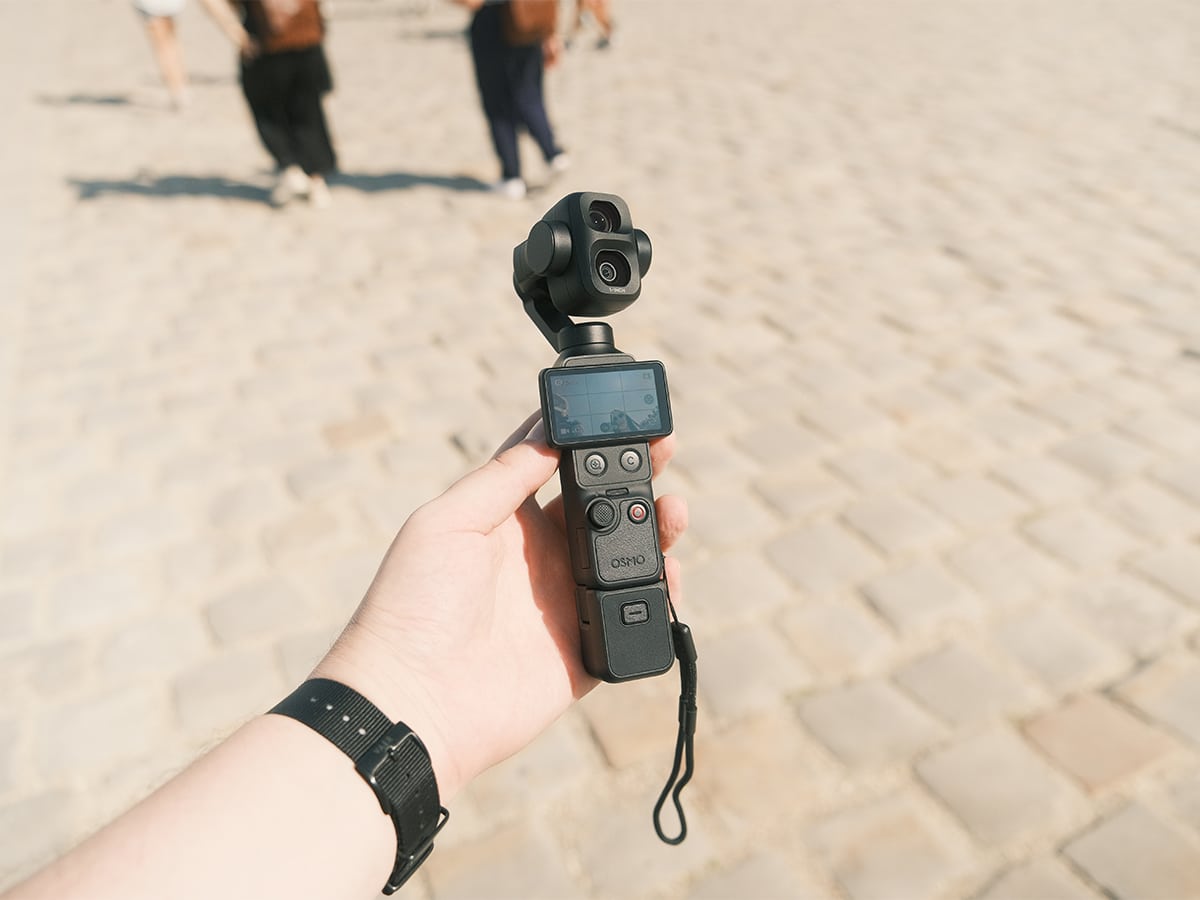
But (and it’s a BIG one) there are other options on the market at this price point, many that come from DJI’s own roster. The DJI Action 6 is top-tier, but the Pocket 4 is the one that I keep reaching for these days. It has active track (which I used the Osmo 360 II for most of the time), and the image quality is true 4K. Step up to the outstanding Pocket 4P, and you have a pocket camera with dynamic range to compete with some of the best cinema cameras on the market.
The 360 approach is entirely based on capturing everything first and framing later. If your priority is capturing the atmosphere of an entire scene without worrying about aiming in the moment, 360 is the only way to go. You record the whole sphere and decide exactly what the audience sees when you review the files later. It keeps you in the moment and doesn’t make a fun weekend hike feel like a chore, but you do sacrifice quality. That’s the decision you’ll have to make.




















Comments
We love hearing from you. or to leave a comment.