


Updated:
Readtime: 13 min
Every product is carefully selected by our editors and experts. If you buy from a link, we may earn a commission. Learn more. For more information on how we test products, click here.
Google now gives away more usable AI software than most companies sell, and as of July 2026, 12 free Google AI tools are genuinely worth your time. That matters if you run a small business, study, write code, or make things, because the free tiers here cover marketing, research, design, app building and music production. Man of Many co-founder Scott Purcell worked through every tool on this list personally in July 2026, alongside Otto, the AI system we run our own operations on, and we cross-checked each one against Google’s documentation. That turned up three widely recommended names that quietly stopped being free in June.
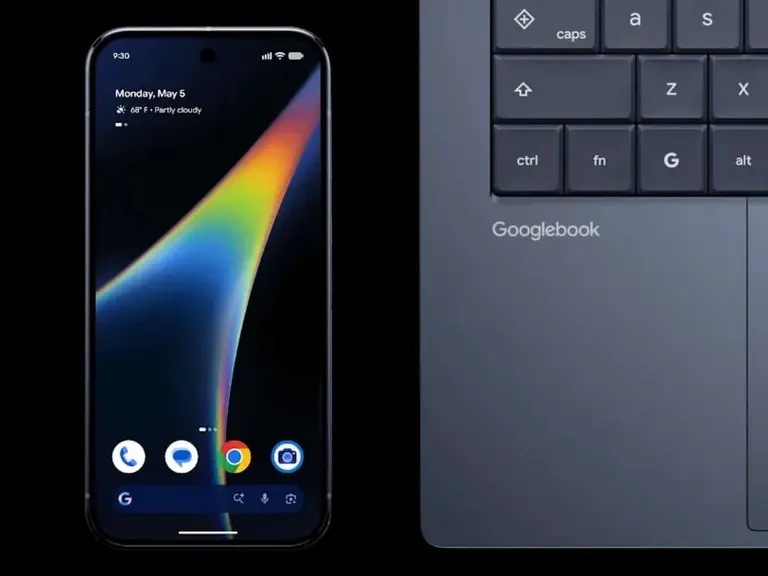
Gemini is now embedded in everything Google makes, from its own line of laptops to Samsung’s AI glasses. The Labs experiments below are where you can use that technology without paying for any of it.
At A Glance
- Best for marketing a small business: Pomelli
- Best for research and study: Gemini Notebook
- Best for building apps with no code: Opal
- Best for serious coding: Antigravity
- Best for making music: Flow Music
1. Pomelli
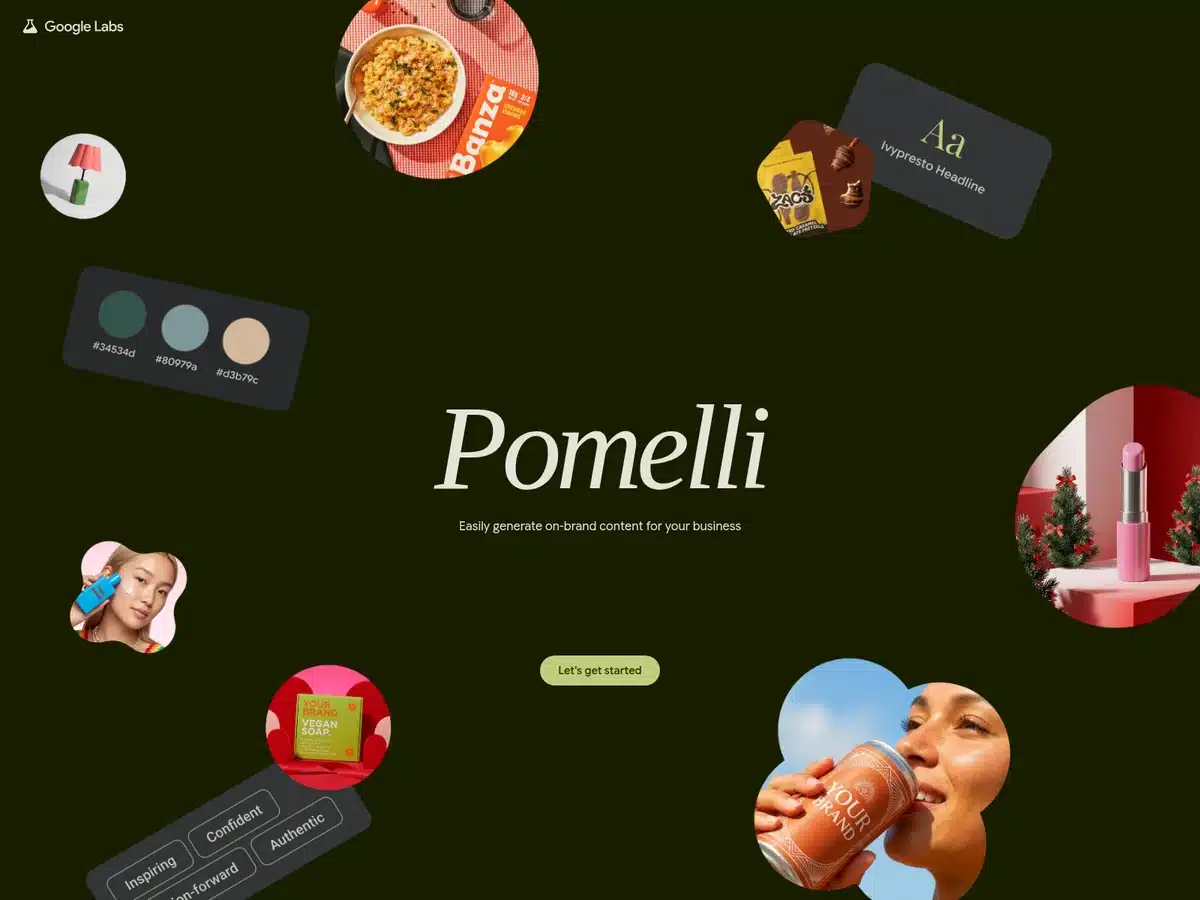
Pomelli reads your existing website and builds what Google calls a Business DNA profile, capturing your tone of voice, fonts, imagery and colour palette, then generates on-brand social posts, ads and campaign assets from it. Built by Google Labs with Google DeepMind, it is aimed squarely at small businesses that cannot afford an agency.
The useful part for Australian readers: Pomelli is one of the few Labs experiments available here, having launched as a public beta in the United States, Canada, Australia and New Zealand before expanding into Europe. A newer Photoshoot feature turns flat product snaps into studio-style imagery.
- Best for: Small business marketing
- Free tier: Free, public beta
- Available in: Australia, New Zealand, US, Canada and Europe
- Built by: Google Labs with Google DeepMind
- Website: labs.google/pomelli
2. Stitch
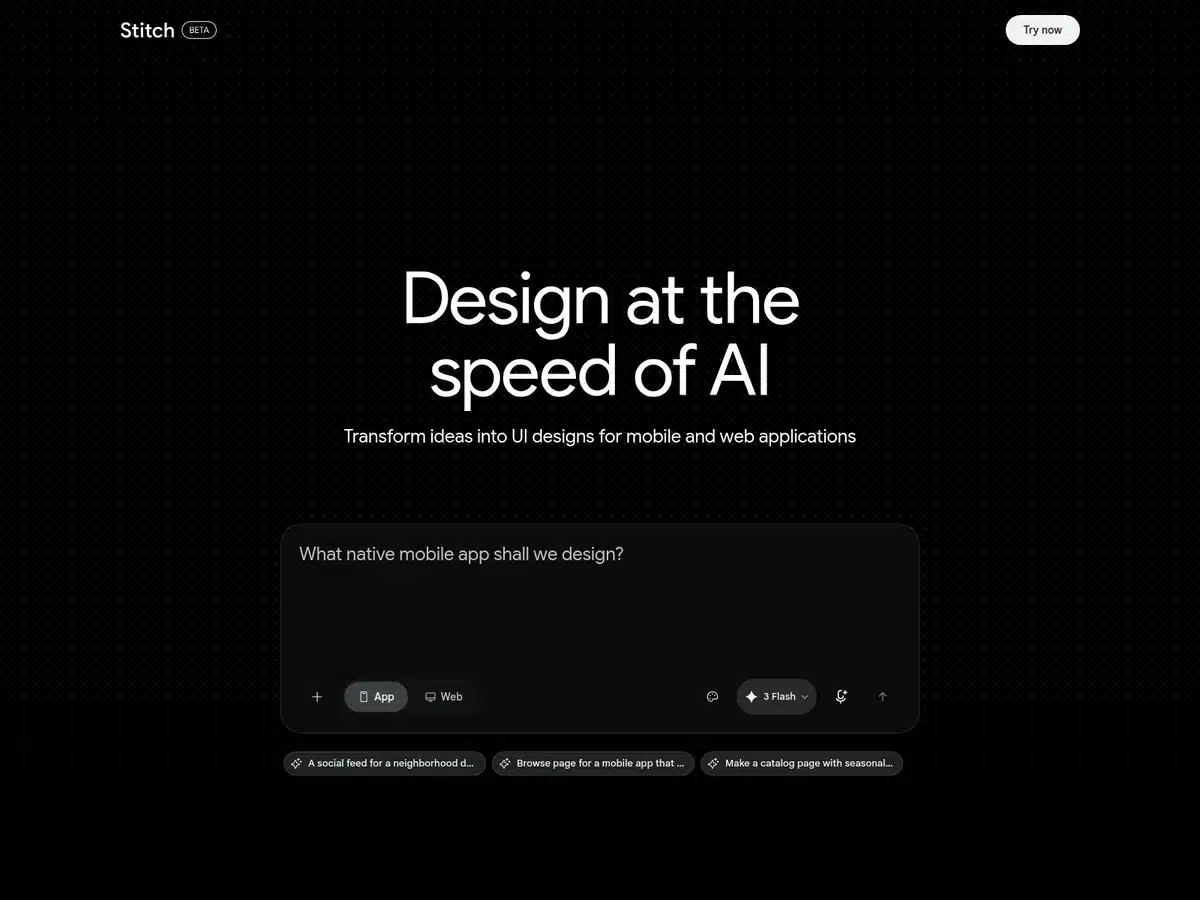
Stitch converts prompts, rough sketches and wireframes into clean interface designs and the frontend code behind them. It is the fastest way to get from a napkin idea to something you can actually click, and it removes the usual handoff friction between a designer’s file and a developer’s editor.
- Best for: UI design and frontend code
- Free tier: Free, in beta
- Output: Mobile and web UI designs plus frontend code
- Input: Text prompts, sketches and wireframes
- Website: stitch.withgoogle.com
3. Mixboard
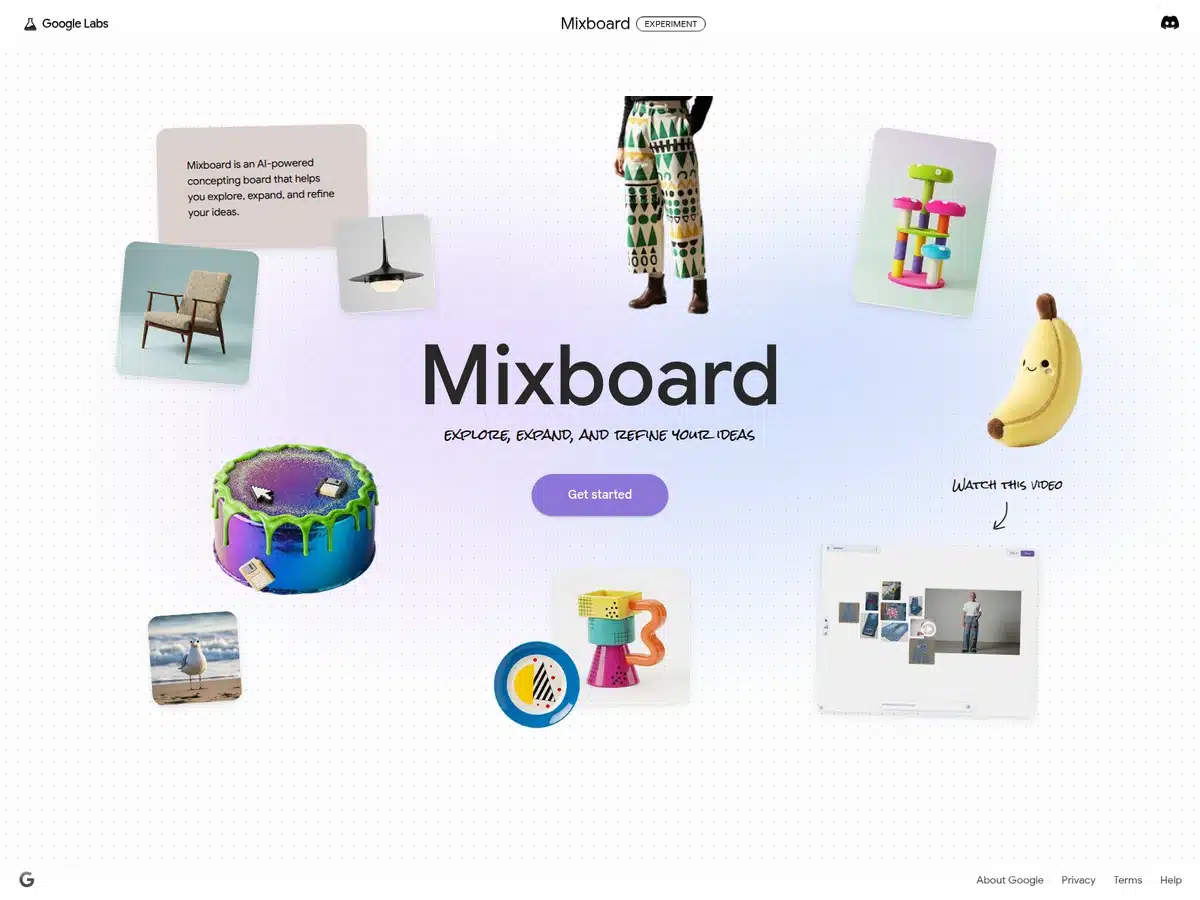
Mixboard is a concepting board that sits somewhere between Pinterest and Canva, except it generates and edits the imagery itself. It runs on Gemini plus Google’s Nano Banana image model, so you can drop in a reference, describe a change in plain language, and reshape the board until the idea reads properly.
- Best for: Moodboards and early concepting
- Free tier: Free, Google Labs experiment
- Runs on: Gemini with the Nano Banana image model
- Editing: Describe changes in plain language
- Website: labs.google.com/mixboard/welcome
4. Gemini Notebook
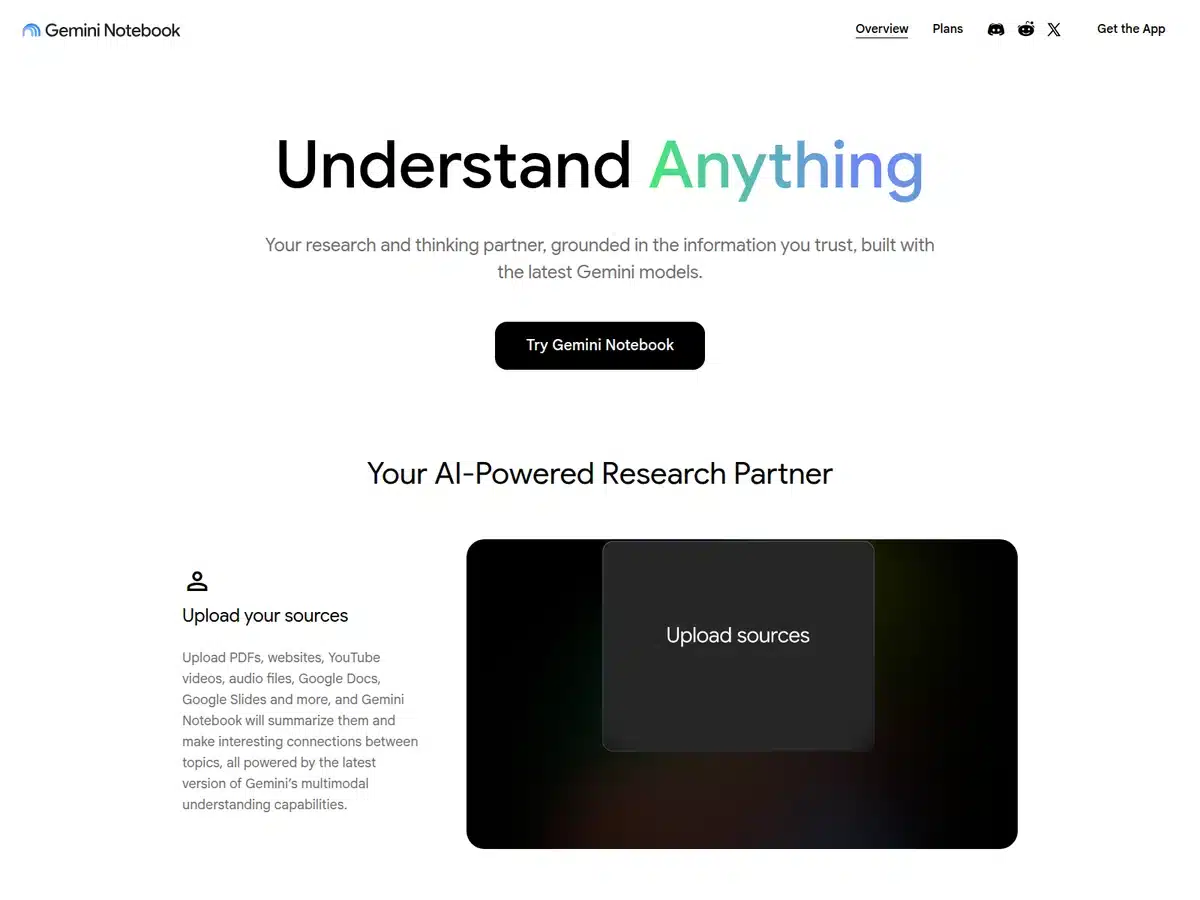
NotebookLM is now Gemini Notebook, renamed by Google in July 2026. It is the same tool, and existing notebooks carry over untouched. You feed it documents, PDFs, videos and notes, and it answers questions strictly from those sources, then spins them into summaries, study guides and the audio and video overviews that made it famous.
The free tier remains the most generous research tool on this list. The rename came with upgrades too, including the ability to run code inside a notebook for data analysis, and deeper hooks into the Gemini app and Google Search.
- Best for: Research, study and document analysis
- Free tier: Free, with a paid Pro tier above it
- Formerly: NotebookLM, renamed July 2026
- Handles: PDFs, documents, video, audio and notes
- Website: notebooklm.google
5. Learn Your Way
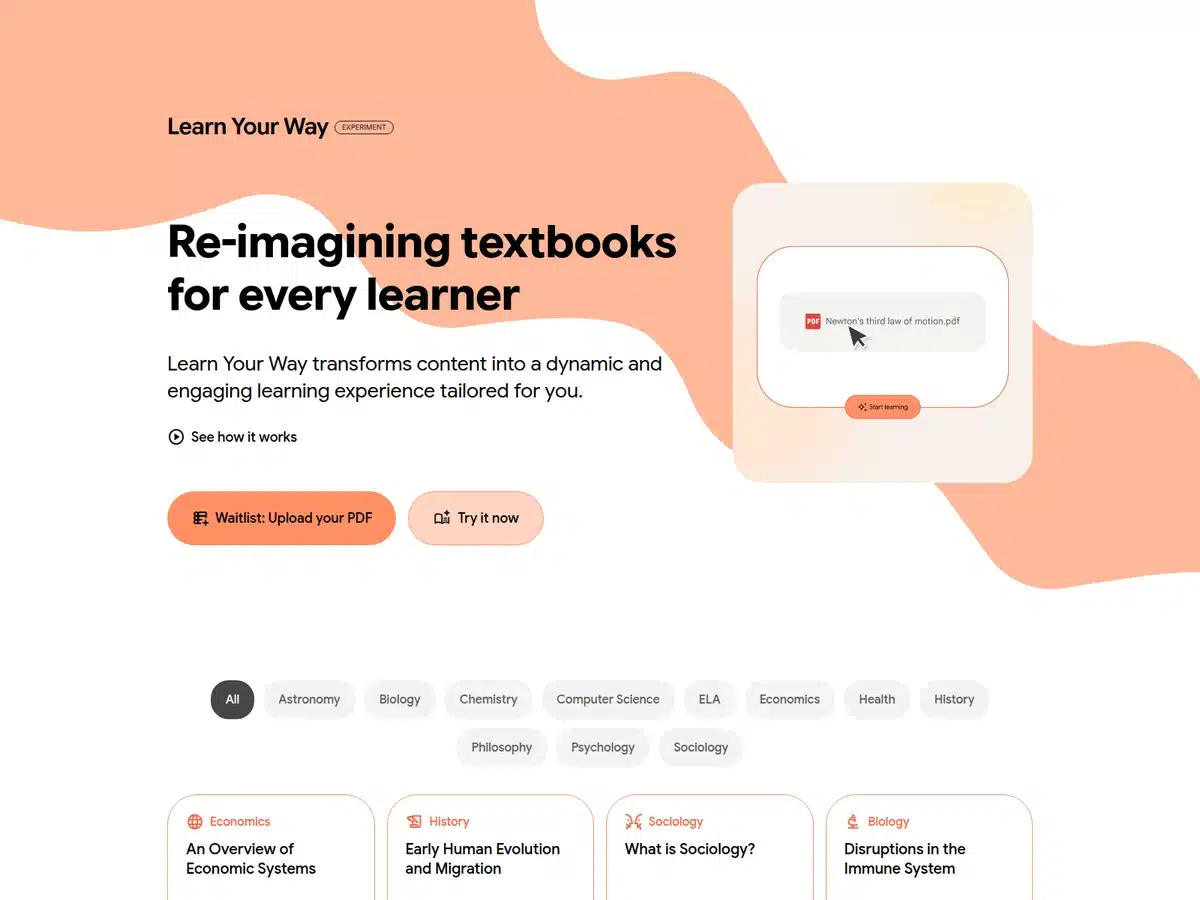
Learn Your Way takes a textbook or PDF and rewrites it to your grade level and interests, wrapping it in narrated slides, mind maps, mnemonics and comprehension checks. Pick sport or music as an interest and the model anchors its analogies there.
The evidence backs it up. In a controlled Google Research study of 60 students aged 15 to 18, those using Learn Your Way scored 11 per cent higher on retention tests than students working from a standard PDF.
- Best for: Personalised learning and study
- Free tier: Free, Google Labs experiment
- Runs on: LearnLM
- Evidence: 11% higher retention than a standard PDF in Google Research testing
- Website: learnyourway.withgoogle.com
6. Disco
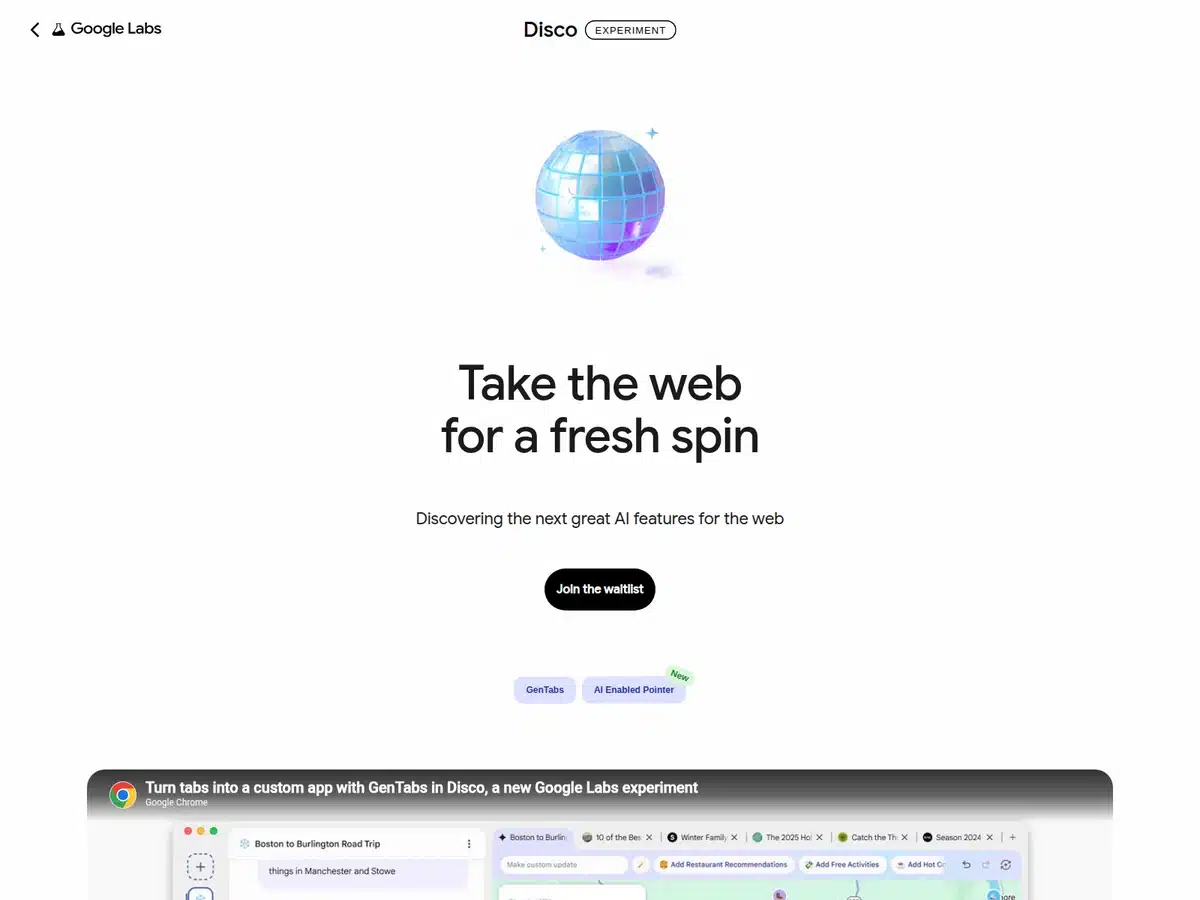
Disco is the experiment to watch rather than the one to use today. Its core trick, GenTabs, reads your open tabs and browsing context and builds a custom web app around whatever you are actually doing, assembling a trip planner with maps and itineraries while you research a holiday, for instance.
The catch: it is waitlist only and macOS first, and Google is explicit that it is an early prototype. Join the queue, but do not restructure your workflow around it yet. Google has form here, having quietly turned Google Earth’s hidden flight simulator into a browser toy, and Labs is where that instinct now lives.
- Best for: AI-assisted browsing and research
- Free tier: Free, waitlist only
- Platform: macOS first
- Runs on: Gemini 3, via GenTabs
- Website: labs.google/disco
7. Opal
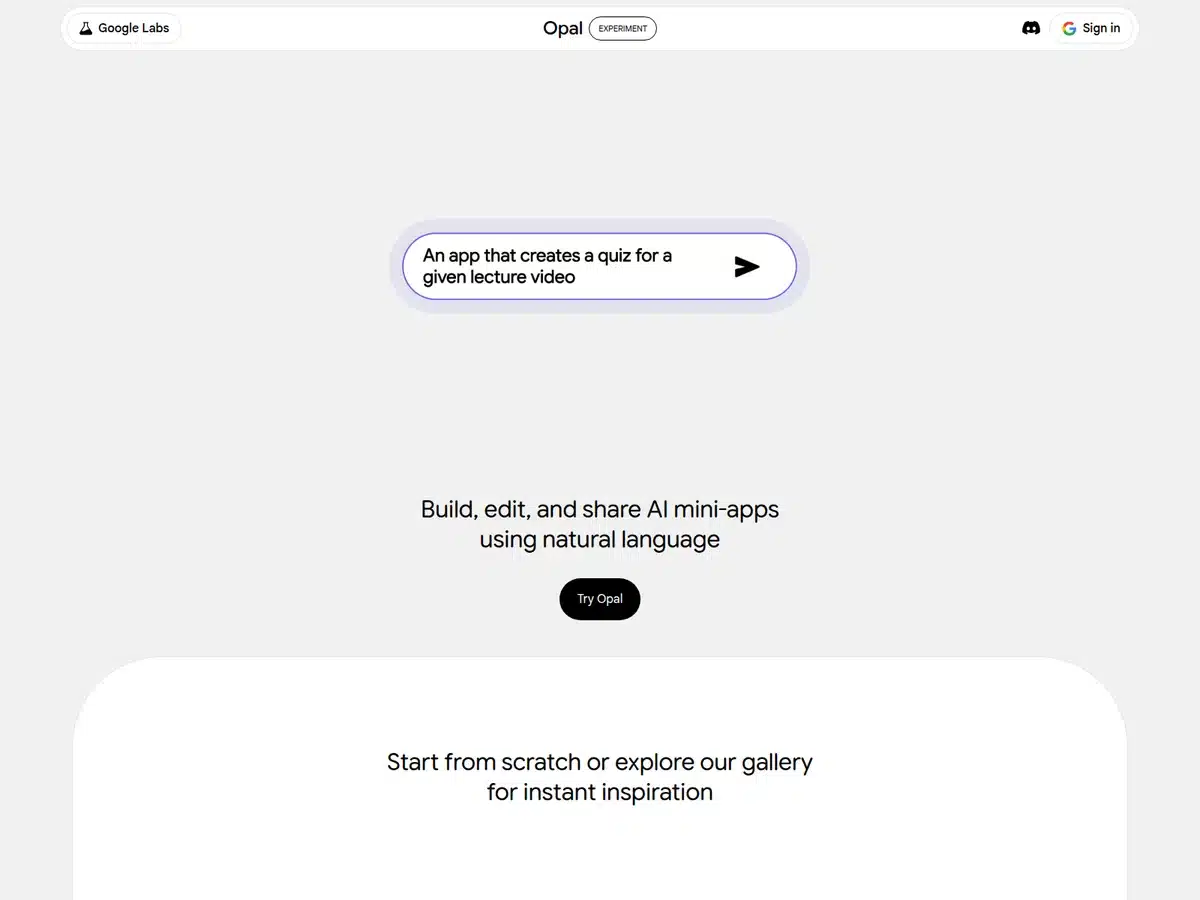
Opal lets you chain prompts, model calls and tools into shareable AI mini-apps using plain language and a visual editor, with no code involved. It is the closest thing Google has to a free automation platform, and a genuine alternative to paid workflow builders for straightforward jobs. A Gemini 3 Flash agent now builds multi-step workflows from a single text description.
- Best for: No-code AI workflows and mini-apps
- Free tier: Free, Google Labs experiment
- Runs on: A Gemini 3 Flash agent
- Output: Shareable AI mini-apps
- Website: opal.google
8. Google AI Studio
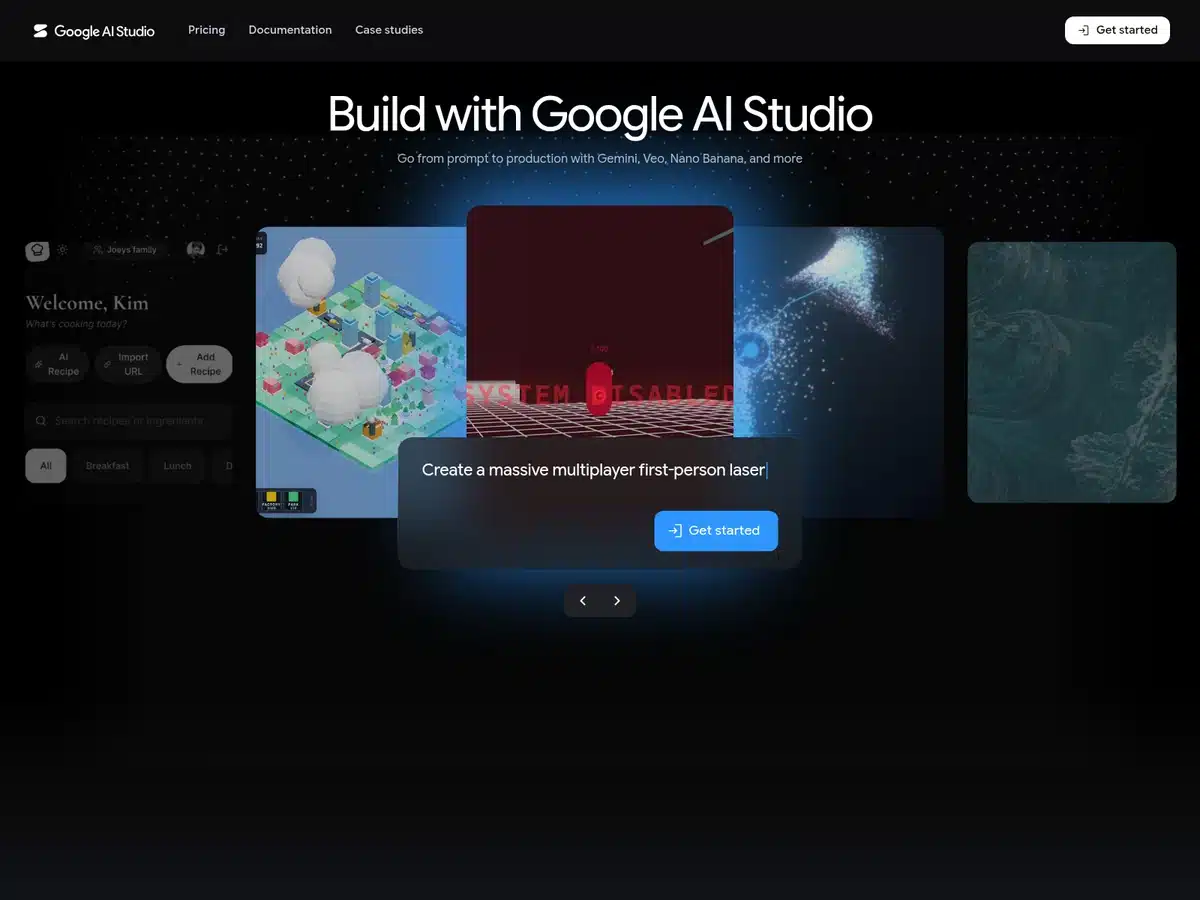
Google AI Studio is the fastest route from idea to working prototype, and it costs nothing to use. It is where you test prompts against Gemini models, then spin the result into a shareable app. It is also now the recommended landing spot for developers migrating off Firebase Studio, which we cover below.
- Best for: Prototyping AI apps quickly
- Free tier: Free
- Models: Gemini, Veo and Nano Banana
- Also useful for: Migrating off Firebase Studio
- Website: aistudio.google.com
9. Antigravity
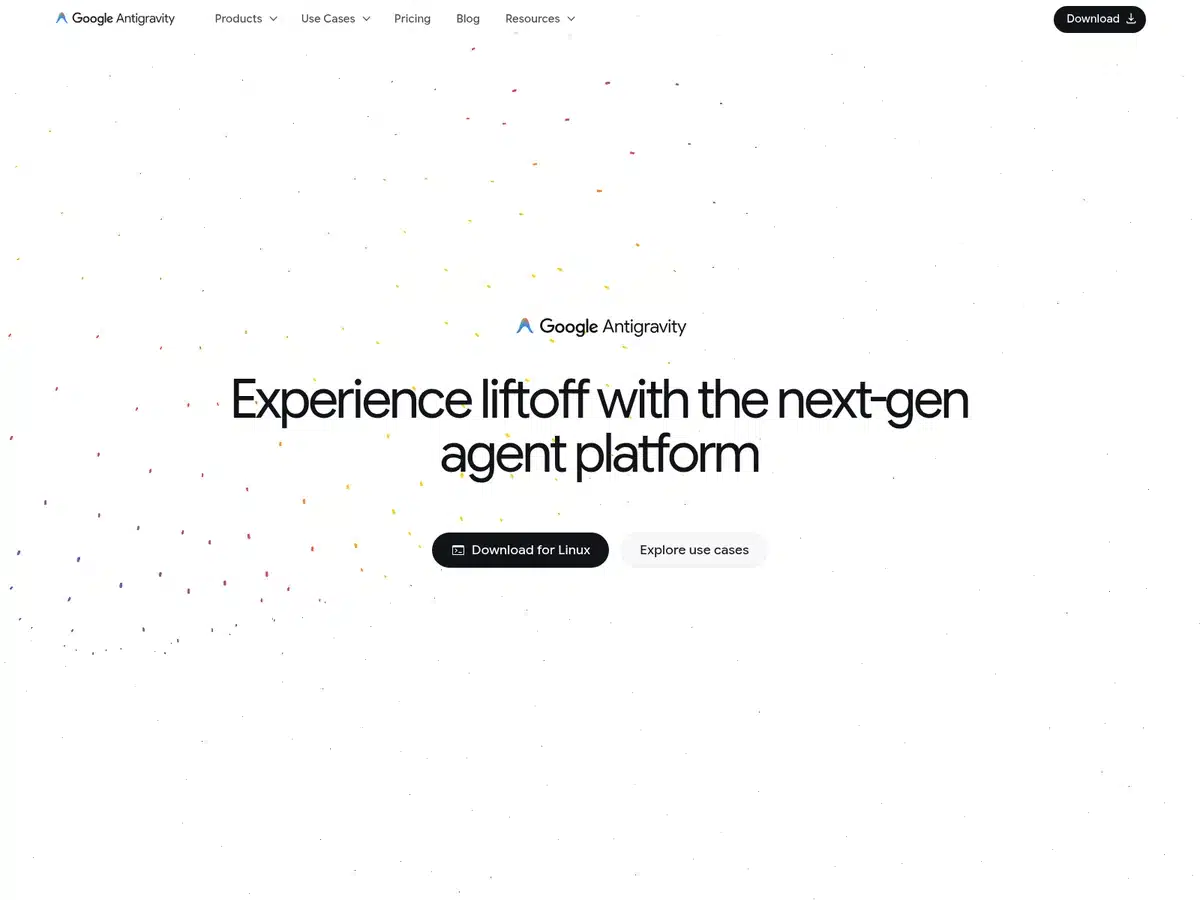
Antigravity is now the centre of Google’s developer strategy. Launched alongside Gemini 3 in November 2025 and rebuilt as Antigravity 2.0 at I/O 2026, it is a standalone desktop app for macOS, Windows and Linux, plus a CLI and SDK. The focus has shifted from editing code to running teams of agents in parallel, spinning up subagents to split a job and scheduling work in the background.
The free tier is the one to start on. Paid Google AI Pro and Ultra plans sit above it for anyone hitting the ceiling, but the free plan covers ordinary use.
- Best for: Agentic coding and multi-agent workflows
- Free tier: Free tier, with paid AI Pro and Ultra above it
- Platforms: macOS, Windows and Linux, plus a CLI
- Current version: Antigravity 2.0, from Google I/O 2026
- Website: antigravity.google
10. Jules
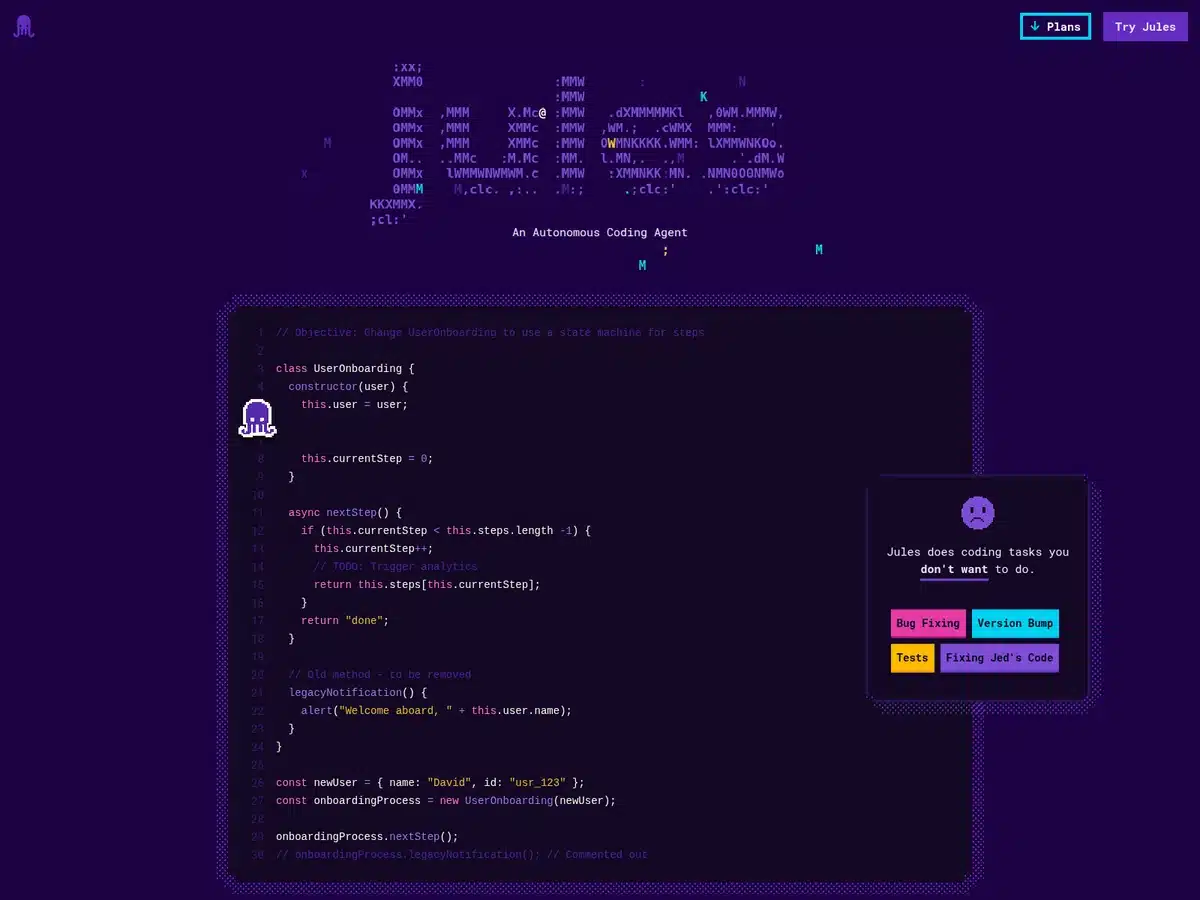
Jules connects to your GitHub repository and works asynchronously, picking up bug fixes, version bumps, tests and small features, then proposing changes for your approval. It runs on Gemini 3 Pro, and the free base tier covers 15 tasks a day with three running at once, which is more than enough to clear the jobs you keep postponing.
- Best for: Clearing a GitHub backlog
- Free tier: 15 tasks per day, 3 concurrent
- Runs on: Gemini 3 Pro
- Connects to: GitHub
- Website: jules.google
11. Code Wiki
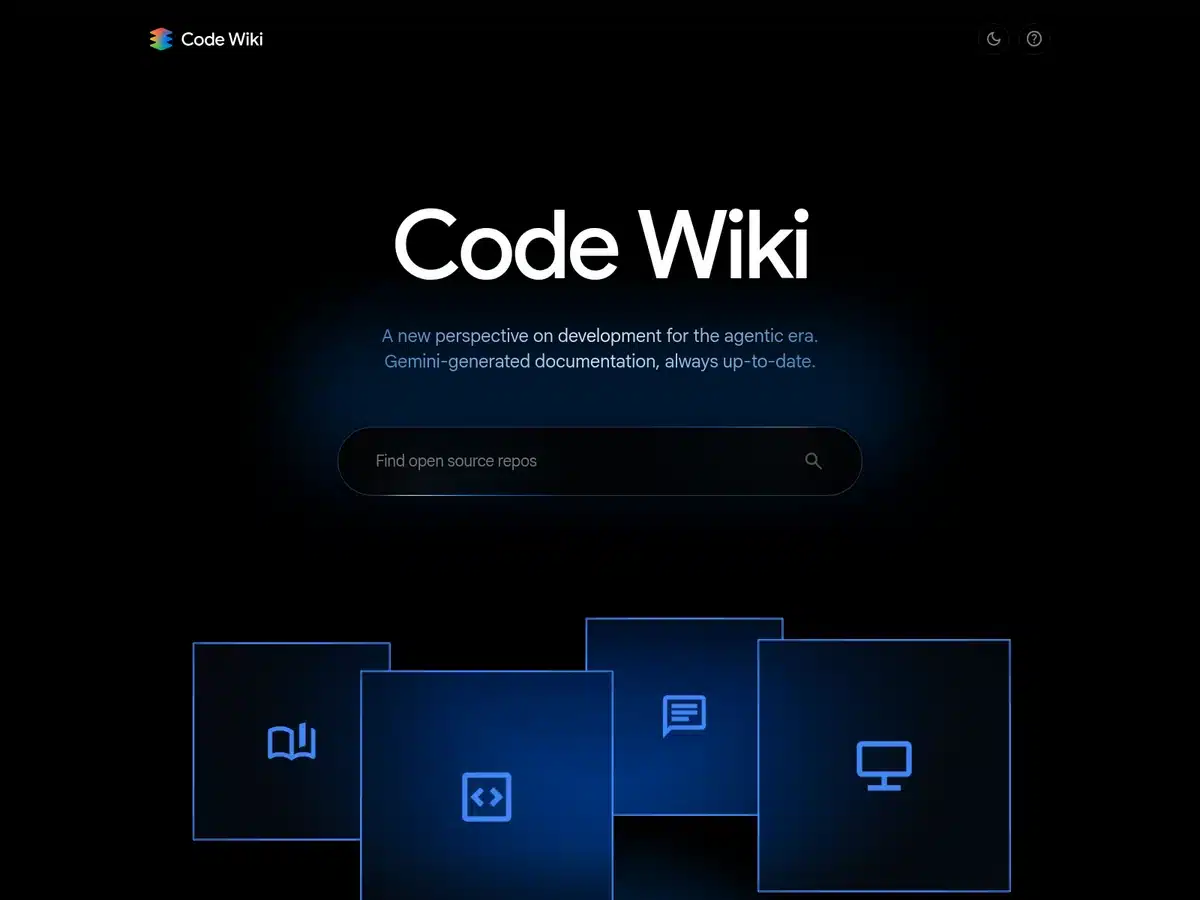
Code Wiki (Google styles it as two words) turns any GitHub repository into browsable documentation with architecture diagrams and a chat interface for asking questions about the codebase. It regenerates the relevant pages every time a pull request merges, which solves the usual problem of documentation rotting the week after it is written. Public repositories need no account at all; private repositories require a waitlist sign-up.
- Best for: Understanding an unfamiliar codebase
- Free tier: Free, no account needed for public repos
- Private repos: Waitlist
- Updates: Regenerates on every merged pull request
- Website: codewiki.google
12. Flow Music
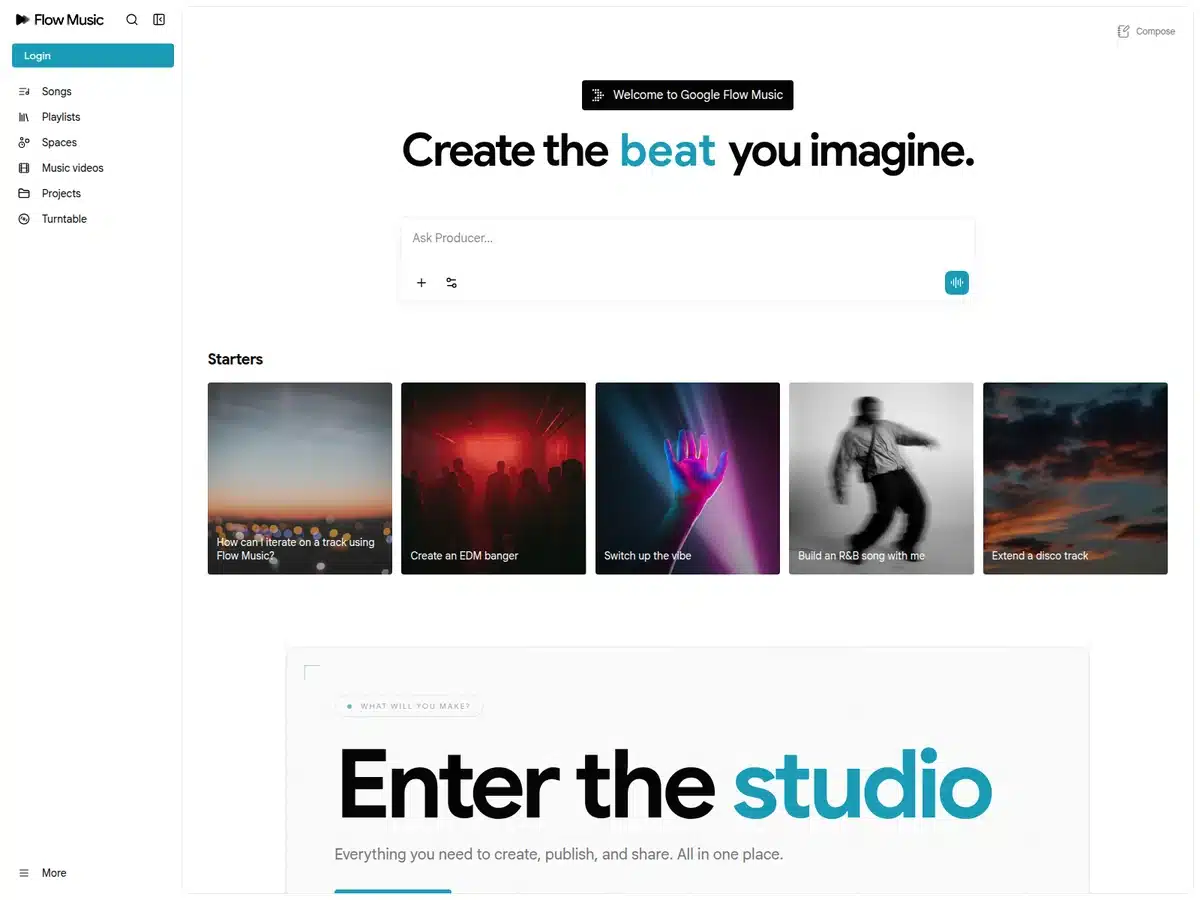
Flow Music, previously known as ProducerAI, is a conversational music studio running on Google DeepMind’s Lyria 3 Pro model. You prompt intros, verses, choruses and bridges, edit specific sections rather than regenerating everything, and push the result into a video via Flow. Google has partnered with distributor Believe to put it in front of working artists.
One important limit: the free tier runs on daily credits and covers non-commercial use only. If you intend to release or monetise what you make, you need a paid plan for the commercial rights.
- Best for: Generating full tracks and music videos
- Free tier: Free daily credits, non-commercial use only
- Runs on: Lyria 3 Pro
- Formerly: ProducerAI
- Website: www.flowmusic.app
Three Google AI Tools That Are No Longer Free
This is where most lists of free Google AI tools are now wrong. Google consolidated its developer tooling in June 2026, and three names that appear on nearly every roundup no longer belong there.
- Gemini CLI: on 18 June 2026 it stopped serving requests for free users and Google AI Pro and Ultra subscribers. Those tiers moved to Antigravity CLI. Gemini CLI lives on for enterprise licence holders and paid API keys.
- Gemini Code Assist: the free tier for individuals ended on the same date, folded into Antigravity.
- Firebase Studio: as of 22 June 2026, new workspace creation and user signup are disabled, and the product sunsets on 22 March 2027. Existing users are told to migrate to Google AI Studio or Antigravity.
Gemini CLI itself is not dead, just repositioned. As Google put it in the transition notice: “You will continue to see us work on GitHub as we keep Gemini CLI updated with latest model releases, bugs and security fixes for our enterprise customers.”
The practical takeaway is simple. If you came looking for a free Google coding assistant, the answer in July 2026 is Antigravity, not Gemini CLI or Code Assist.
The consolidation is a reminder that Google gives this software away to win developers and distribution, not out of generosity. It is the same logic behind putting Gemini in its home speakers and reportedly licensing the model to Apple. Free tiers exist while they serve that goal.
What to Check Before You Commit To A Free Google AI Tool
Google Labs moves fast, and free access is rarely a permanent promise. Four things are worth checking before you build a workflow on any of these.
- Experiment or product? Anything sitting under Google Labs is explicitly an experiment. Whisk and ImageFX both closed in April 2026, and Firebase Studio is following.
- Commercial rights. Free does not always mean yours to sell. Flow Music’s free tier is non-commercial, which matters if the output is going anywhere public.
- Regional availability. Plenty of Labs experiments skip Australia at launch. Pomelli is a rare early inclusion.
- Export path. Check you can get your work out before you put months into it, particularly with waitlisted or prototype tools like Disco.
Free Google AI Tools Compared
| Tool | Best for | Free tier status |
| Pomelli | Small business marketing | Free, public beta |
| Stitch | UI design and frontend code | Free, in beta |
| Mixboard | Moodboards and early concepting | Free, Google Labs experiment |
| Gemini Notebook | Research, study and document analysis | Free, with a paid Pro tier above it |
| Learn Your Way | Personalised learning and study | Free, Google Labs experiment |
| Disco | AI-assisted browsing and research | Free, waitlist only |
| Opal | No-code AI workflows and mini-apps | Free, Google Labs experiment |
| Google AI Studio | Prototyping AI apps quickly | Free |
| Antigravity | Agentic coding and multi-agent workflows | Free tier, with paid AI Pro and Ultra above it |
| Jules | Clearing a GitHub backlog | 15 tasks per day, 3 concurrent |
| Code Wiki | Understanding an unfamiliar codebase | Free, no account needed for public repos |
| Flow Music | Generating full tracks and music videos | Free daily credits, non-commercial use only |
How We Tested These Free Google AI Tools
Man of Many co-founder Scott Purcell used each of these tools first-hand during July 2026, running them alongside Otto, the in-house AI system Man of Many uses to run its own editorial and business operations. Every screenshot was captured from the live product rather than lifted from a press kit.
Each tool was then cross-checked against Google’s own product pages, developer documentation and announcement blogs, rather than against other roundups. That verification step is the reason three widely recommended tools were moved out of the main list and into their own section, and why NotebookLM appears here under its current name.
To qualify, a tool had to be made by Google, usable at no cost by a new user today, and useful for something specific rather than a demo. Waitlisted tools were included only where the waitlist is genuinely open, which is why Disco made it and sunsetting products did not.
Free Google AI Tools FAQs
Most of the tools on this list are free with no payment required, though several use daily credits or capped usage. Google Labs experiments are free because they are still being tested, which also means access can change or end, as it did for Gemini CLI in June 2026.
Antigravity CLI. From 18 June 2026, Gemini CLI and the Gemini Code Assist IDE extensions stopped serving free, Google AI Pro and Ultra users, who were moved to Antigravity. Gemini CLI remains available to enterprise licence holders and paid API key users.
Yes. NotebookLM was renamed Gemini Notebook in July 2026. It is the same product, all existing notebooks remain accessible, and the free tier continues. The update added the ability to run code inside notebooks and tighter integration with the Gemini app and Google Search.
Many, but not all. Pomelli launched in Australia alongside the United States, Canada and New Zealand, and Gemini Notebook, Google AI Studio, Antigravity and Jules are all available here. Some Google Labs experiments, including Disco, roll out to limited regions and platforms first.




























Comments
We love hearing from you. or to leave a comment.