


Updated:
Readtime: 5 min
Every product is carefully selected by our editors and experts. If you buy from a link, we may earn a commission. Learn more. For more information on how we test products, click here.
Anyone can launch another creator monitor in 2026. Promises of sharper colour, brighter panels, faster refresh rates, and a string of acronyms that nobody can remember what they actually do. It’s a crowded market, and one that’s starting to feel same-same. One that’s begging for direction.
What ASUS unveiled at NAB Show 2026 feels more ambitious than just a spec bump. Yes, there are new ProArt displays in the mix, including models officially validated by Adobe for HDR editing in Adobe Premiere Pro. But the bigger play beneath all of that is for the entire creative workflow, not just another screen on your desk.
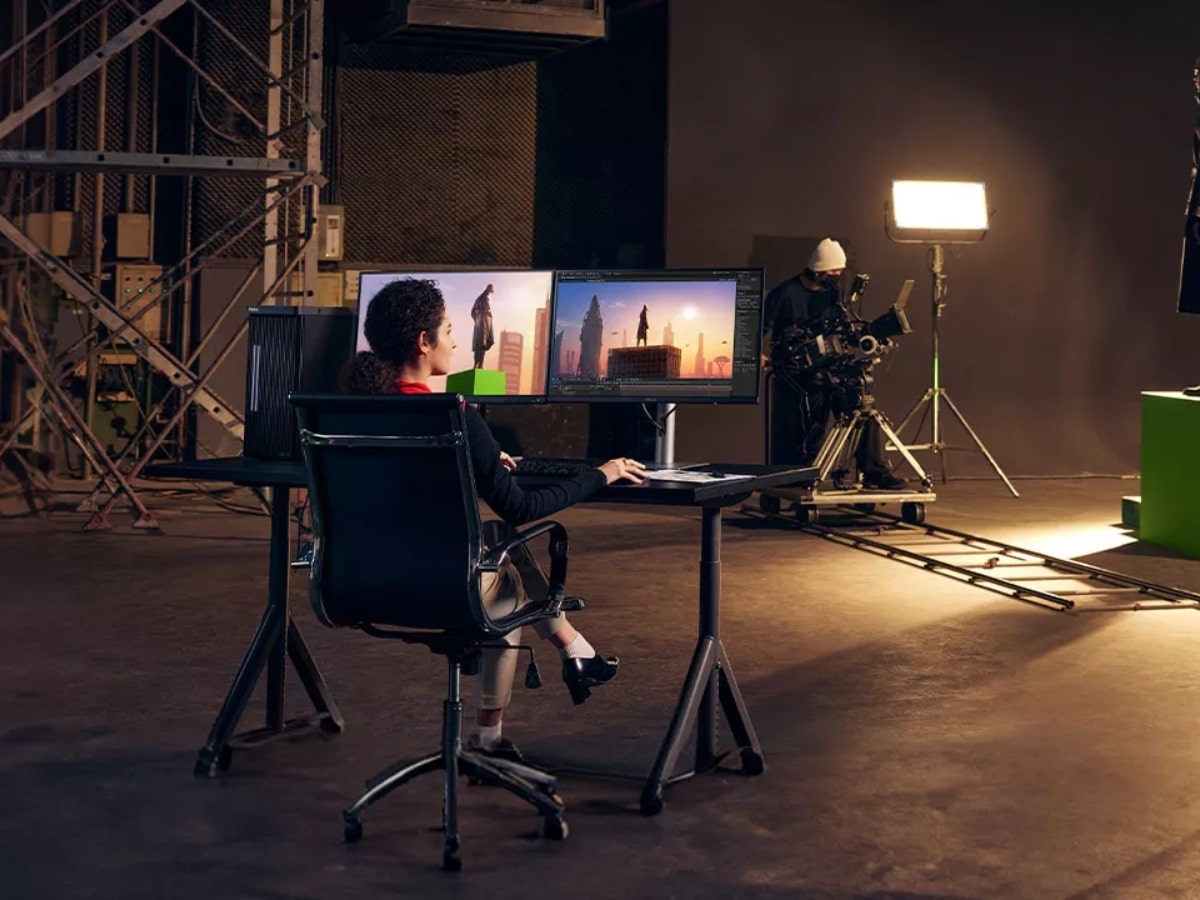
It all starts with capture and ingest, where ASUS is leaning into its GoPro partnership with new ProArt GoPro Edition laptops designed to pull footage directly from GoPro Cloud, sort clips, and get creators moving faster. It then rolls into editing and post-production, where Adobe’s validation of ProArt displays gives professionals confidence to do what they do best: create.
Adobe Validation for Better Creator Workflows
Because let’s be honest, HDR editing is a messy experience.
One weak link, whether that’s poor calibration, inconsistent brightness or colours shifting after export, can unravel a project quickly. If Adobe has officially tested and validated select ProArt displays for HDR workflows inside Premiere Pro, ASUS gets to sell something professionals understand immediately: fewer surprises.
However, Man of Many’s cinematographer Jordan Yankov isn’t convinced the average creator can take advantage of the HDR capabilities. “I really don’t believe that the modern-day creator even knows how to process HDR footage, let alone grade it,” he says.
If your final output is mostly Instagram, TikTok, YouTube, laptops or standard web content, a well-calibrated SDR monitor can still be the smarter fit. HDR may look impressive on a spec sheet, but it also adds complexity that many users simply don’t need yet.
“It’s being pushed to creators so they can feel like they have the best monitor for the job.”
For professionals working across premium commercial, broadcast or high-end delivery pipelines, having the best monitor matters. In those environments, colour confidence and reliable HDR monitoring are worth paying for. Regardless of whether they’re out of reach for the average creator.
That’s where ASUS sees the opportunity. Sure, 240Hz refresh rates and OLED panels look great in a headline. But confidence is what gets professionals spending money.
Beyond displays, ASUS also used NAB to show AI-assisted (you can’t escape it) creator PCs powered by NVIDIA RTX hardware, alongside workstations, GPU servers, and large-scale storage systems aimed at studios handling heavier production loads. It’s a full-stack pitch aimed at improving creative workflows at every possible point, now and into the future.
Why ASUS Thinks Creators Need a Better Ecosystem
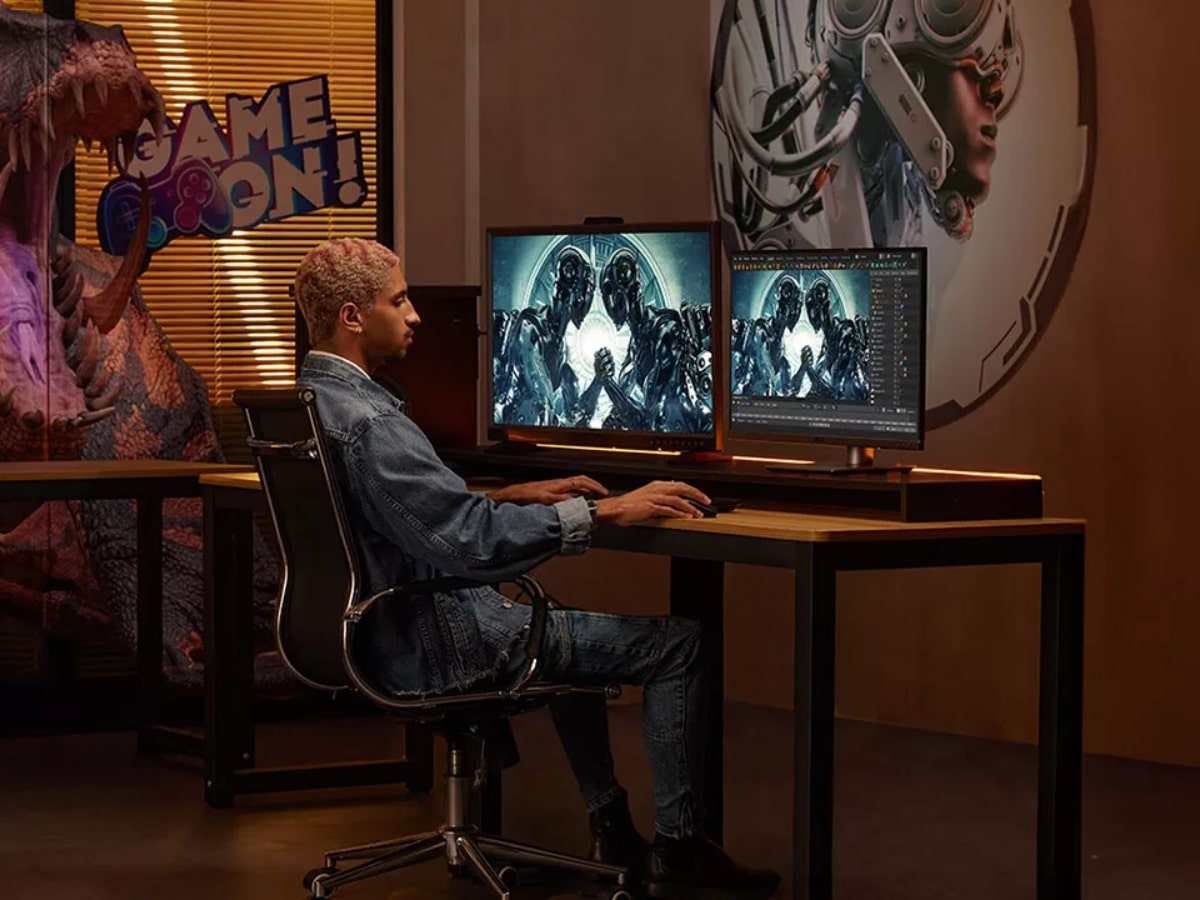
Today’s creator might be a solo cinematographer, editor, motion designer and publisher all at once. Tomorrow’s small agency might need AI rendering, shared storage, grading displays, and remote collaboration without wanting to piece it together across six brands. ASUS is betting that convenience, compatibility and trust are becoming just as important as raw horsepower.
That’s why the Adobe partnership matters. The word validation sounds dry on paper, but in practice, it’s shorthand for reliability. And reliability is often what separates enthusiast gear from tools professionals are willing to pay for.
ASUS isn’t just trying to sell you another monitor. It’s trying to become the safe default for creators building serious workflows.
And for those interested in the hardware itself, here are the standout ProArt displays announced.
Key Specs: ASUS ProArt Displays Validated for Adobe Premiere
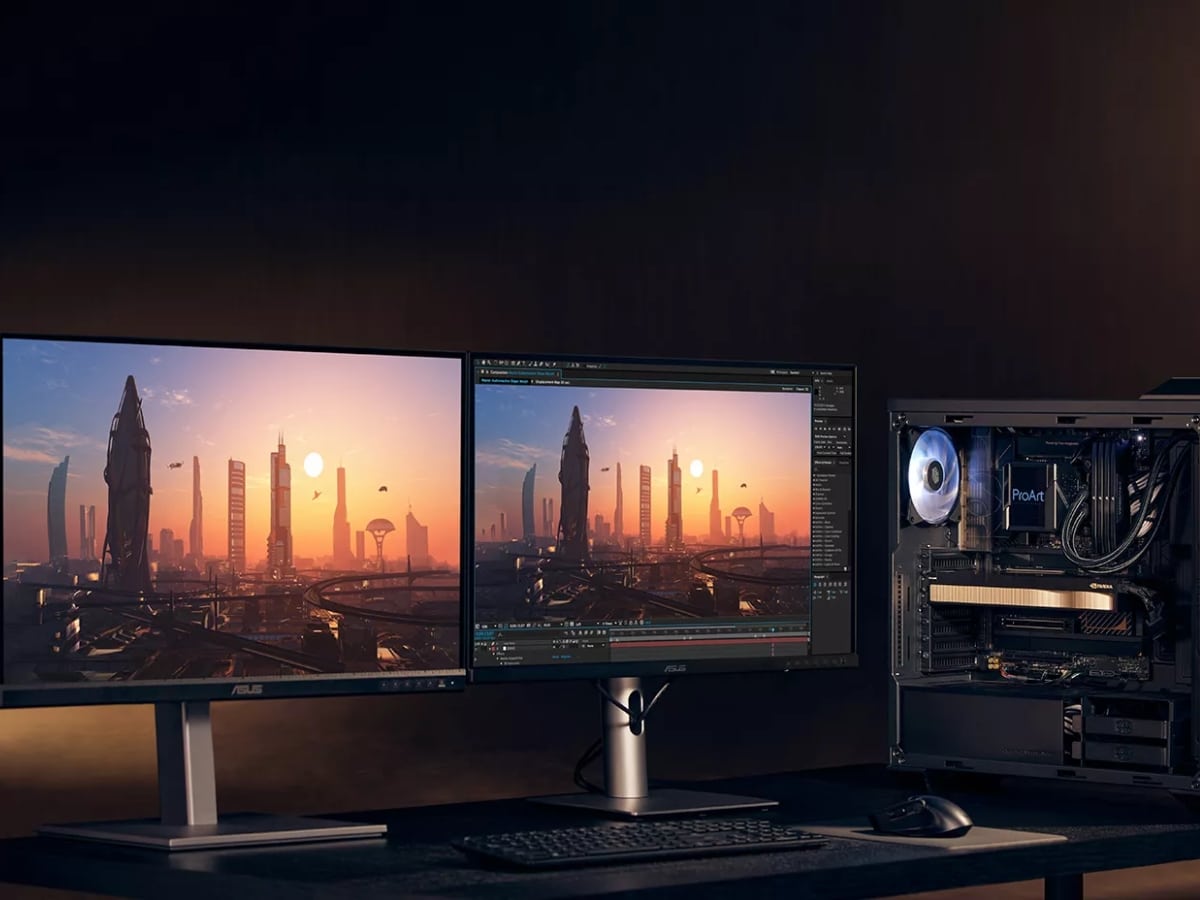
ASUS ProArt Display PA279CRV
- Panel Size: 27-inch
- Resolution: 4K UHD (model designation indicates 3840 x 2160)
- Primary Use: HDR video editing / creator workflows
- Adobe Premiere Validation: Yes
- Best For: Editors wanting a more accessible professional-grade reference display
ASUS ProArt Display PA27UCDMR
- Panel Size: 27-inch
- Panel Type: OLED (based on naming and ProArt lineup positioning)
- Resolution: 4K UHD
- Primary Use: Colour-critical HDR workflows
- Adobe Premiere Validation: Yes
- Best For: Professional editors, colourists, finishing work
ASUS ProArt Display OLED PA27USD
- Panel Size: 27-inch
- Panel Type: OLED
- Resolution: 4K UHD
- Refresh Rate: 240Hz
- Connectivity: 12G-SDI
- Primary Use: Video production / post-production
- Best For: Broadcast professionals needing high refresh + SDI workflows
ASUS ProArt Display PA32USD
- Panel Size: 32-inch
- Resolution: 4K UHD
- Connectivity: Dual 12G-SDI ports
- Primary Use: High-end post-production environments
- Best For: Studio editors and broadcast suites
ASUS ProArt Display OLED PA279CDV
- Panel Size: 27-inch (based on model naming)
- Panel Type: QD-OLED
- Resolution: 4K UHD
- Peak Brightness: Up to 1000 nits
- Refresh Rate: 120Hz
- Best For: Creators needing accurate colour with smoother motion performance


























Comments
We love hearing from you. or to leave a comment.