

Updated:
Readtime: 13 min
Every product is carefully selected by our editors and experts. If you buy from a link, we may earn a commission. Learn more. For more information on how we test products, click here.
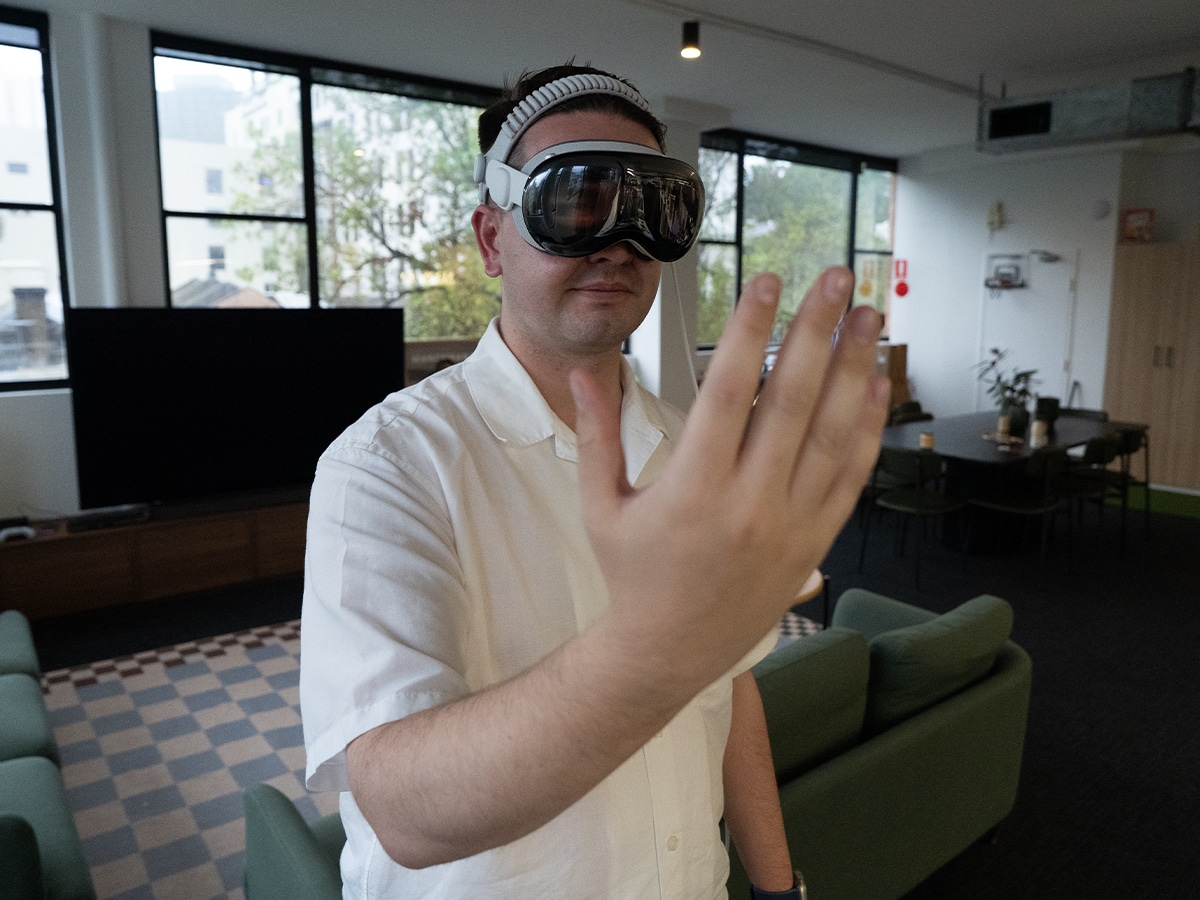
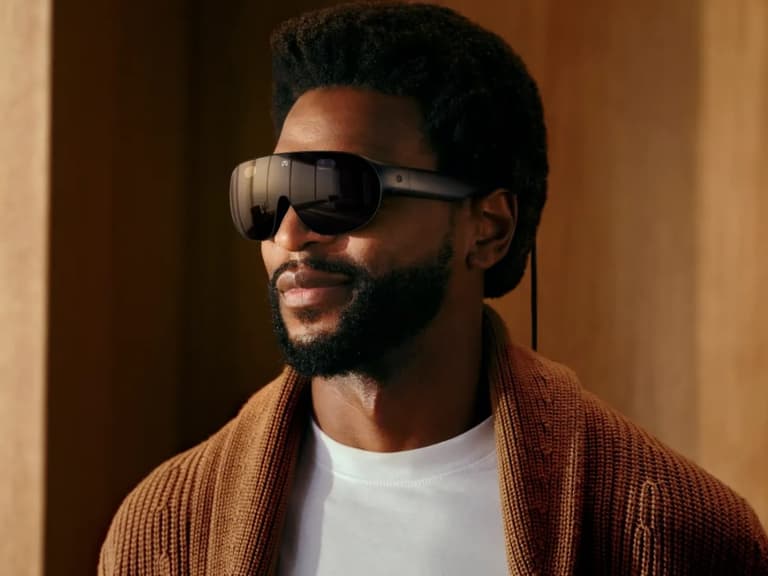
The best moment I’ve had with the Apple Vision Pro (M5) was when I put it on my 86-year-old grandmother. It suprised me with how quickly she worked out the eye-tracking controls and the hand gestures. Soon after looking through some photos, she was drawn into a fully immersive video of a person riding a bull. She was somewhat terrified by the flight scene that followed, but overall, it was an experience that she absolutely loved.
My first experience with the Vision Pro was a little less exciting. I had filmed some 360-degree video on the new DJI Osmo 360 in Melbourne for the Australian Open, and I was able to show my parents what the trip was like in full immersion. They could look around the city as I walked through it, and I could take them through the AO precinct with the crowds. When I watched the video back for this review, it really does feel like you’re there. But I wondered if this was enough to convince someone to spend AUD$5,999 for their own Apple Vision Pro.
I hesitated in writing this review for months as I searched for an answer. Now, with the latest update that added YouTube to the Apple Vision Pro, I finally have an answer (sort of).
Man of Many’s Verdict
Man of Many Rating: 4.5 / 5
| Pros | Cons |
| The M5 chip delivers desktop-level power with a buttery-smooth 120Hz refresh rate, eliminating lag entirely. The new Dual Knit Band finally solves past comfort issues, making long sessions effortless. Most importantly, the Mac Virtual Display transforms your MacBook into a massive 32:9 ultrawide monitor, an absolute cheat code for productivity. | Priced at AUD$5,999, the astronomical price tag remains the biggest barrier. Battery life is still stuck at three hours, keeping you tethered to a cable. Furthermore, the social friction of wearing it around others is high, and the glaring lack of native apps like Netflix and Chrome remains frustrating. |
With additional apps, including YouTube in the latest update, the Apple Vision Pro is slowly moving away from being a product for the bleeding-edge tech enthusiasts into something that you and I can use every day. It remains the ultimate choice for frequent flyers and power users who want the ultimate luxury desk setup, with the addition of through-charging. However, its use cases in the home remain a mystery.
Then, there’s the price. This remains the primary barrier to entry for many, but I believe it’s the true indicator of who this device is for. If you can’t stomach the AUD$5,999 price point, you’re not the target audience. The same could be said about many of the brand’s higher-end products, including the AUD$6,699 Mac Studio and the AUD$5,499 Studio Display XDR. It’s niche, it’s happy to be niche, and until the brand is ready to create a Vision Pro for everyone, it will stay this way.
Price, Competition, and Availability
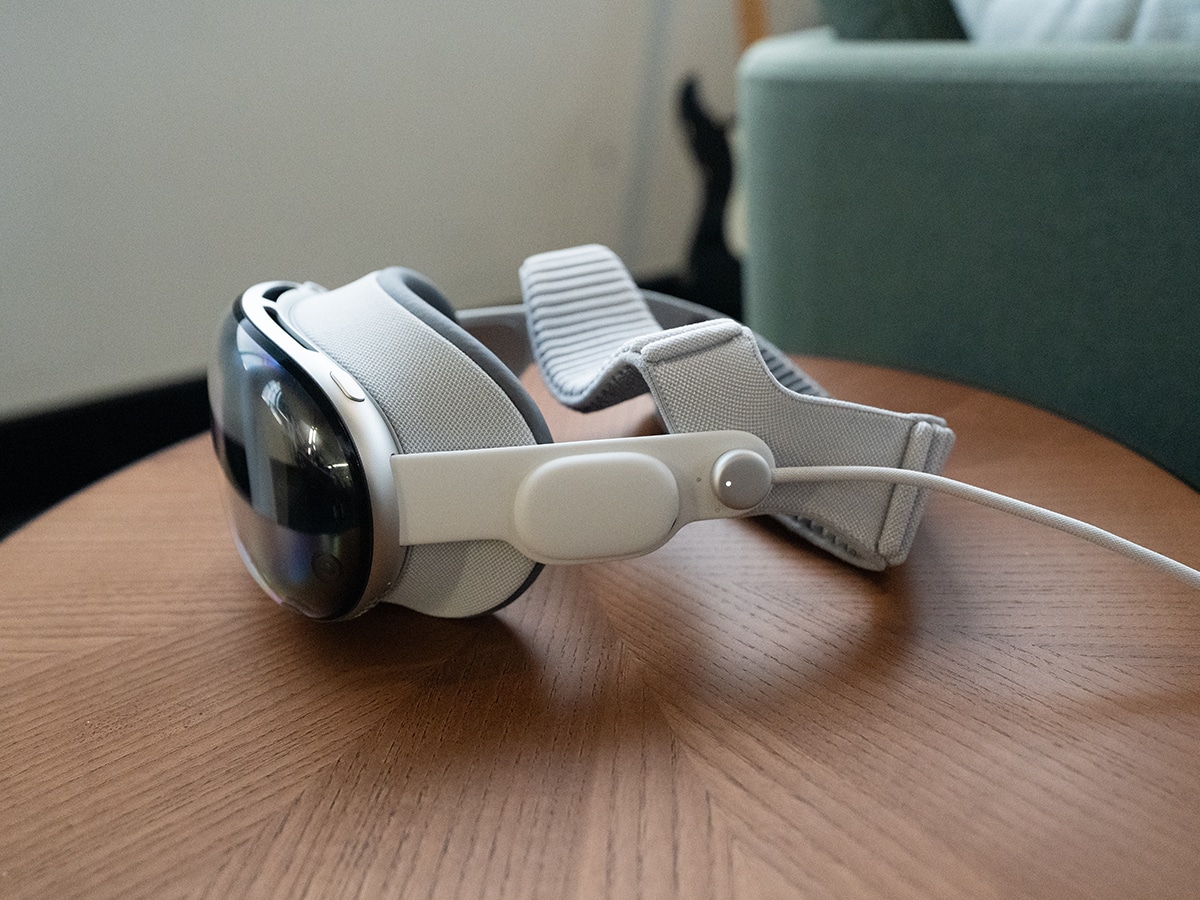
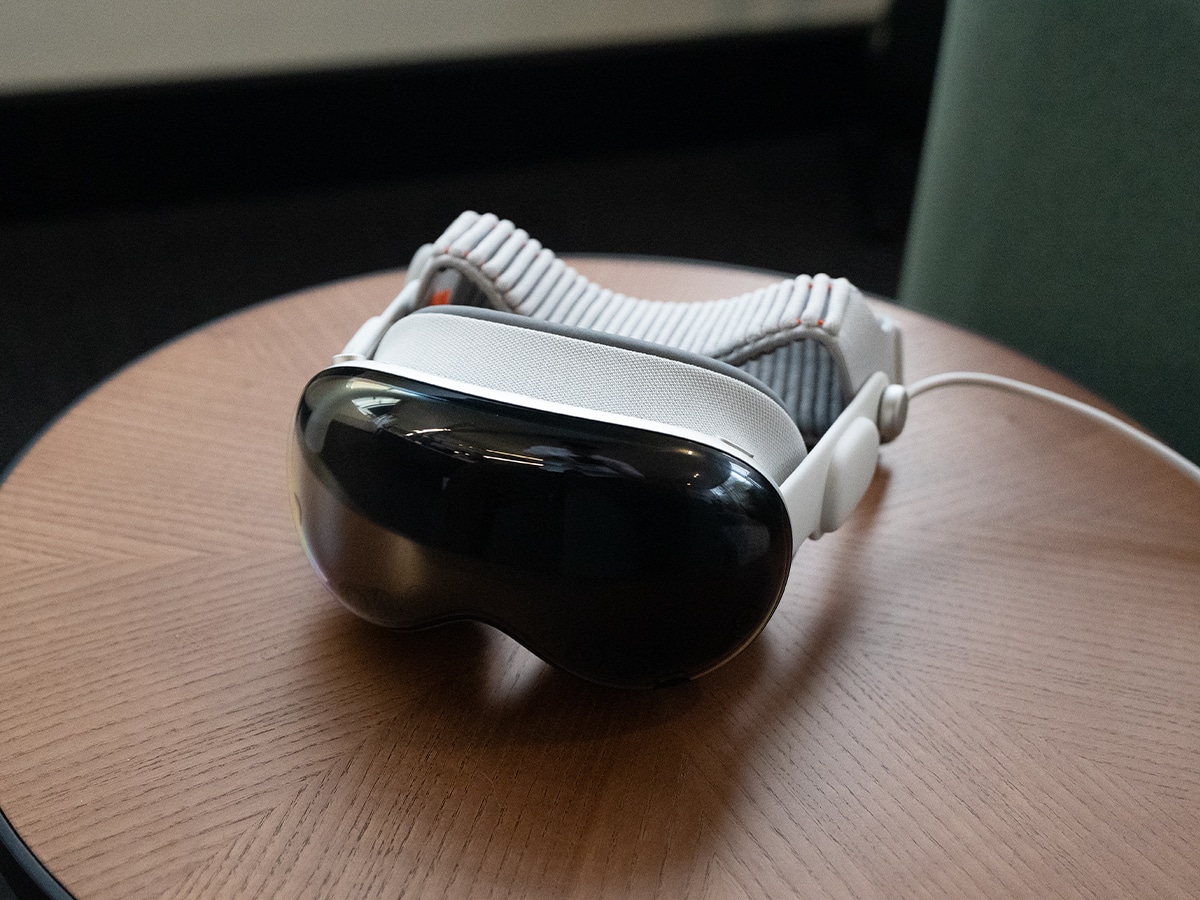
The Apple Vision Pro is a futuristic device, which makes it expensive. Despite the M5 refresh, it maintains the same pricing structure as the original M2, putting it in the ultra-premium luxury tech category.
Australian Pricing:
- 256GB: AUD$5,999
- 512GB: AUD$6,349
- 1TB: AUD$6,699
There’s also a range of Apple Vision Pro accessories available for purchase, including the ZEISS optical inserts for readers and perscriptions because you can’t wear glasses with the device on your head:
- ZEISS Optical Inserts (Readers): AUD$169.00
- ZEISS Optical Inserts (Prescription): AUD$249.00
- Apple Vision Pro Travel Case: AUD$349.00
- Apple Vision Pro Battery (Extra): AUD$349.00
- Apple Vision Pro Dual Knit Band: AUD$169.00 (Comes in the box with the M5)
You can shop the Vision Pro at the Apple website, linked below.
Key Specifications
| Feature | Specification |
| Starting Price (AU) | AU$5,999 |
| System-on-Chip (SoC) | Apple M5 Chip: 10-core CPU (4 performance, 6 efficiency), 10-core GPU, 16-core Neural Engine. Features hardware-accelerated ray tracing and 153 GB/s of memory bandwidth. |
| Co-Processor | Apple R1 Chip: 12-millisecond photon-to-photon latency, 256GB/s memory bandwidth (handles camera and sensor processing). |
| Display Technology | Dual Micro-OLED, 23 million pixels (approx. 4K per eye), 7.5-micron pixel pitch, 92% DCI-P3 colour gamut. |
| Refresh Rates | 90Hz, 96Hz, 100Hz, and 120Hz (New for M5) |
| Memory (RAM) | 16GB Unified Memory |
| Storage Options | 256GB, 512GB, 1TB |
| Cameras (Visual) | Stereoscopic 3D main camera system (18mm, ƒ/2.0 aperture, 6.5 stereo megapixels) for spatial photo and video capture. |
| Sensors & Tracking | 2 high‑resolution main cameras, 6 world‑facing tracking cameras, 4 internal eye‑tracking cameras, TrueDepth camera, LiDAR Scanner, 4 inertial measurement units (IMUs), flicker sensor, ambient light sensor. |
| Authentication | Optic ID (Iris-based biometric scanning) |
| Audio | Spatial Audio with dynamic head tracking, audio ray tracing, 6-mic array with directional beamforming. Supports ultra-low-latency connection to AirPods Pro (USB-C), AirPods Pro 3, and AirPods 4. |
| Battery Life | External tethered battery. Up to 2.5 hours of general use; up to 3 hours of video playback. Supports pass-through charging. |
| Connectivity | Wi‑Fi 6 (802.11ax), Bluetooth 5.3 |
| Weight | Approx. 750–800 grams (varies based on Light Seal configuration and the new Dual Knit Band). External battery weighs 353 grams. |
| In The Box | Apple Vision Pro, Light Seal, 2x Light Seal Cushions, Dual Knit Band (Included), Protective Cover, Battery, 30W USB‑C Power Adapter, USB‑C Charge Cable, Polishing Cloth. |
| Operating System | visionOS |
Upgraded M5 Performance and the Dual Knit Band
The truth is, most people who own a Vision Pro won’t be trading in their M2 for an M5 anytime soon. Unless you’re desperate for that buttery-smooth 120Hz refresh rate on the 23-million-pixel micro-OLED displays, you’ll be fine without the extra processing headroom, but it is a nice-to-have.
Three months into wearing the Vision Pro and there’s zero stutter or lag from the displays, even with processor-heavy tasks like games, large spreadsheets, and 4K YouTube videos. I’m not sure there’s a program you can run on the Vision Pro that would even push the M5 to its limits.
Battery life does remain the Vision Pro’s Achilles heel, and you’ll still only squeeze out about 2.5 to 3 hours of normal use from the aluminium battery brick (less than 2 hours with video). However, you can now plug that battery brick into a USB-C charger and use the Vision Pro for as long as you want. This makes it even more useful for long-haul overseas travel (with Travel Mode enabled).
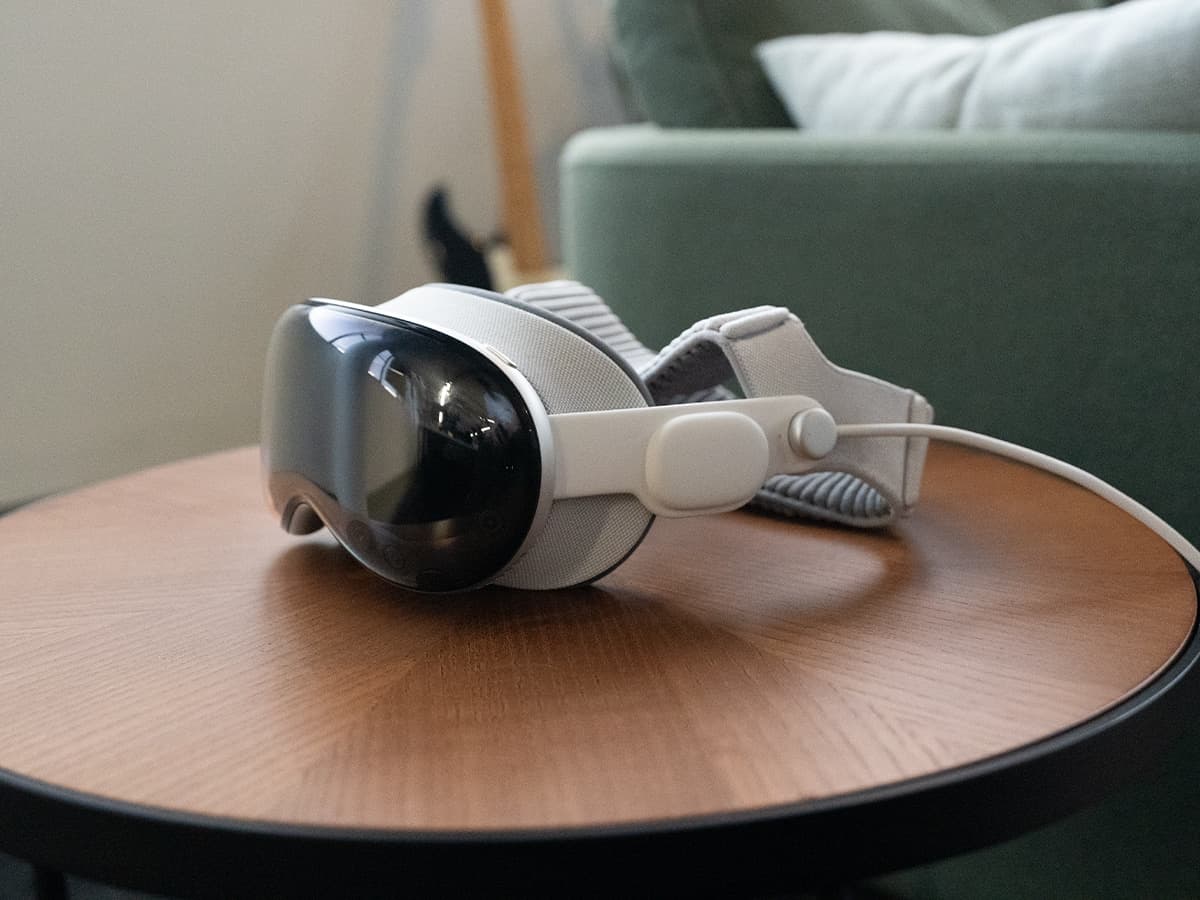
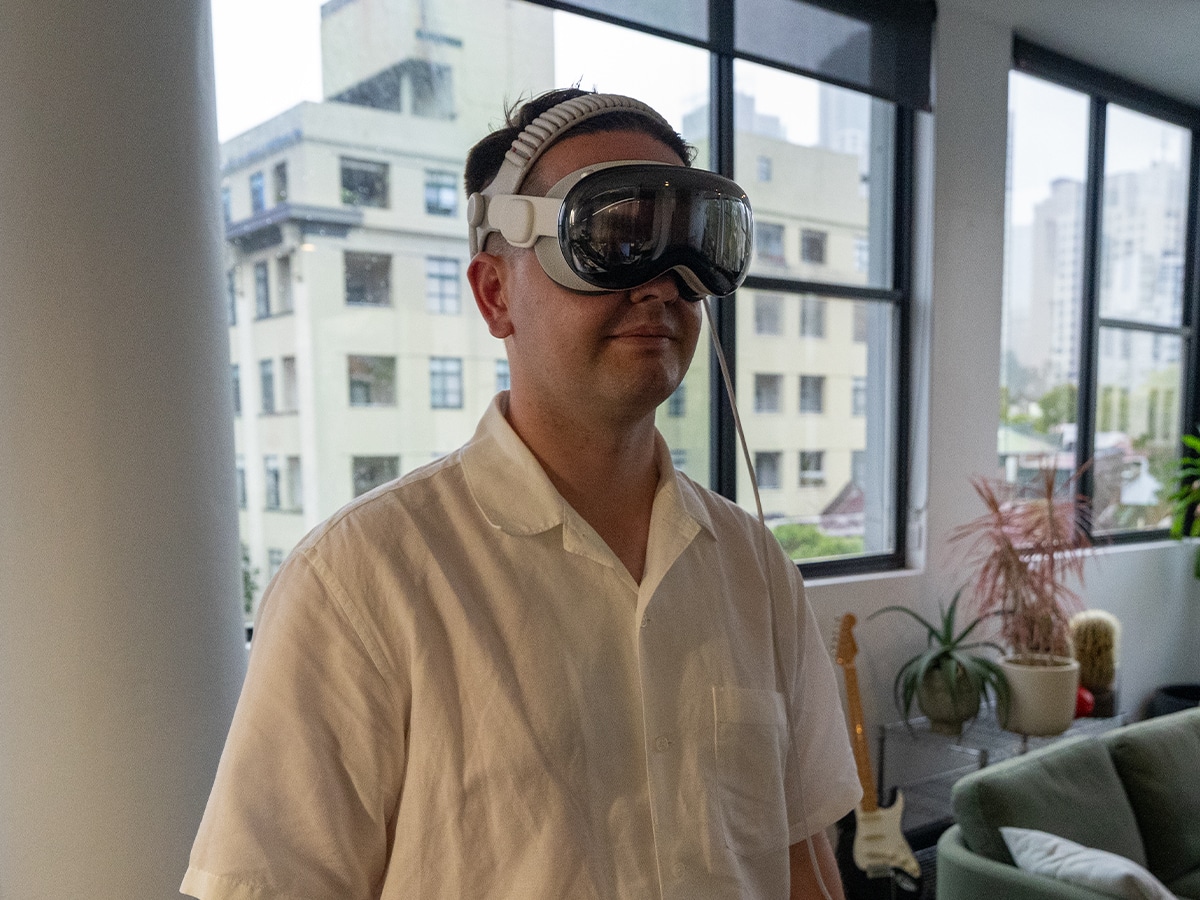
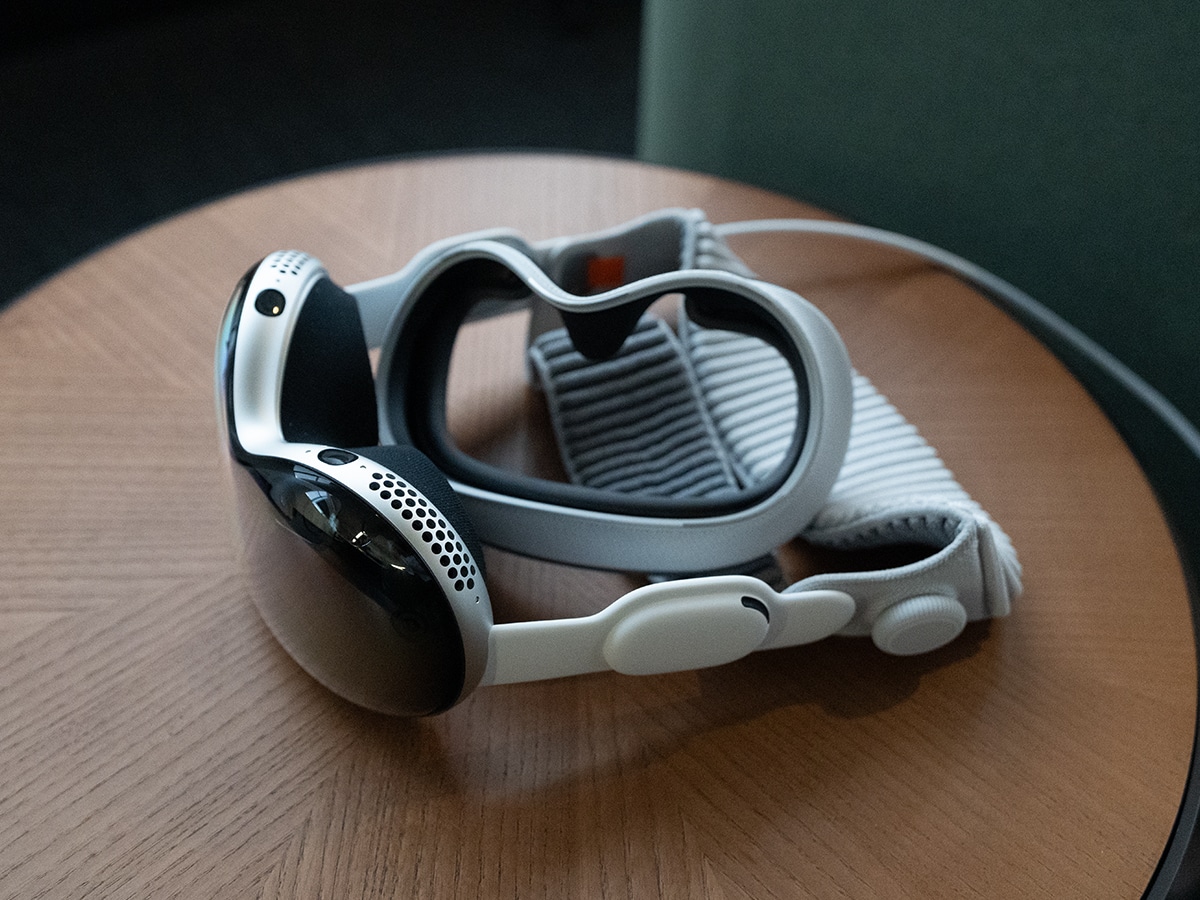
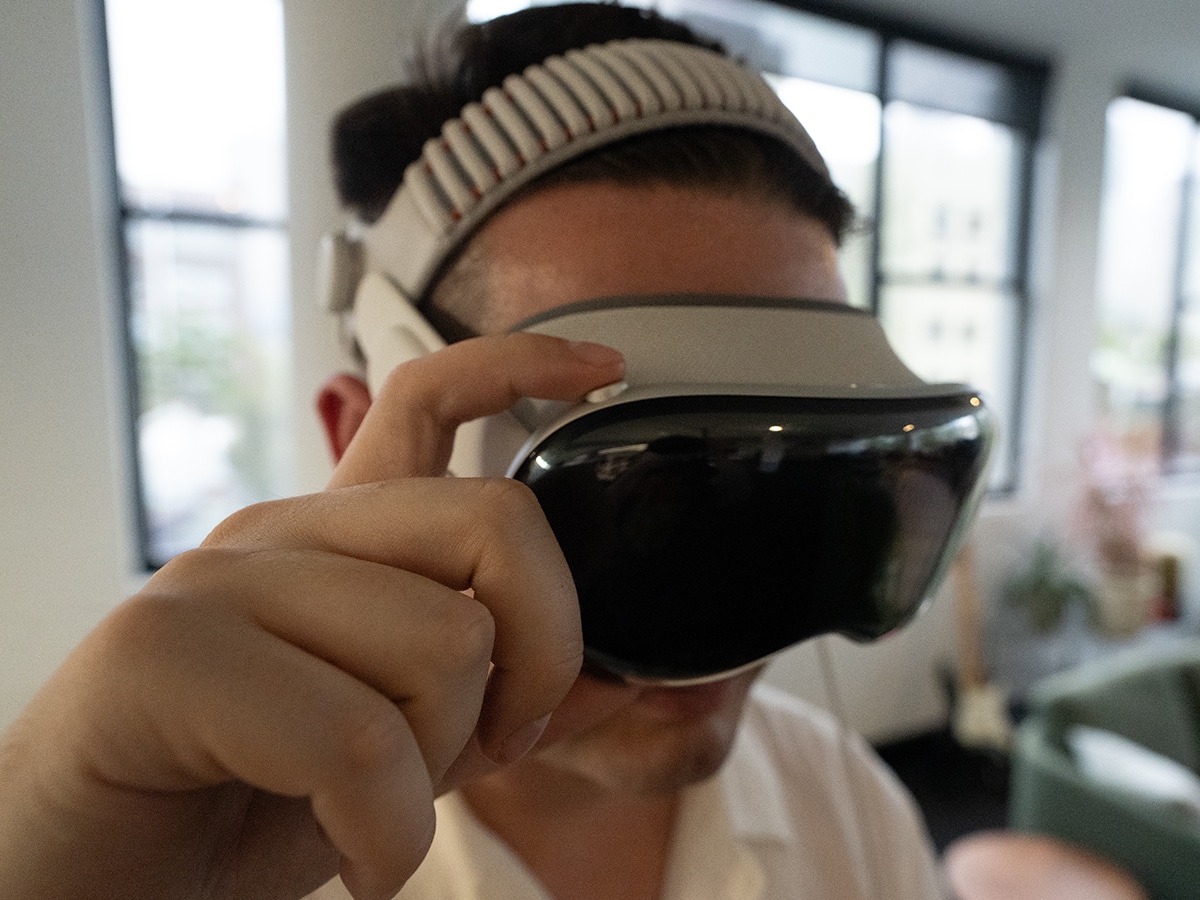
Previously, the biggest physical flaw of the Vision Pro was its front-heavy, near one kilogram aluminum chassis. The brand says it’s fixed the comfort factor with a new Dual Knit Band, but I’m still not entirely convinced. Replacing the awkward dual-loop straps of the original with a new band that features two wide, heavily padded fabric straps that run across the back and top of your head is a substantial upgrade, but it’s still not perfect. You can now wear the Vision Pro for a three-hour stint comfortably, though there’s still no hiding its weight entirely.
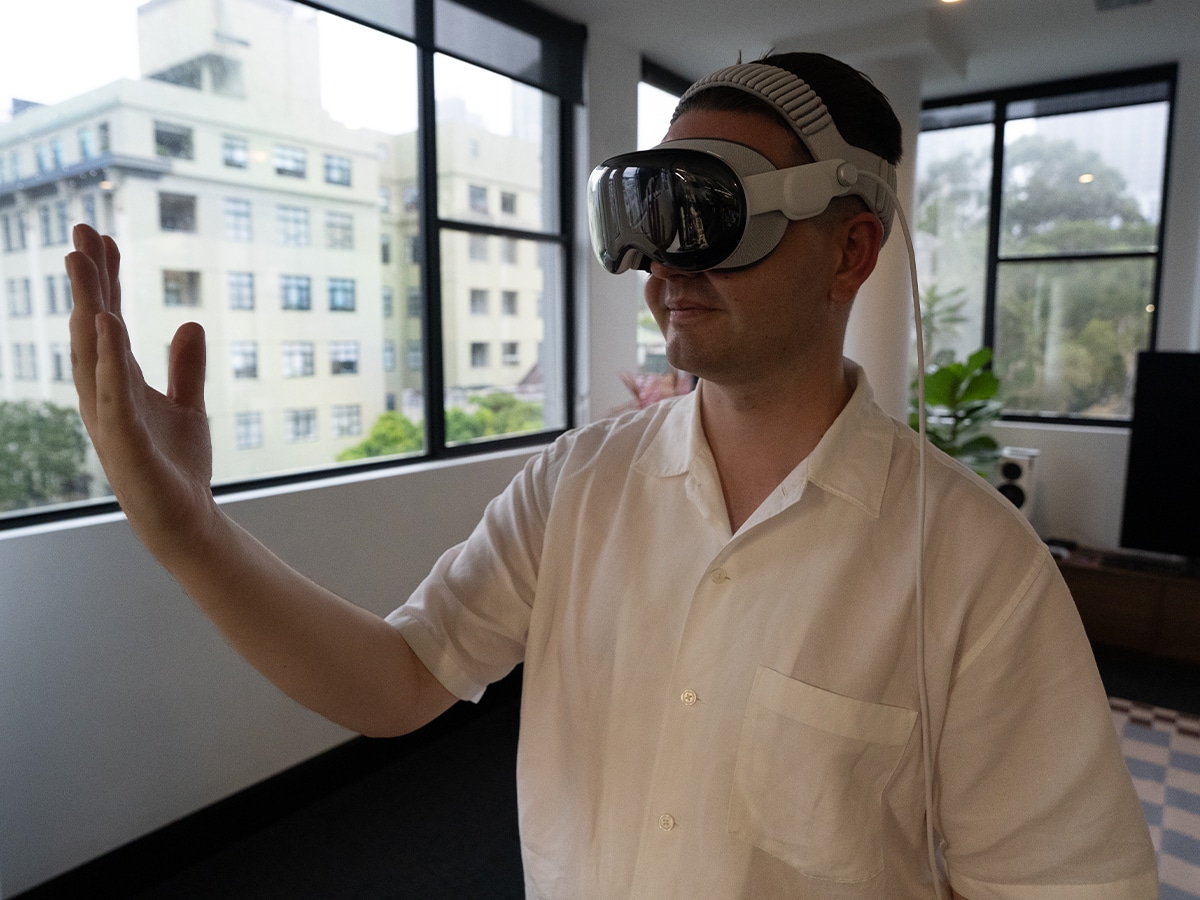
How the Vision Pro Actually Works
It’s easy to get stuck in the changes and upgrades to the Vision Pro, but you don’t drop six grand on a headset just to run diagnostic tests. You buy it to experience the new way to consume and interact with digital content. I find it rather challenging to explain all the features of the Vision Pro in writing, but this is what it actually feels like to use the device across the four main pillars of daily life.
Photos
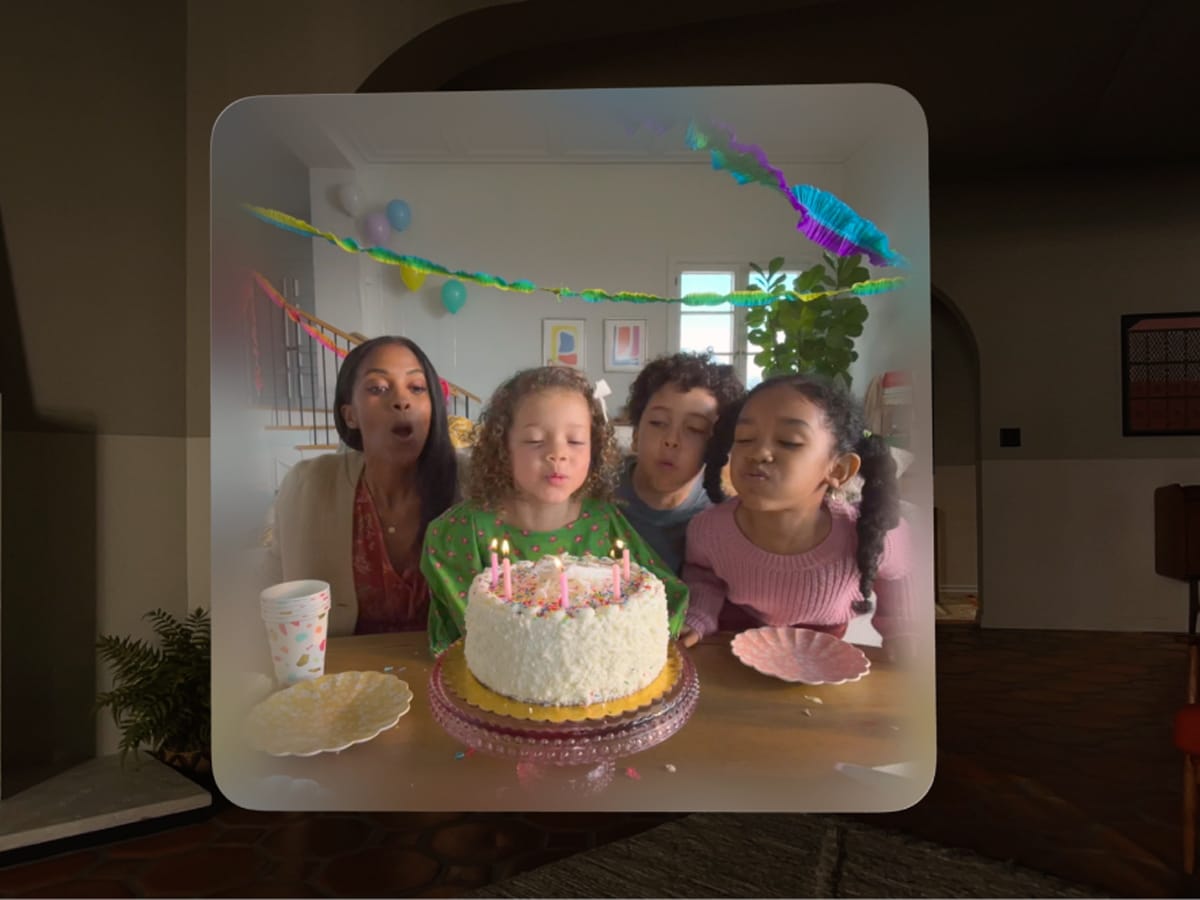
It was a hallmark of the Vision Pro when it was released, but I’ve hardly spent any time with photos on the device. Spatial Photos and panoramas are the highlight, but having to put the device on your head just to view them is a layer of friction that most people won’t bother with. Sure, if everyone in the room was wearing a Vision Pro and you were taking them through your holiday to the Swiss Alps it would be an epic experience, but that’s a little far from reality.
You can shoot Spatial video and photos on the latest iPhones and they add a layer of 3D depth, but even as someone who loves to push the boundaries with images, it’s not something I ever used. Converting old photos that weren’t shot in Spatial gives them a second life, and it can be an incredibly emotional, immersive way to view your camera roll when you look back at key moments in your life, e.g., weddings. But how often are you really going to do this?
Video
This is where the Vision Pro really hits its stride, with the ability to view multiple types of video beyond standard 2D content.
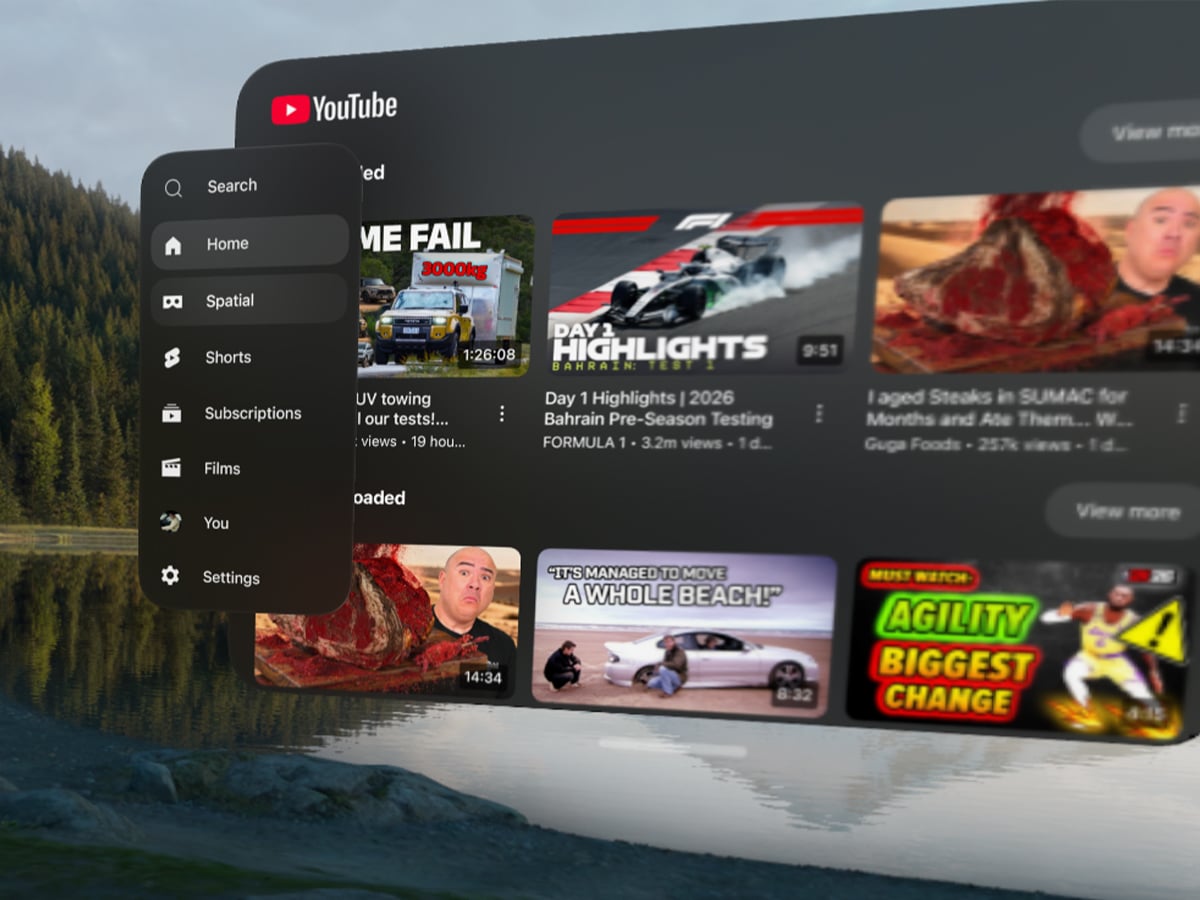
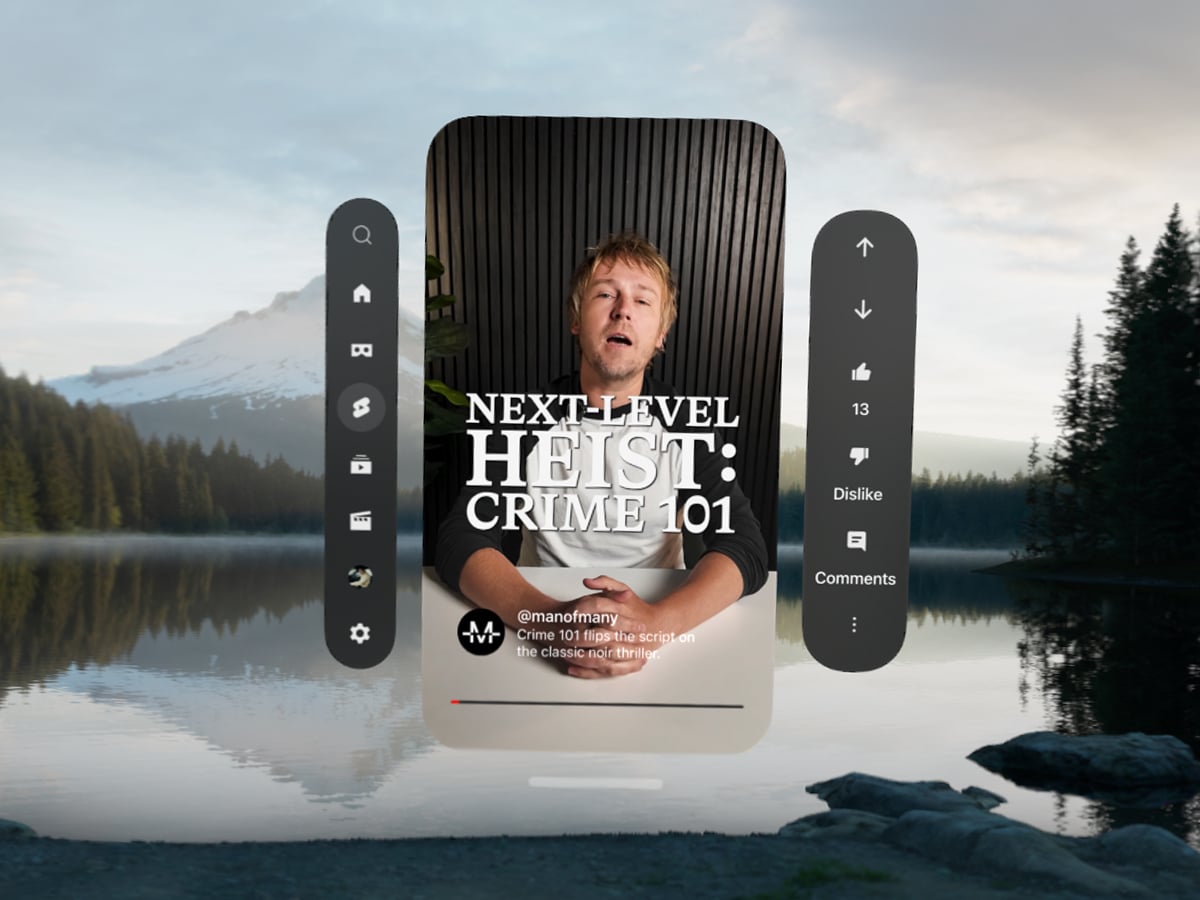
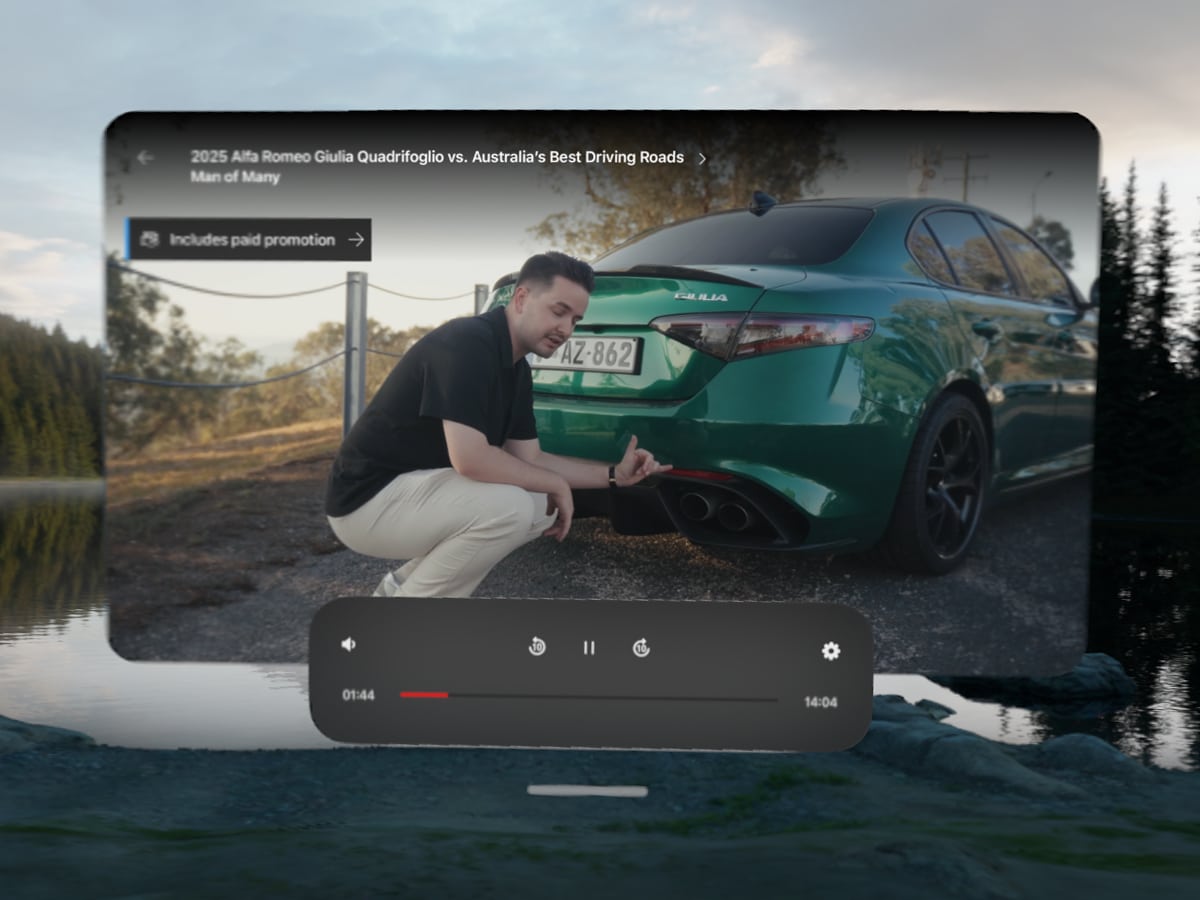
The holy grail experience is the Apple Immersive Video, a proprietary format shot in 180-degree, and 8K 3D with Spatial Audio. It completely wraps around your peripheral vision, making you feel physically present in the scene, and that’s particularly cool when you’re watching sports games, backcountry skiing documentaries, and more. There isn’t an infinite amount of content to consume in Apple Immersive, but the library inside the Apple TV app is still growing, and with the addition of the YouTube app, it has opened up a near infinite amount of content.
I found 360-degree YouTube city tours quite cool, and this concept could be useful for people planning an expensive overseas holiday. There are tonnes of videos uploaded in this format, which is a great resource for scouting ski runs and mountain bike tracks in places like Japan and locally in Thredbo. Heck, if I were training for a race, being able to watch footage of the track in an immersive way might be the edge needed.
Ultimately, I found myself simply using the Vision Pro as a massive 80-inch screen running the Sunday footy in the centre of my room. It feels like a bit of a waste doing this, and you can surely purchase a pretty impressive TV for less, but snapping the F1 to the side of the room and having a floating Safari window with live stats on the other side of the room is pretty elite.

Games
Unlike other virtual reality headsets, the Vision Pro is not a dedicated game device. If you want to connect it to your PlayStation 5, then you’ll have to use a third-party app, but it’s hardly worth it as the experience is quite clunky. Native Spatial Gaming is very solid, and titles like Super Fruit Ninja and Synth Riders on Apple Arcade are a lot of fun to play in short bursts. However, you won’t buy the Vision Pro to sit in the middle of your living room swinging your arms around to cut fruit.
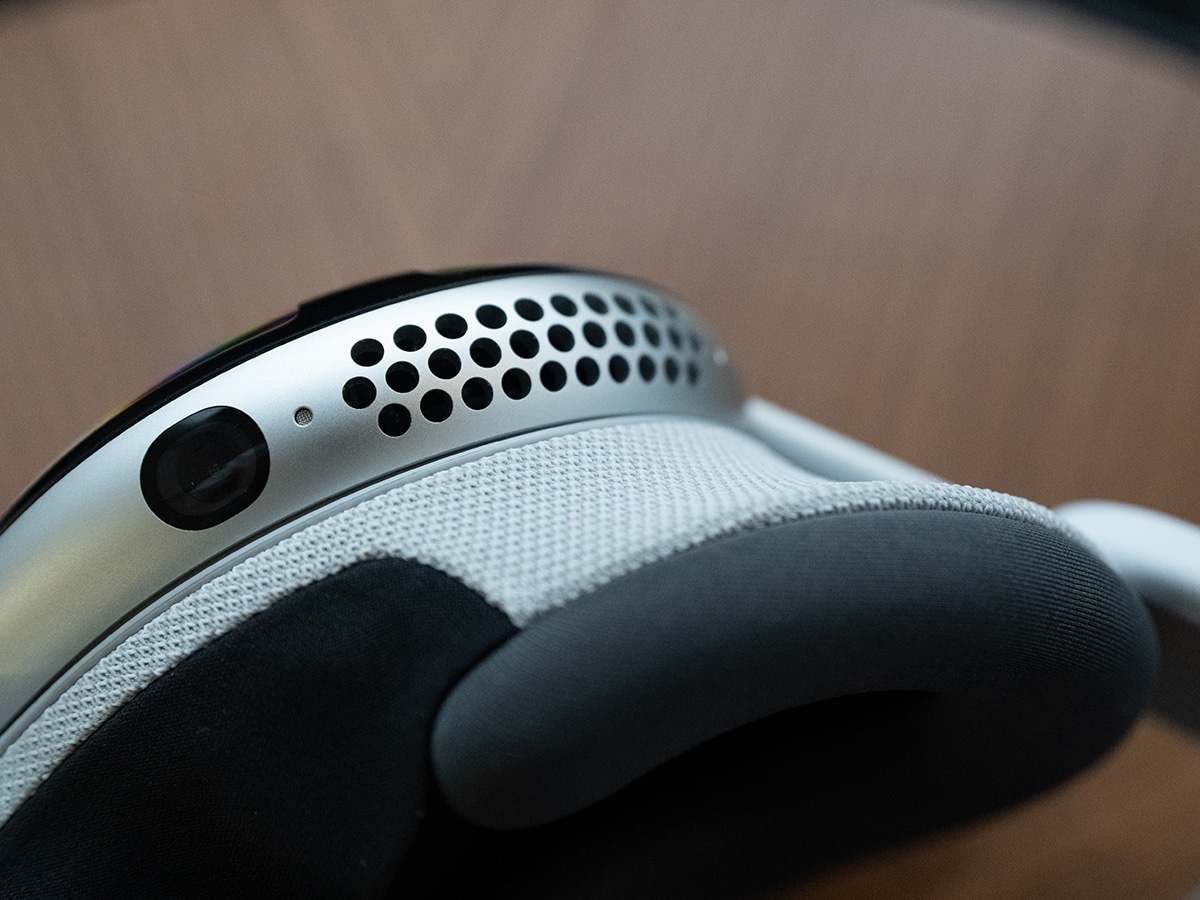
Technically speaking, the R1 processor in the device handles input from the 12 cameras to track your movement with near-zero latency. There are no joysticks here, unlike some competitors; your eyes and hands are the controllers.
Productivity
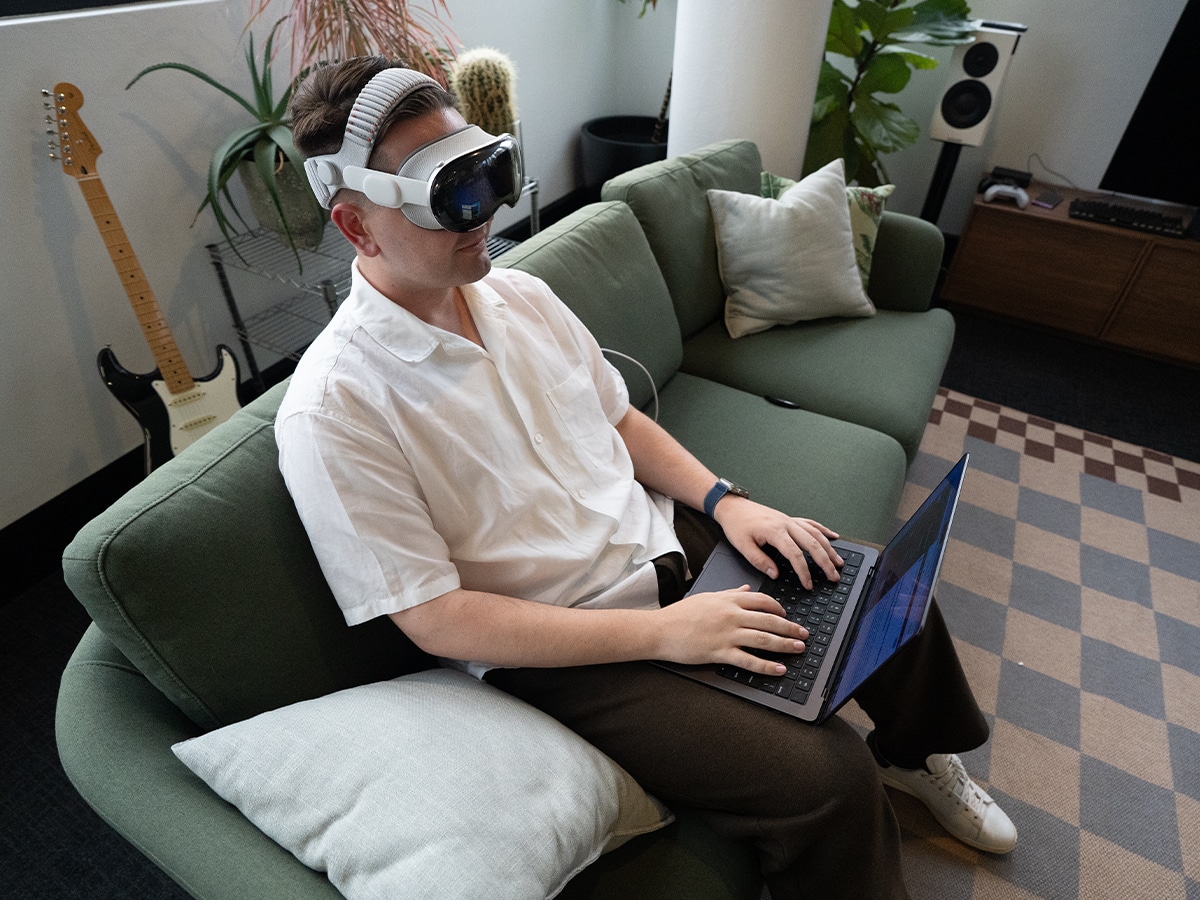
I firmly believe the main reason an individual would invest in an Apple Vision Pro is for the Mac Virtual Display capability. This turns your 16-inch MacBook Pro into a curved 32:9 Ultrawide format monitor with a simple glance at the top of your MacBook, where a floating box with “Connect Mac Virtual Display” pops up.
To put this into perspective, the Mac Virtual Display is equivalent to sitting in front of two premium 5K 120Hz studio monitors, positioned side-by-side and wrapping around your peripheral vision. It boasts very high horizontal resolution (10,240 x 2,880), which is great for productivity, including video editing. Most importantly, thanks to the Vision Pro’s high Pixel Per Degree (PPD), the text on the screen is sharp, almost entirely eliminating the eye strain associated with earlier VR headsets.
If you’re a colour-grader, the displays cover 92% of the DCI-P3 digital cinema colour space, which isn’t as strong as Apple’s new Studio Display XDR. However, the micro-OLED pixels emit their own light, and the contrast is very good, blacks are rich and inky, and highlights are stark.
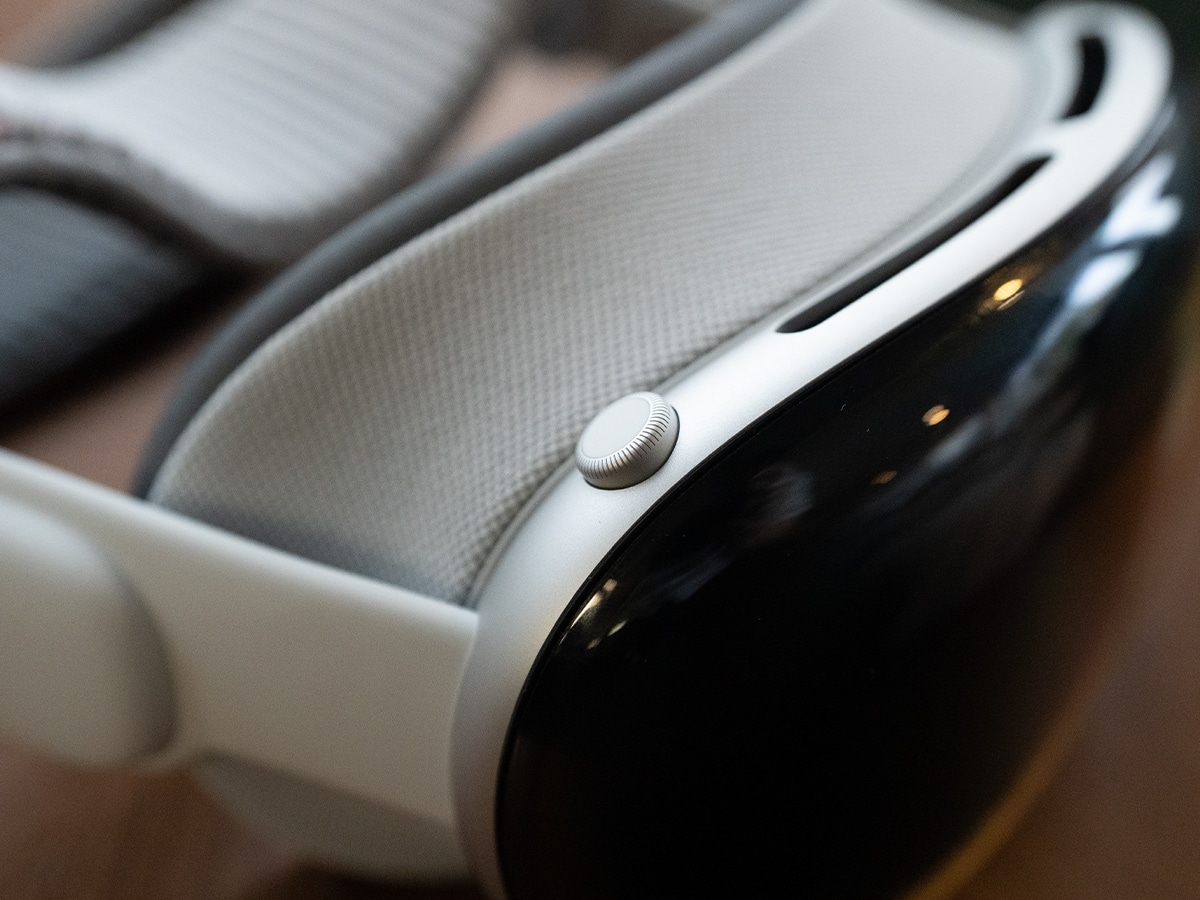
Here’s another important point to make for productivity. While the Vision Pro uses eye-tracking for its native apps, the Mac Virtual Display relies on your physical Magic Keyboard and Trackpad (or a Bluetooth mouse). When you spin the headset’s Digital Crown to enter a fully immersive environment, visionOS automatically detects your physical keyboard and punches a hole through the virtual reality, revealing your hands and the keys. You can dial in and out of sensory isolation for deep-focus work, without losing the tactile speed of your keyboard shortcuts.
Productivity is where I’ve used the Vision Pro the most, packing a dual-5K editing suite into a carry-on bag, setting it up on a tray table during a flight to LA, and editing some of our social videos with zero compromises.
Final Thoughts
So after three months of living with the Apple Vision Pro (M5), what’s the verdict? I think the best place to start is by explaining what it isn’t. If you’re looking for a standalone computer that will entirely replace your Mac, iPad, and iPhone, this isn’t it. Even with the ability to plug in, the battery life is still too short, the social friction of wearing it anywhere but a private room or on a plane is still an issue, and the lack of native apps from giants like Netflix is an annoyance.
But judging the Vision Pro by what it can’t do misses the point of what it can do. If you view this device as the world’s most luxurious, uncompromising Mac accessory, it is an absolute triumph.
The M5 processor and the new Dual Knit Band have solved the processing hiccups and neck cramps of the first generation. Packing a high-resolution, 32:9 ultrawide curved monitor and a 100-inch personal 3D cinema into a travel case that fits in your carry-on is nothing short of technological magic.
It’s not the product for a casual tech fan, but if you are a creative professional, a frequent long-haul flyer, or someone who demands the bleeding edge of luxury tech (and you can comfortably stomach the AU$5,999 price tag), the M5 Vision Pro is in a league of its own. It’s a wildly expensive, slightly flawed look into the future of technology. Right now, there’s nothing else like it.
*Product supplied by the brand on a loan basis for the purposes of this review. They did not read, brief, or alter this review before publishing.




















Comments
We love hearing from you. or to leave a comment.