


Updated:
Readtime: 8 min
Every product is carefully selected by our editors and experts. If you buy from a link, we may earn a commission. Learn more. For more information on how we test products, click here.
Apple’s March hardware run continues. After the iPhone 17e and the new M4 iPad Air, now it’s time for the Mac, with a full refresh across Air, Pro and desktop displays.
The new M5 MacBook Air and MacBook Pro models powered by M5 Pro and M5 Max, and the updated Studio Display family are available to pre-order from 5 March, with Australian availability from 11 March.
Here’s what you need to know.
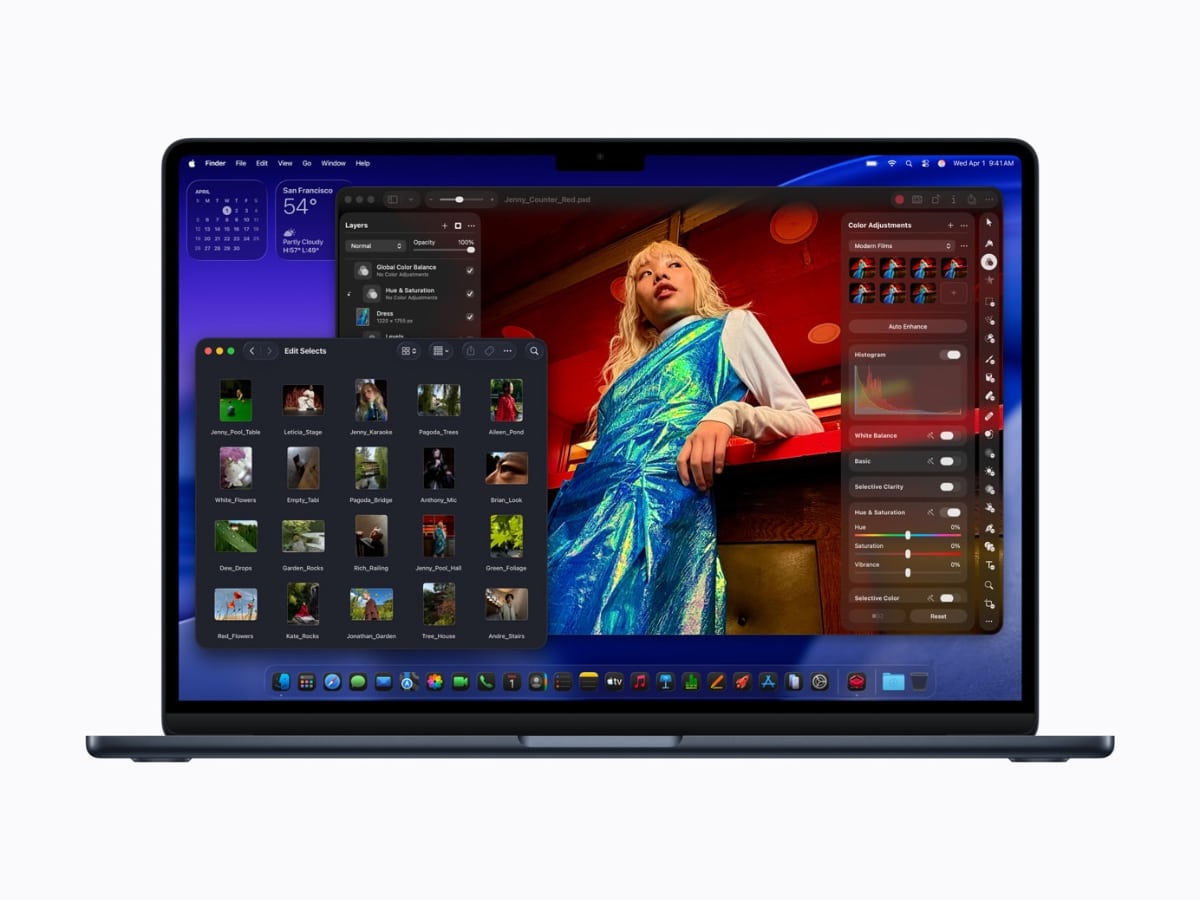
MacBook Air with M5
Starting at the entry point, the MacBook Air moves to M5.
This is the everyday workhorse. Same thin, silent design, now with more headroom, double the starting storage, and updated wireless connectivity. If your day is email, docs, creative apps and too many browser tabs, this is the safe bet.
What’s changed in MacBook Air with M5?
- Moves from M4 to M5 with faster CPU and GPU
- Starting storage doubled to 512GB
- Faster SSD performance
- Wi-Fi 7 and Bluetooth 6 via Apple’s N1 wireless chip
MacBook Air with M5 Pricing (Australia)
- 13-inch from $1,799
- 15-inch from $2,199
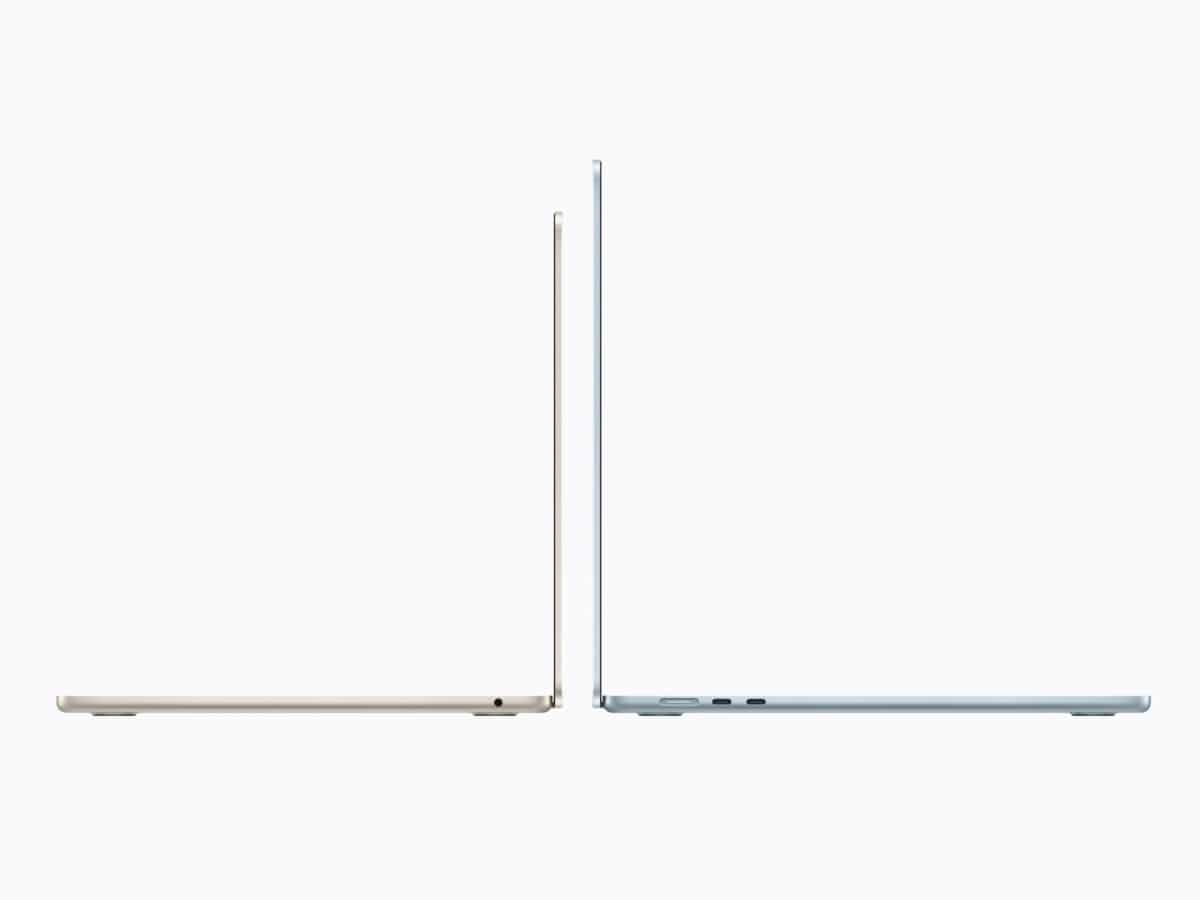
MacBook Air with M5 key specs
- 13.6-inch or 15.3-inch Liquid Retina display, 500 nits brightness
- M5 chip with 10-core CPU and up to 10-core GPU
- 153GB/s unified memory bandwidth
- 512GB storage standard, configurable up to 4TB
- Up to 18 hours battery life
- Two Thunderbolt 4 ports, supports up to two external displays
- 12MP Center Stage camera
If you’re on M1 or an older Intel Air, this is a meaningful jump. If you’re already on M4, the upgrade is more about storage and wireless than outright speed.
MacBook Air Comparison: M5 vs. M4
| Feature | MacBook Air (M4) | MacBook Air (M5) | Change / Impact |
| Base Storage | 256GB | 512GB | Doubled for the same starting tier. |
| SSD Speed | Standard | Up to 2x Faster | Snappier app launches and file moves. |
| Memory Bandwidth | 120GB/s | 153GB/s | ~28% increase; better for multitasking. |
| Wireless | Wi-Fi 6E / BT 5.3 | Wi-Fi 7 / BT 6.0 | Future-proofed for faster routers. |
| Camera | 1080p FaceTime | 12MP Center Stage | Better video calls with “Desk View.” |
| Starting Price (AU) | $1,699 | $1,799 | +$100 (Price normalized for storage). |
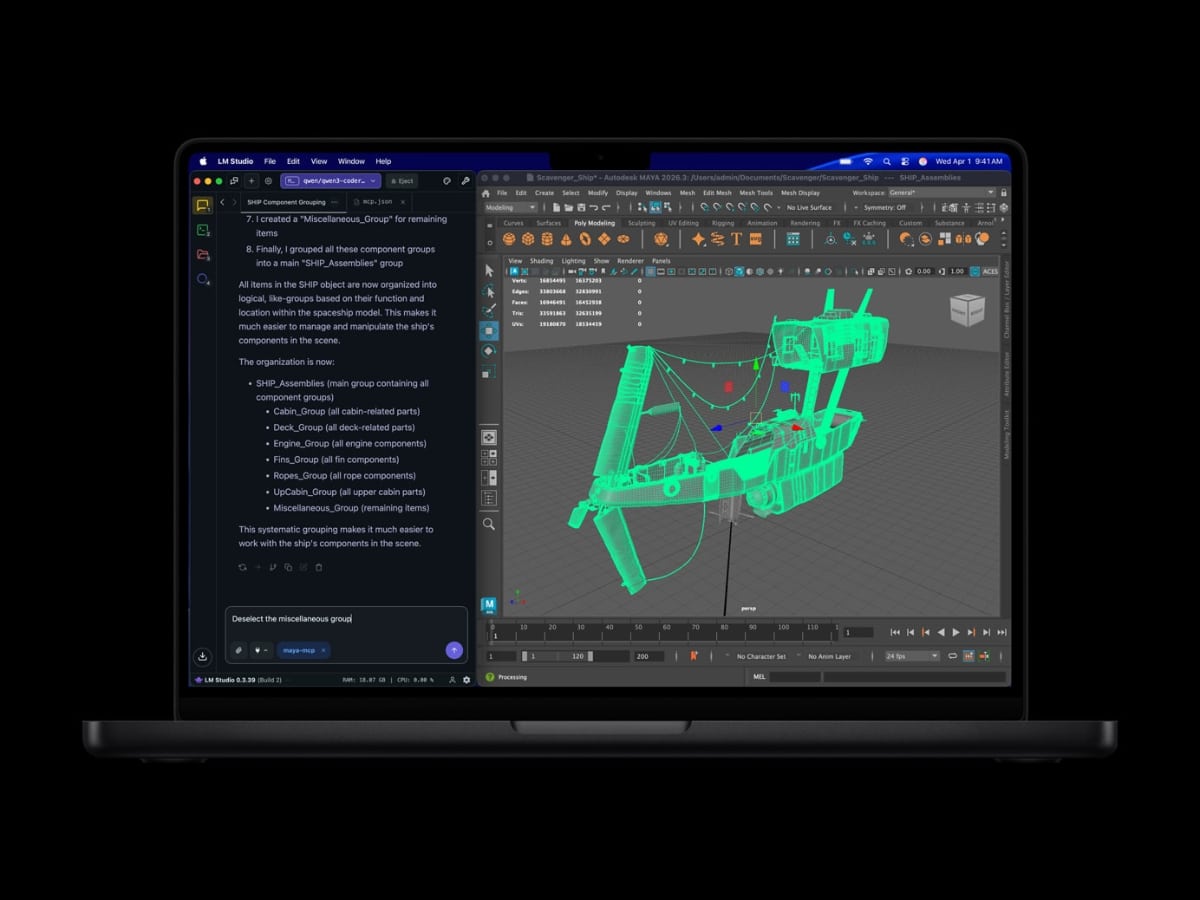
MacBook Pro with M5 Pro and M5 Max
Moving up the stack, the 14- and 16-inch MacBook Pro now runs on M5 Pro and M5 Max.
This is for people who actually make their laptop work for a living. Large photo libraries, 3D scenes, complex code builds and heavy video timelines. Storage starts higher, SSD speeds are faster, and connectivity moves to Thunderbolt 5.
What’s changed in the MacBook Pro with M5 Pro and M5 Max?
- New M5 Pro and M5 Max chips built on Apple’s Fusion Architecture
- Higher starting storage: 1TB (M5 Pro) and 2TB (M5 Max)
- Up to 2x faster SSD performance
- Wi-Fi 7 and Bluetooth 6
- Thunderbolt 5 now standard
MacBook Pro with M5 Pro and M5 Max Pricing (Australia)
- 14-inch (M5 Pro) from $3,499
- 16-inch (M5 Pro) from $4,299
- 14-inch (M5 Max) from $5,799
- 16-inch (M5 Max) from $6,299
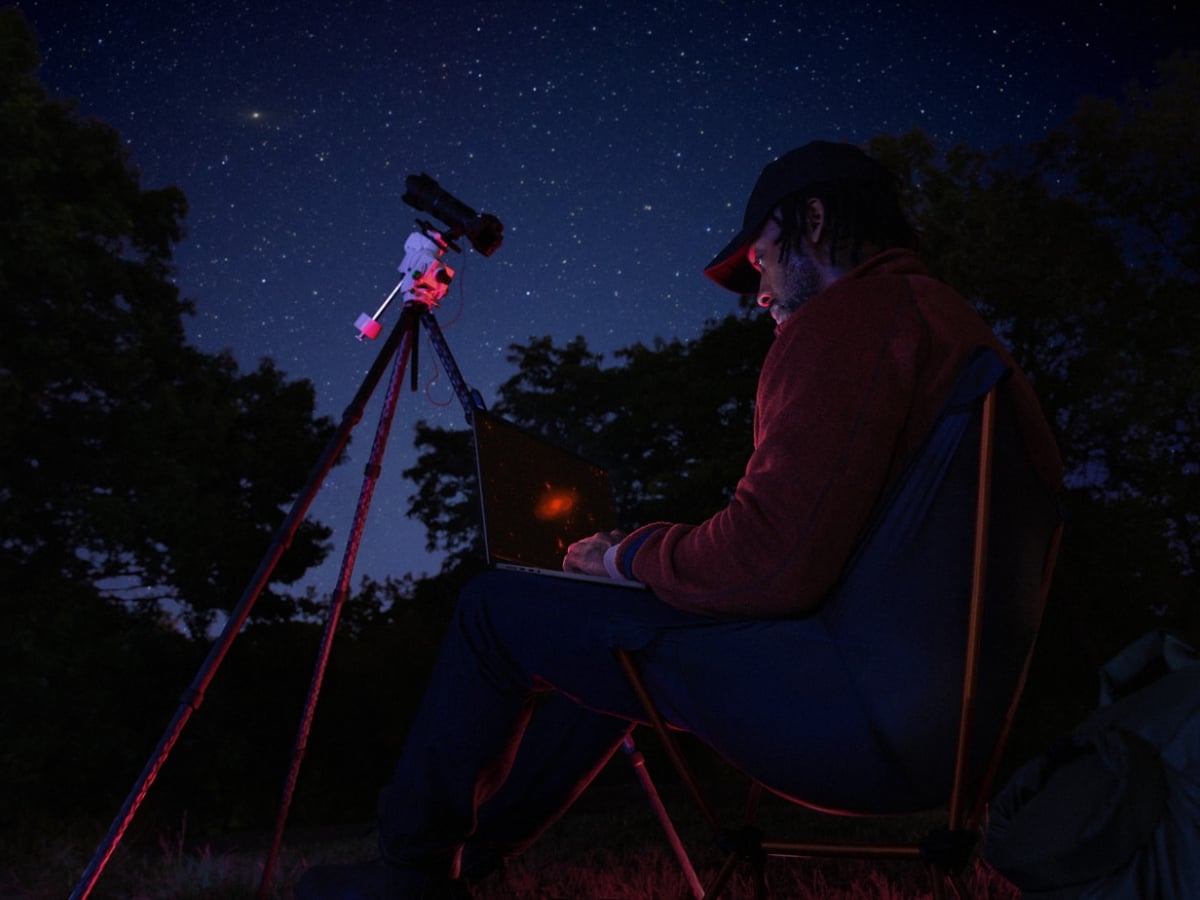
MacBook Pro with M5 Pro and M5 Max key specs
- 14-inch and 16-inch models, space black or silver
- Liquid Retina XDR display, nano-texture option available
- Up to 24 hours battery life
- Three Thunderbolt 5 ports
- HDMI (up to 8K), SDXC card slot, MagSafe 3
- 12MP Center Stage camera, six-speaker system with Spatial Audio
- Storage starts at 1TB (M5 Pro) or 2TB (M5 Max)
- SSD speeds up to 14.5GB/s
For M1 Pro or Intel users, this is a significant leap. If you’re on M4 Pro or Max, the gains are more incremental unless you need Thunderbolt 5 or the higher base storage.
MacBook Pro Comparison: M5 Pro/Max vs. M4 Pro/Max
| Feature | MacBook Pro (M4 Pro/Max) | MacBook Pro (M5 Pro/Max) | Change / Impact |
| CPU Architecture | 14-core (Max) | 18-core (Fusion) | 30% faster pro-workload processing. |
| GPU AI Power | Standard Neural Engine | Neural Accelerator in every core | 4x peak AI performance vs M4. |
| Base Storage | 512GB (Pro) / 1TB (Max) | 1TB (Pro) / 2TB (Max) | Doubled across both pro tiers. |
| SSD Speed | Up to 7.5GB/s | Up to 14.5GB/s | Professional-grade data throughput. |
| Connectivity | Thunderbolt 4 | Thunderbolt 5 | 3x more bandwidth for external drives/displays. |
| Max Battery | 22 Hours | 24 Hours | Best-in-class endurance. |
| Start Price (AU) | $3,299 (14″ M4 Pro) | $3,499 (14″ M5 Pro) | +$200 increase. |
M5 Pro and M5 Max Chips
Under the hood, Apple has also detailed the architectural changes behind the new M5 Pro and M5 Max chips.
In simple terms, M5 Pro is serious. M5 Max is excessive, in the best possible way. The difference comes down to GPU cores and memory bandwidth. M5 Pro suits serious creative and technical workloads. M5 Max is for users who need maximum GPU cores and memory for large 3D projects or heavy compute tasks.
What’s changed with the M5 Pro and M5 Max Chips?
- New 18-core CPU architecture (6 super cores + 12 performance cores)
- Higher GPU core ceilings
- Increased unified memory bandwidth
- Thunderbolt 5 integrated directly into the chip
M5 Pro and M5 Max Chips Key Specs
- GPU: up to 20 cores (M5 Pro) or 40 cores (M5 Max)
- Unified memory: up to 64GB (M5 Pro) or 128GB (M5 Max)
- Memory bandwidth: up to 307GB/s (M5 Pro) or 614GB/s (M5 Max)
- 16-core Neural Engine
- Hardware support for H.264, HEVC, AV1 decode and ProRes encode/decode
M5 vs. M5 Pro vs. M5 Max Specs
| Feature | M5 (Base) | M5 Pro | M5 Max |
| CPU Cores | 10-core (4 Super / 6 Perf) | Up to 18-core (6 Super / 12 Perf) | 18-core (6 Super / 12 Perf) |
| GPU Cores | Up to 10-core | Up to 20-core | Up to 40-core |
| AI Architecture | 16-core Neural Engine | Neural Accelerator in every GPU core | Neural Accelerator in every GPU core |
| Memory Bandwidth | 153 GB/s | 307 GB/s | 614 GB/s |
| Max Unified Memory | 32GB | 64GB | 128GB |
| Media Engine | 8K H.264, HEVC, AV1 | Enhanced ProRes + AV1 Decode | Dual ProRes Encode/Decode |
| External Displays | Up to 2 | Up to 2 | Up to 4 |
Studio Display and Studio Display XDR
Rounding out the desk setup, Apple has also refreshed its external displays.
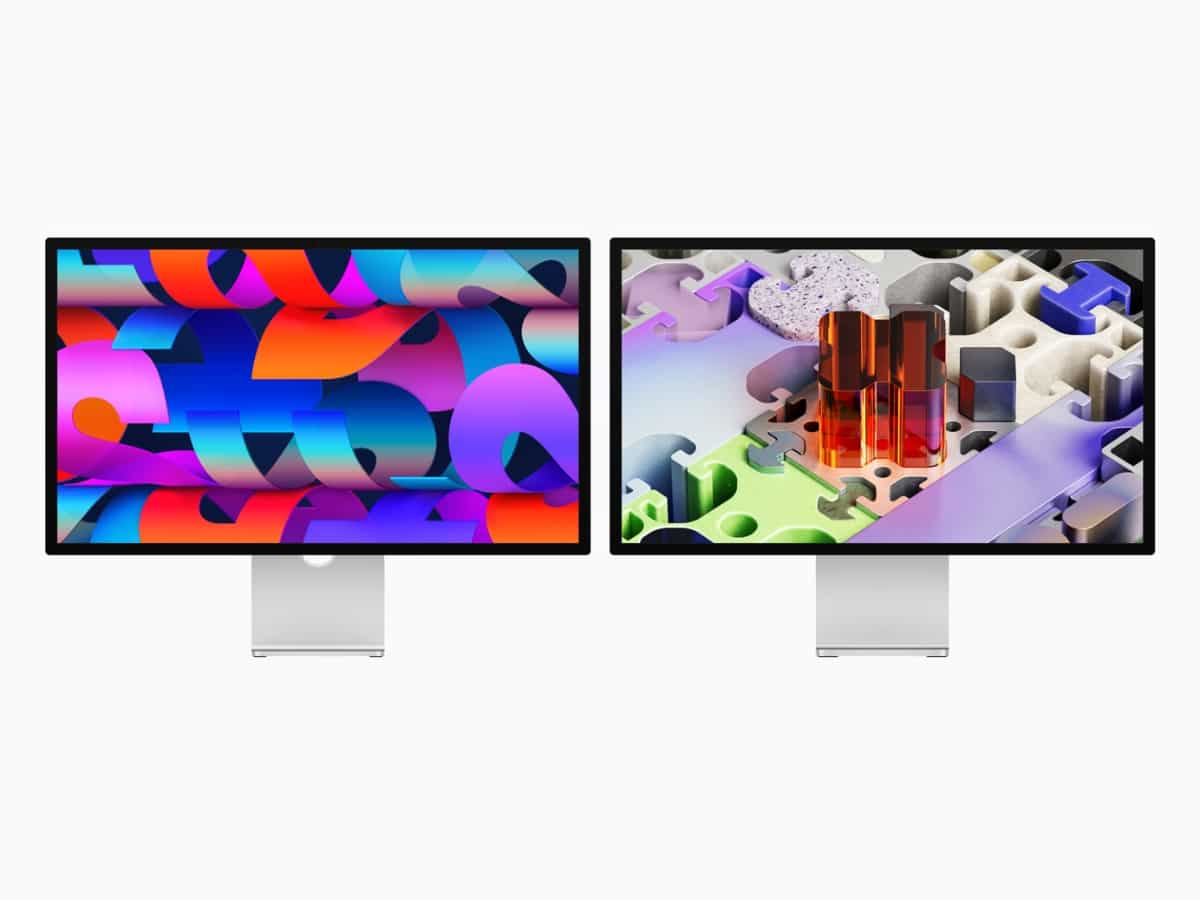
The standard Studio Display gets improved connectivity and camera upgrades. Studio Display XDR replaces Pro Display XDR and is aimed at colour-critical and HDR workflows.
Studio Display and Studio Display XDR Pricing (Australia)
- Studio Display from $2,599
- Studio Display XDR from $5,499
Studio Display
This remains the mainstream 5K desktop option for Mac users who want a clean, all-in-one display without stepping into the price points of professional reference monitors.
What’s changed in Studio Display?
- Thunderbolt 5 connectivity
- Improved 12MP Center Stage camera with Desk View
Studio Display Key Specs
- 27-inch 5K Retina display
- 600 nits brightness, P3 wide colour
- Additional USB-C ports for peripherals
If you already own the previous Studio Display, this is a modest connectivity update rather than a visual overhaul.
Studio Display XDR
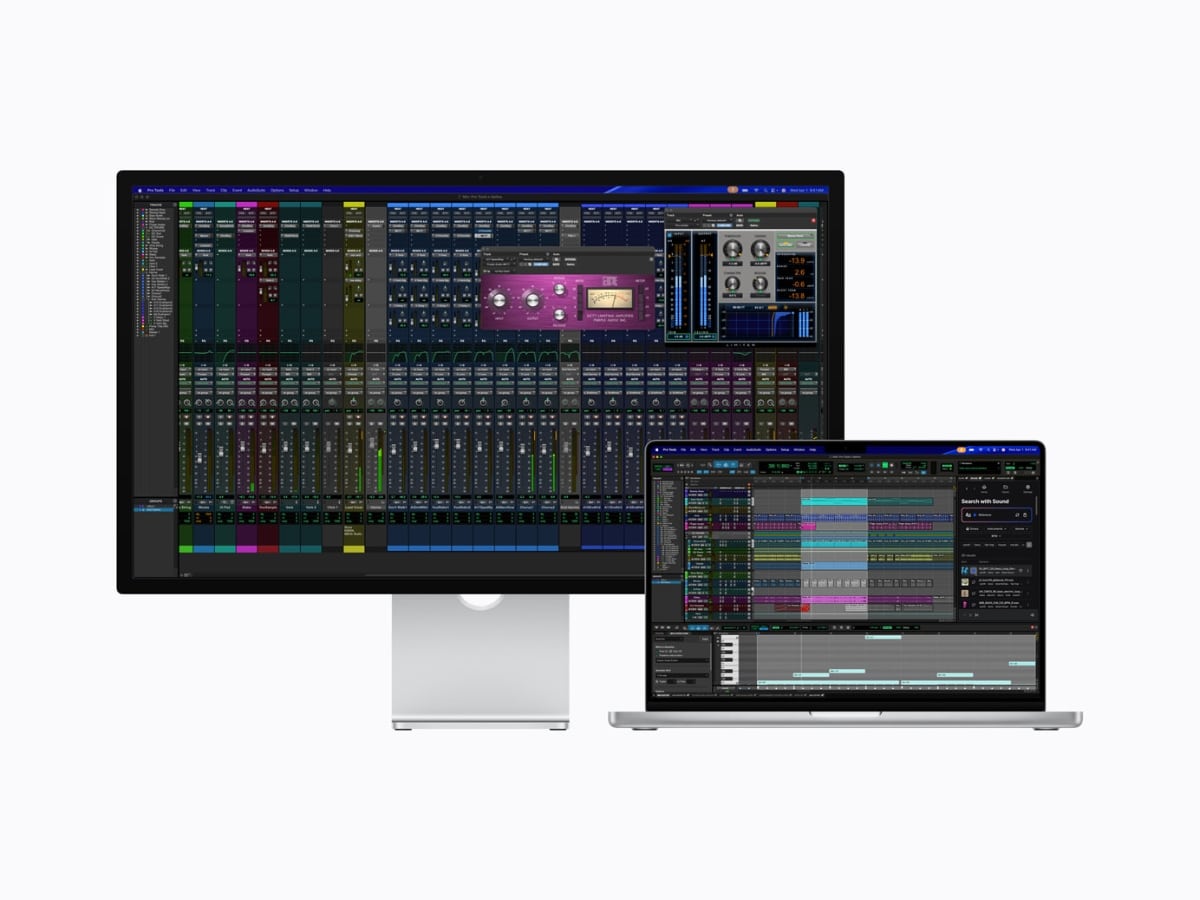
This is the pro-tier panel, built for colour accuracy, HDR video work and anyone who treats their display as a critical tool rather than a second screen.
What’s changed in Studio Display XDR
- 27-inch 5K mini-LED panel replaces Pro Display XDR
- 2000 nits peak HDR brightness
- 120Hz refresh rate with Adaptive Sync
- Adobe RGB colour support
Studio Display XDR Key Specs
- 2,304 local dimming zones
- Up to 1000 nits SDR, 2000 nits peak HDR
- 1,000,000:1 contrast ratio
- Thunderbolt 5 with downstream connectivity
- Up to 140W charging
For Pro Display XDR users, this shifts to a smaller 27-inch panel but adds higher refresh and updated connectivity. For anyone building a new M5 Mac setup, it’s clearly the flagship option.
Studio Display vs. Studio Display XDR
| Feature | Studio Display (2026) | Studio Display XDR (New) |
| Panel Type | 27-inch 5K Retina (Standard) | 27-inch 5K Retina XDR (mini-LED) |
| Refresh Rate | 60Hz | 120Hz ProMotion (Adaptive Sync) |
| Brightness | 600 nits (SDR) | 1,000 nits (SDR) / 2,000 nits (HDR) |
| Local Dimming | None | 2,304 Dimming Zones |
| Connectivity | Thunderbolt 5 + 2x USB-C | Thunderbolt 5 + 2x USB-C |
| Charging Out | 96W Passthrough | 140W Passthrough |
| Camera | 12MP Center Stage + Desk View | 12MP Center Stage + Desk View |
| Speakers | 6-speaker (30% deeper bass) | 6-speaker (30% deeper bass) |
| Start Price (AU) | $2,499 | $5,499 |





















Comments
We love hearing from you. or to leave a comment.