
Razer’s Most Luxurious Gaming Keyboard Is a Beast, but Does It Work on a Mac?

Updated:
Readtime: 13 min
Every product is carefully selected by our editors and experts. If you buy from a link, we may earn a commission. Learn more. For more information on how we test products, click here.
- The Razer Huntsman Signature Edition returns in a non-serialised format after the original 1,337-piece serialised release
- A new limited-quantity release is scheduled for 19 June at 3am AEST
- It uses Razer Analog Optical Switches Gen-2, True 8,000Hz HyperPolling and Razer Snap Tap
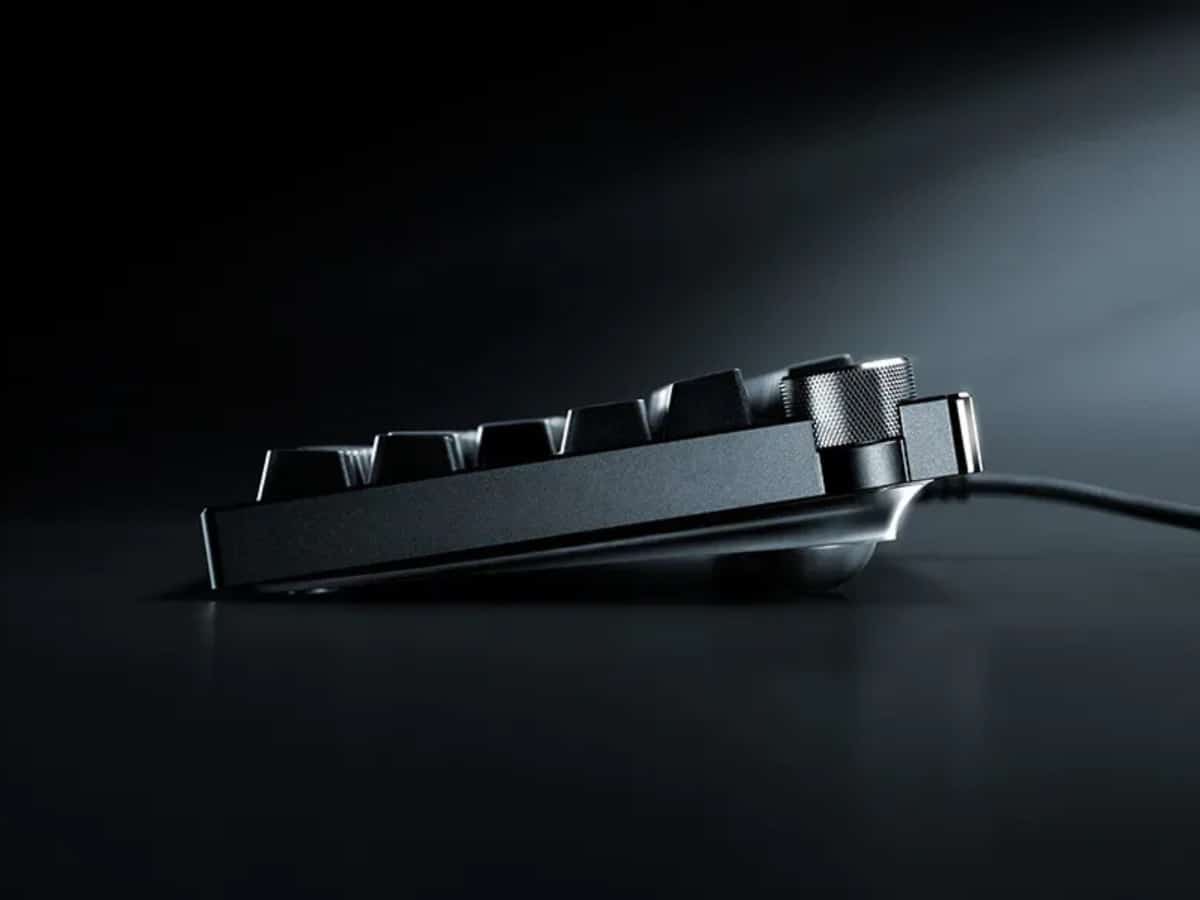
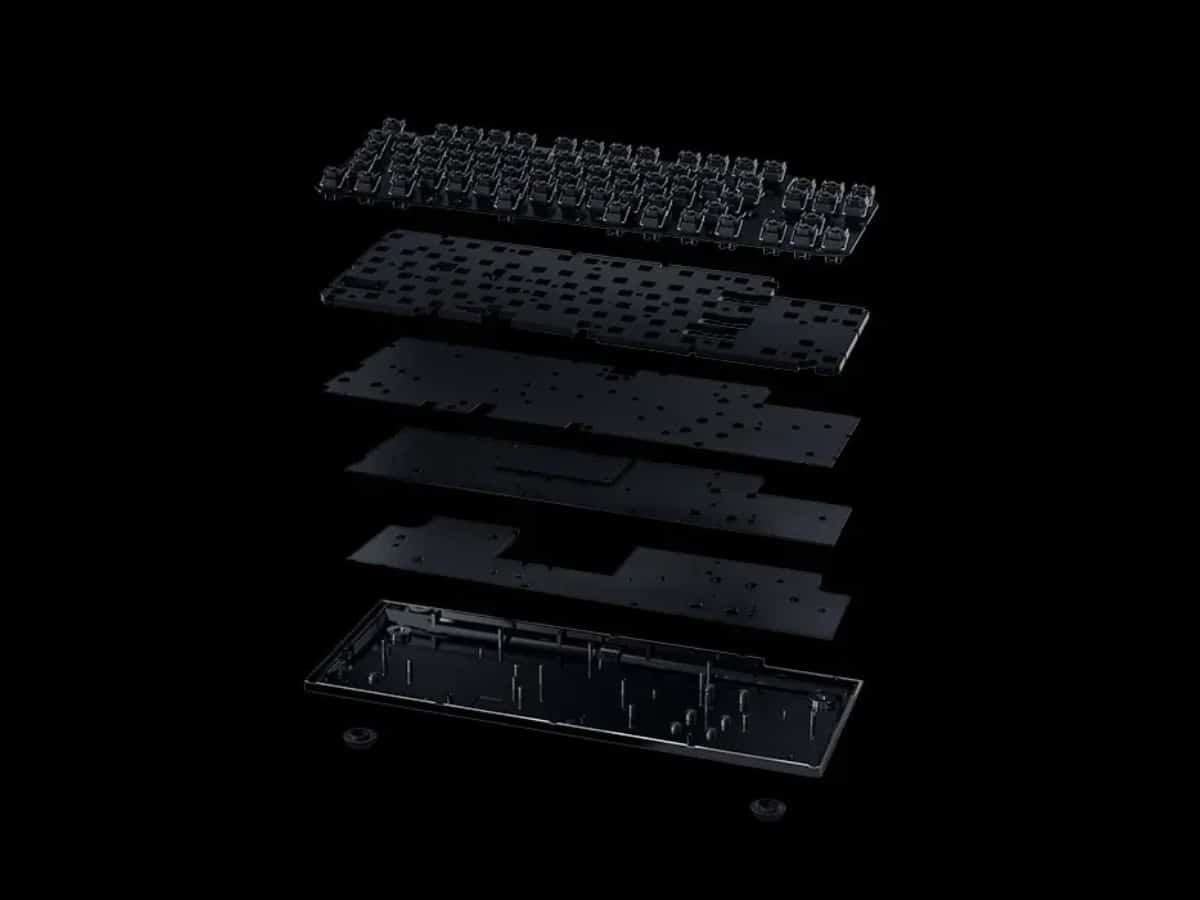
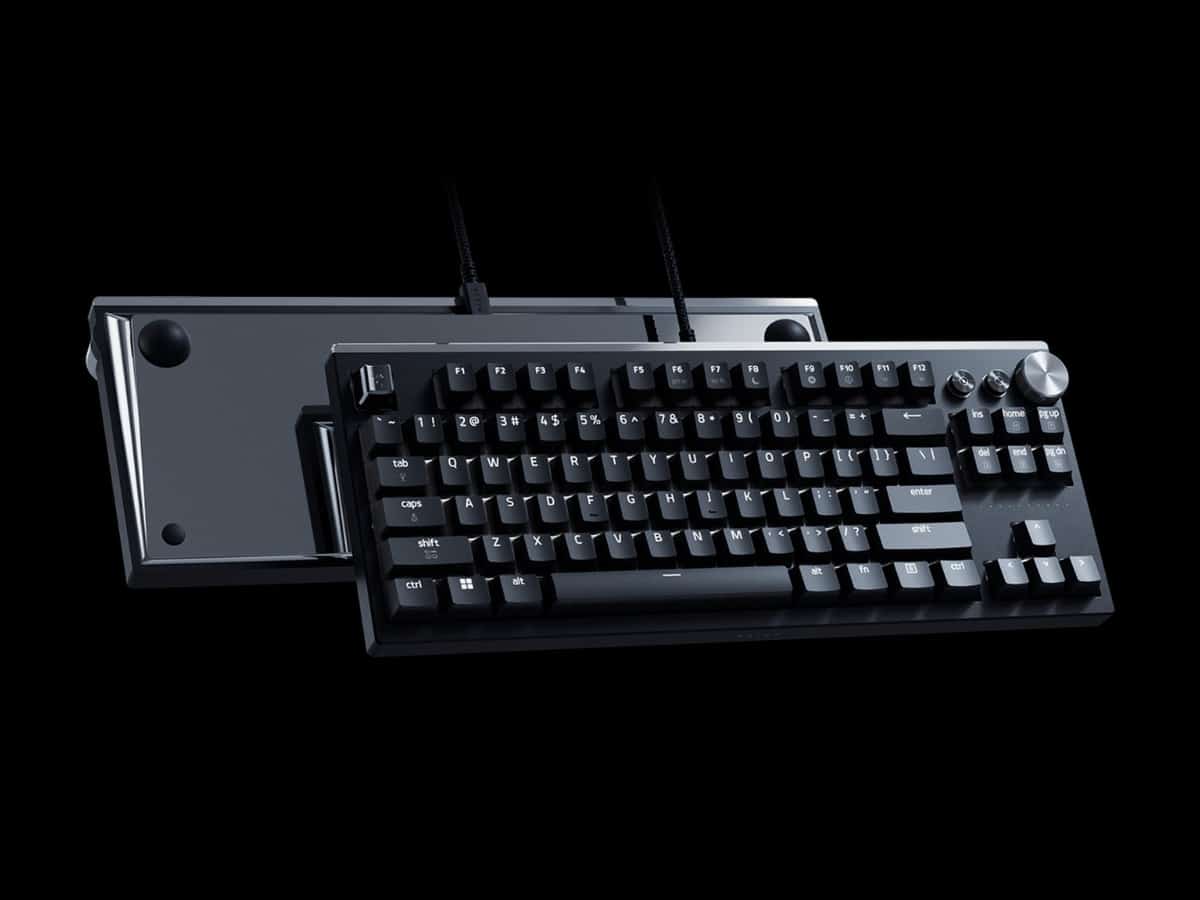
- The keyboard features a CNC-milled 6063 aluminium chassis, PVD mirror-polished accents and a layered internal acoustic structure
- I tested it as a daily writing keyboard on Mac, where its gaming-first features are impressive, but not always essential
The Razer Huntsman Signature Edition was never going to turn up like a normal keyboard. The original release was limited to 1,337 individually serialised pieces, and now Razer is bringing the ultra-premium board back in a non-serialised format, with limited quantities available for AUD$799.
Razer has thrown just about everything at the latest addition to the Huntsman line. The Signature Edition packs Razer Analog Optical Switches Gen-2, True 8,000Hz HyperPolling, Snap Tap, adjustable actuation, a CNC-milled aluminium chassis and a layered internal acoustic setup designed to make each keystroke feel smoother and more deliberate. In gaming terms, that means more speed, more control and a level of fine-tuning built for players who know exactly how they want their keyboard to behave.
But for someone like me who spends most of the day writing articles on a Mac, the question is a little stranger: how much of that actually helps when you’re just trying to type better?
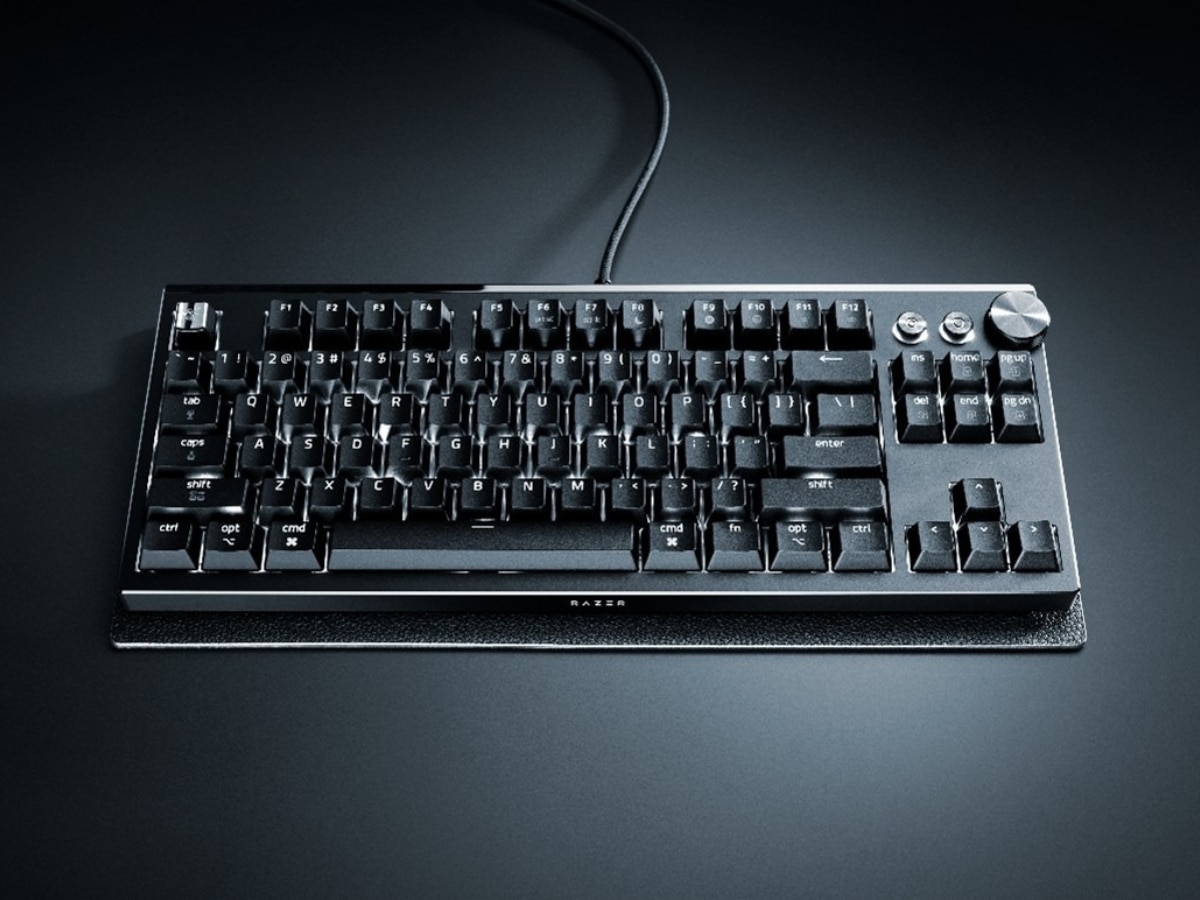
Razer Huntsman Signature Edition Specifications and Price
- Switches: Razer Analog Optical Switches Gen-2
- Key feel: Linear
- Size: Tenkeyless
- Actuation: Adjustable 0.1mm to 4.0mm
- Polling rate: Up to 8,000Hz
- Gaming features: Razer Snap Tap, Rapid Trigger Mode, Dynamic Actuation and analogue input
- Memory: Hybrid onboard storage for up to six profiles
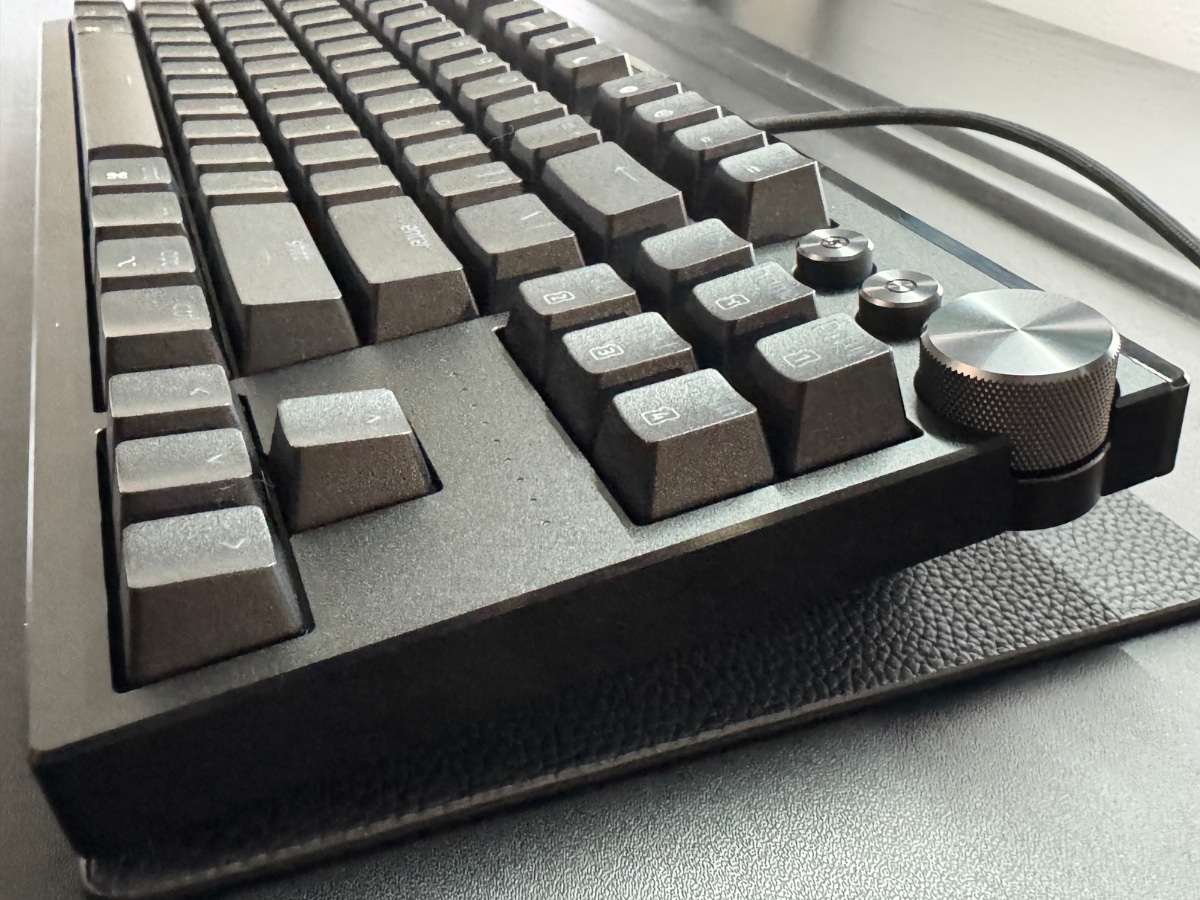
- Media controls: Multi-function dial with two dedicated buttons
- Keycaps: Doubleshot PBT
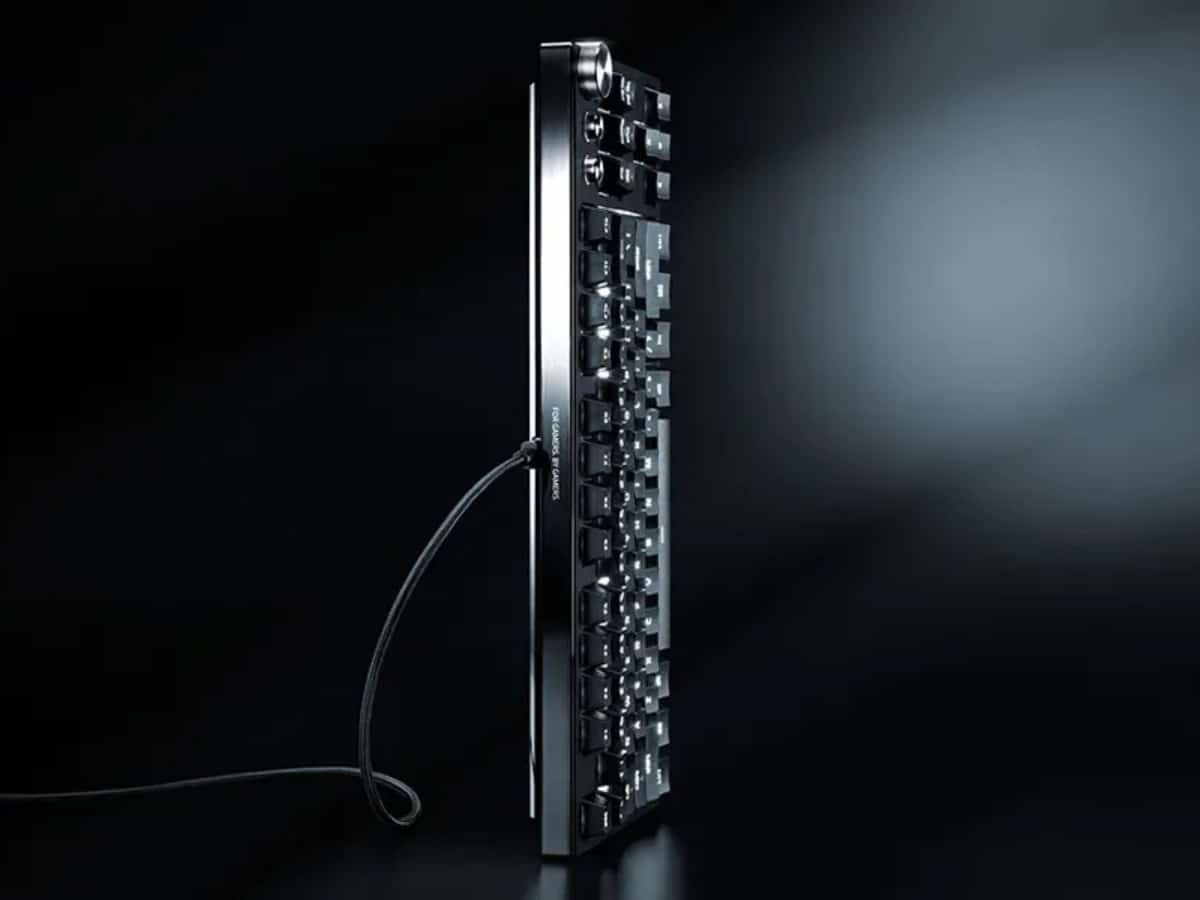
- Connectivity: Detachable USB-C cable
- Lighting: Razer Chroma RGB
- Build: 6063 aluminium alloy top chassis, PVD mirror-polished aluminium bottom chassis and accent bar
- Software: Razer Synapse and Synapse Web Beta enabled
- Price: AUD$799
Unboxing the Razer Huntsman Signature Edition: Premium Presentation
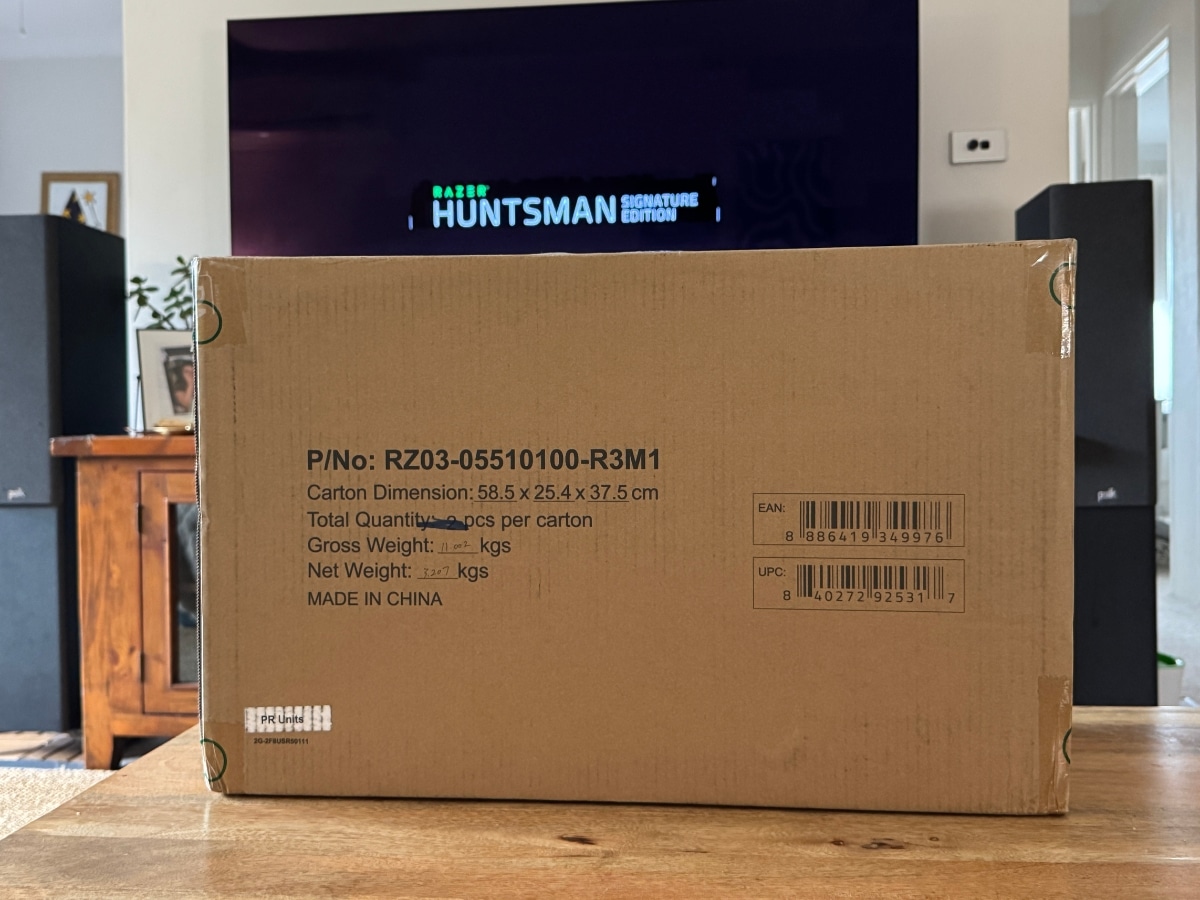
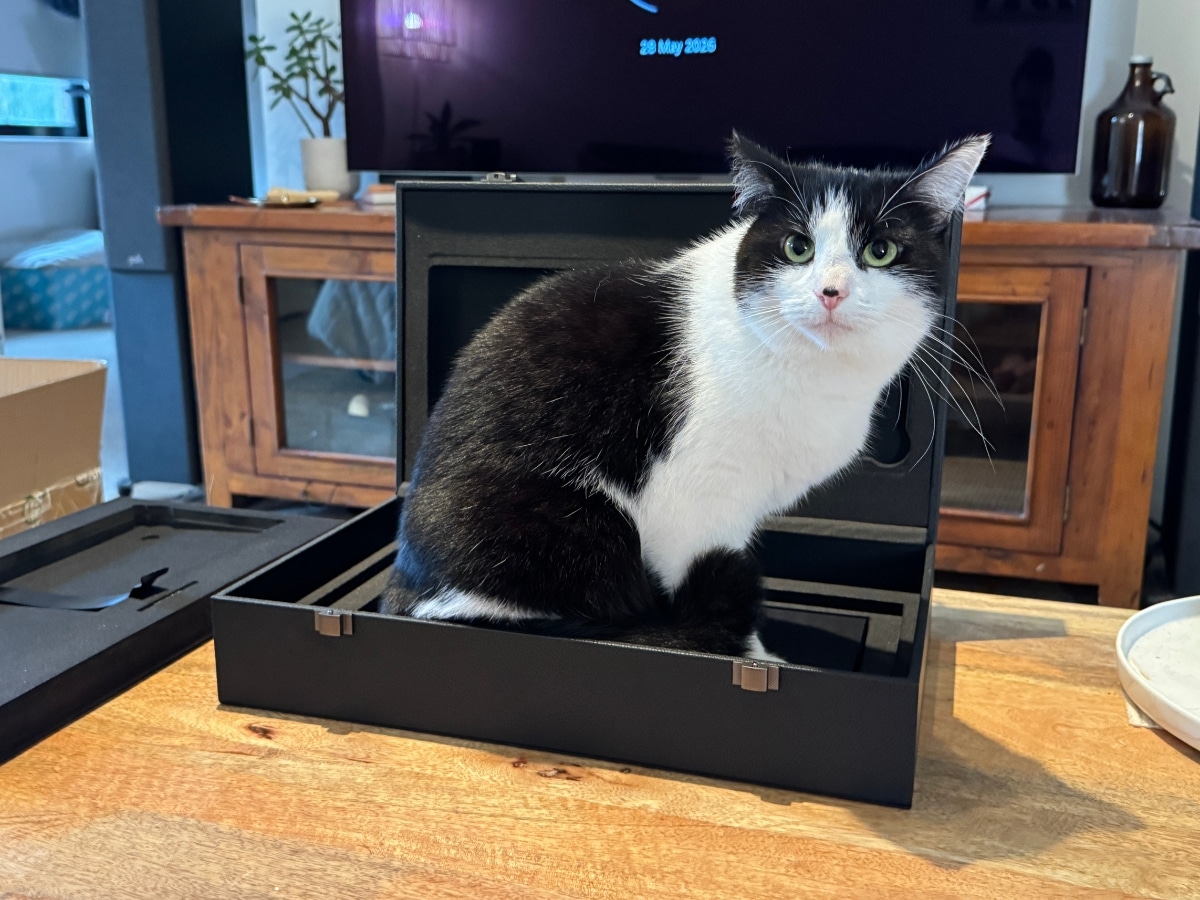
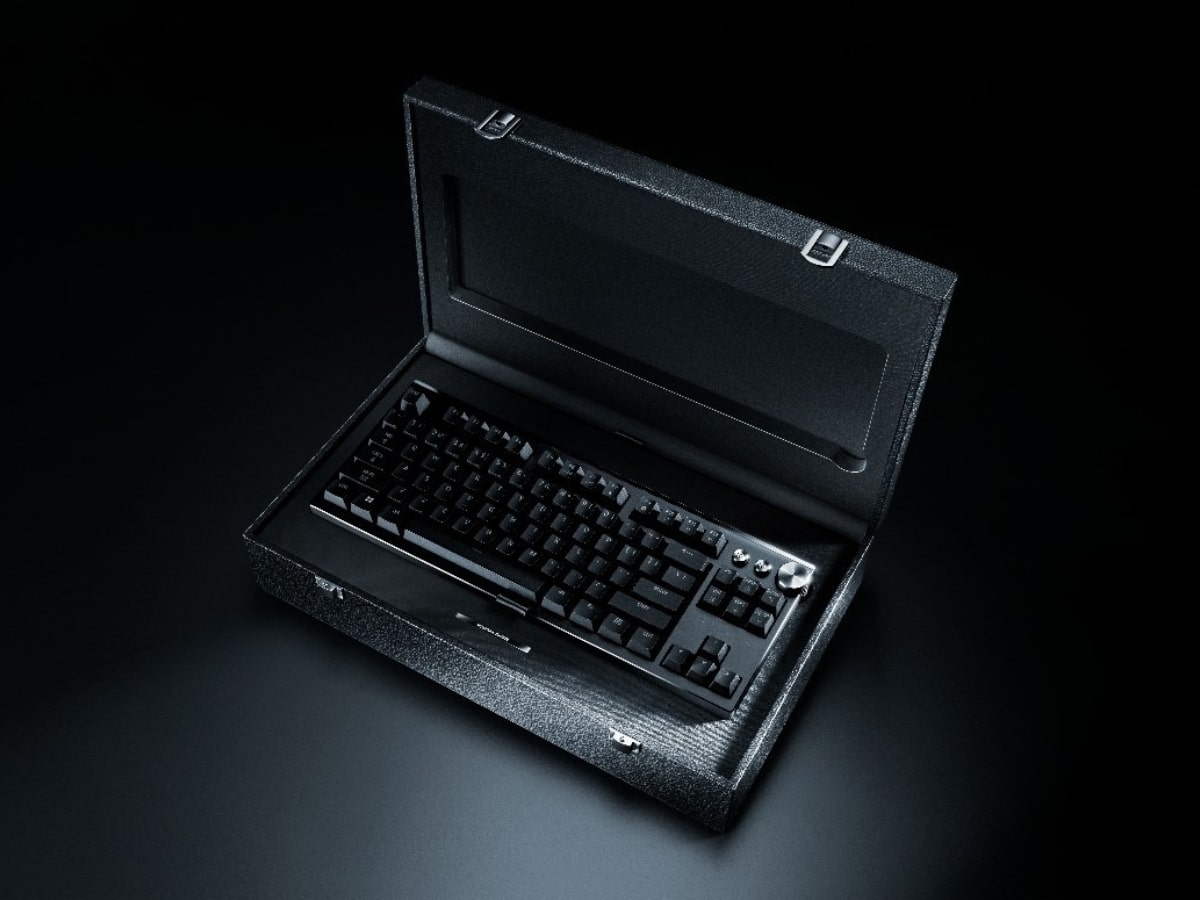
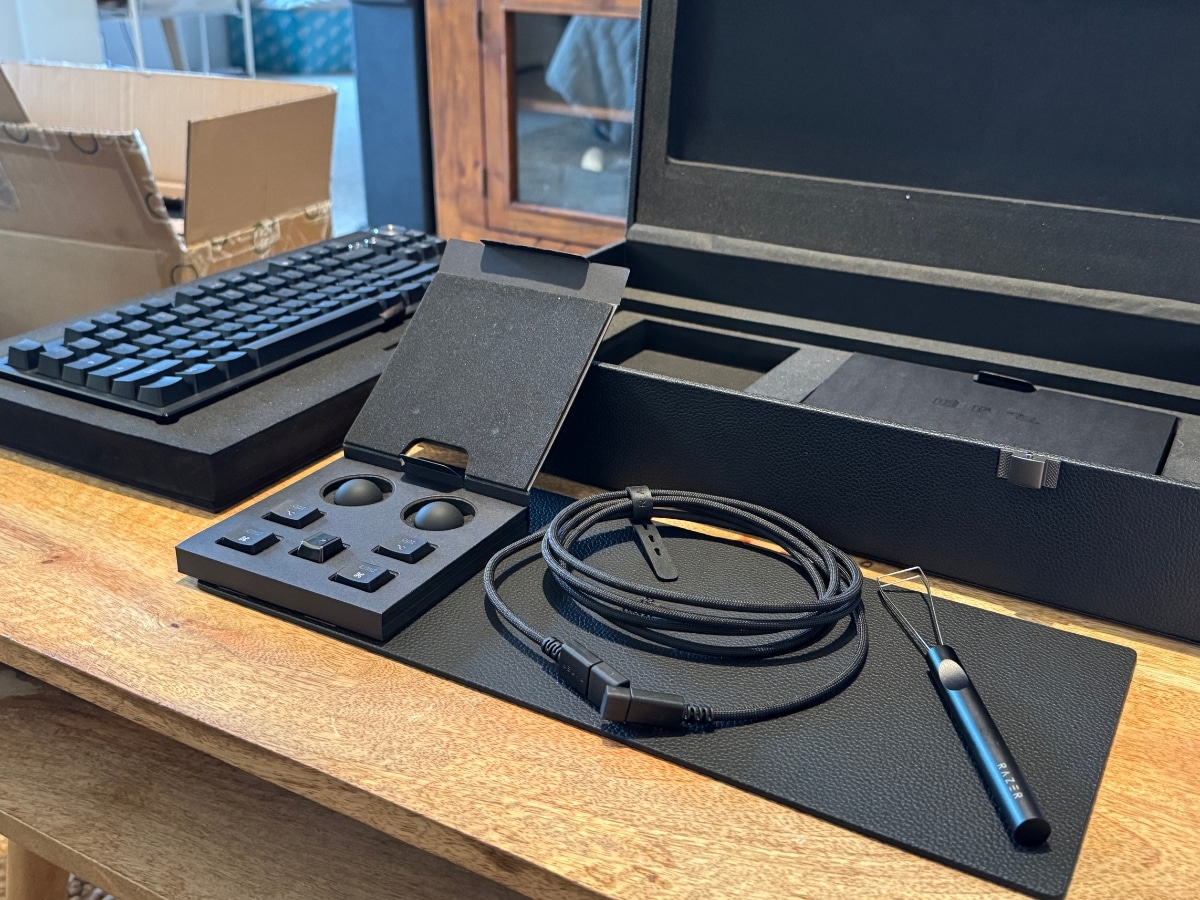
Mine arrived in a shipping carton large enough to make me briefly question whether I’d been sent furniture instead. Inside that box was a black presentation case with foam cut-outs, metal-style clasps, swappable keycaps, a braided cable, a cleaning cloth, a keycap puller and a small note explaining that this was not just a keyboard but a “gaming masterpiece”. Razer is anything but subtle.
My cat Koshka was certainly impressed with it all. She claimed the presentation case within minutes, which is probably the strongest endorsement of the packaging I can offer before relocating her.
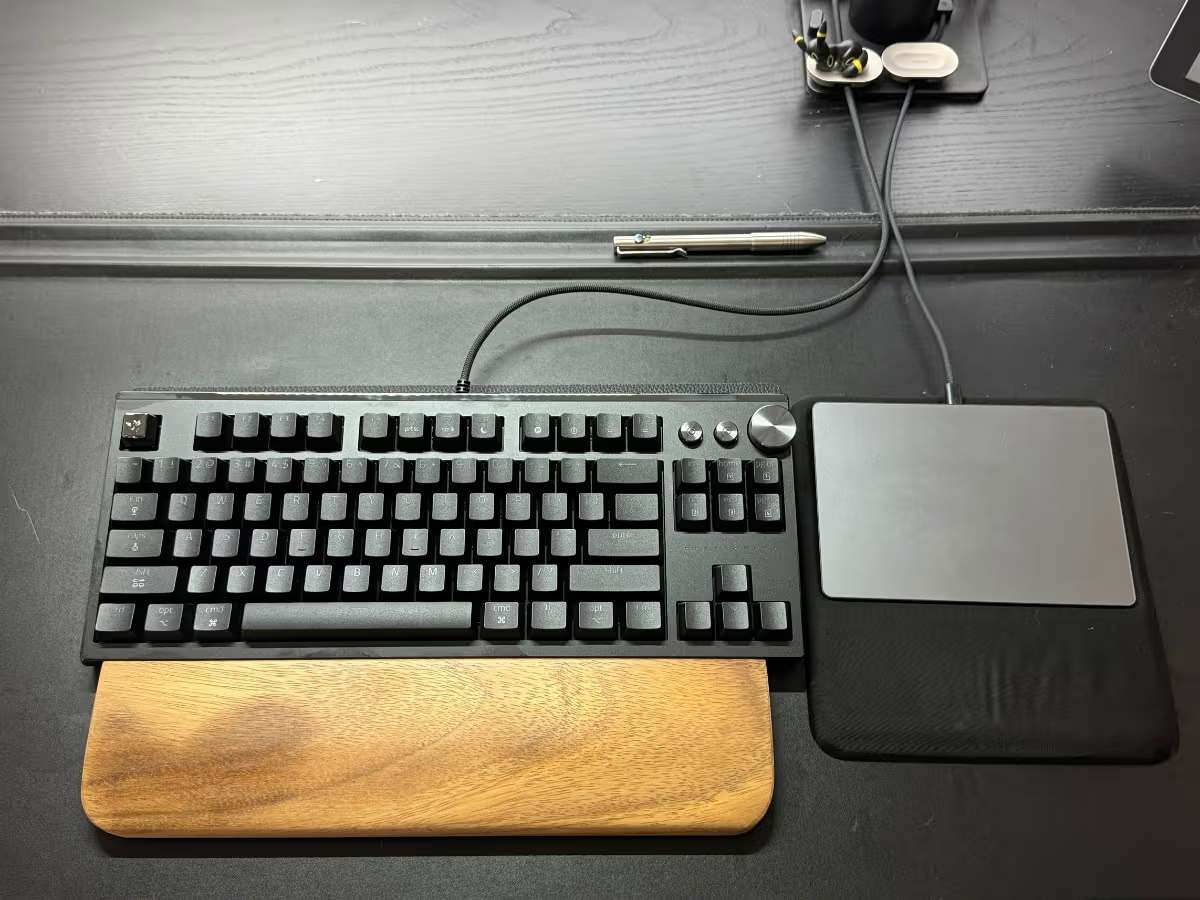
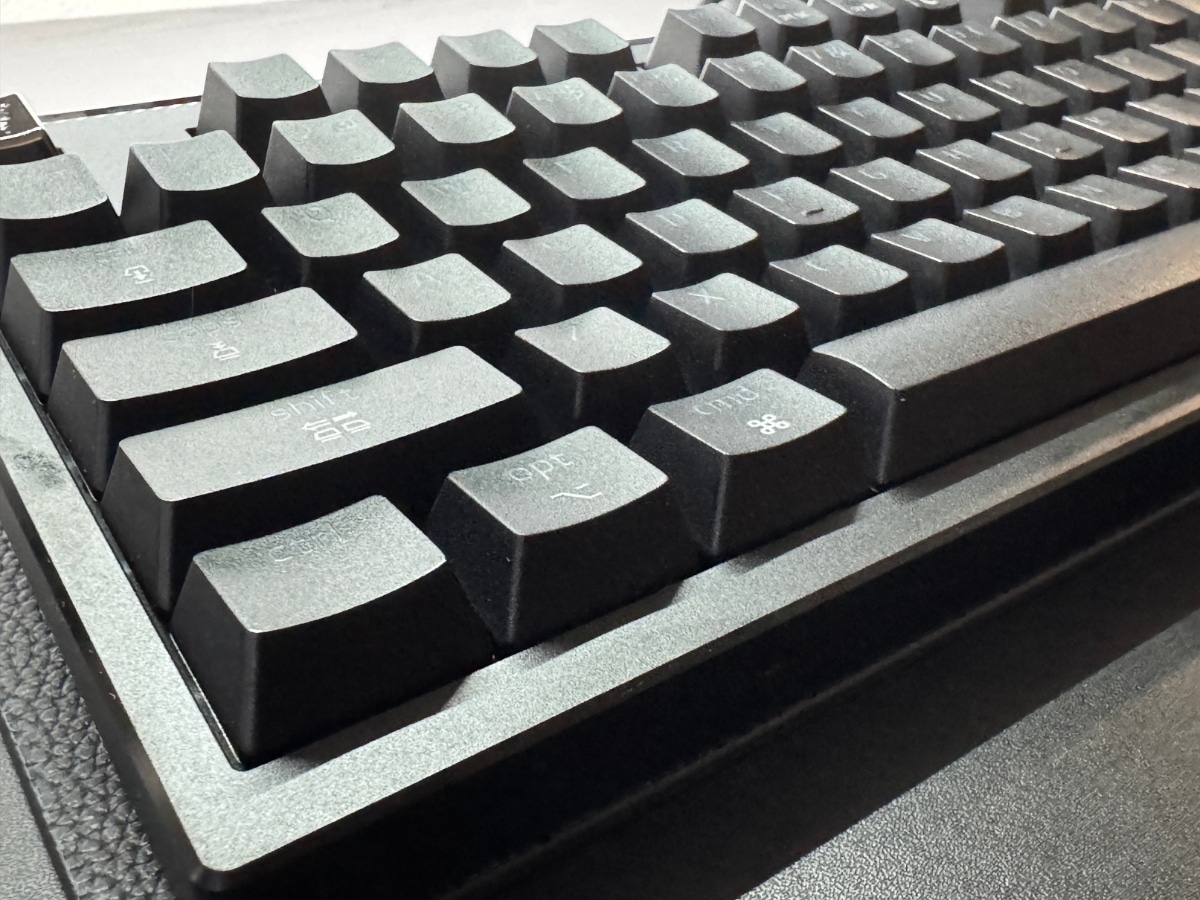
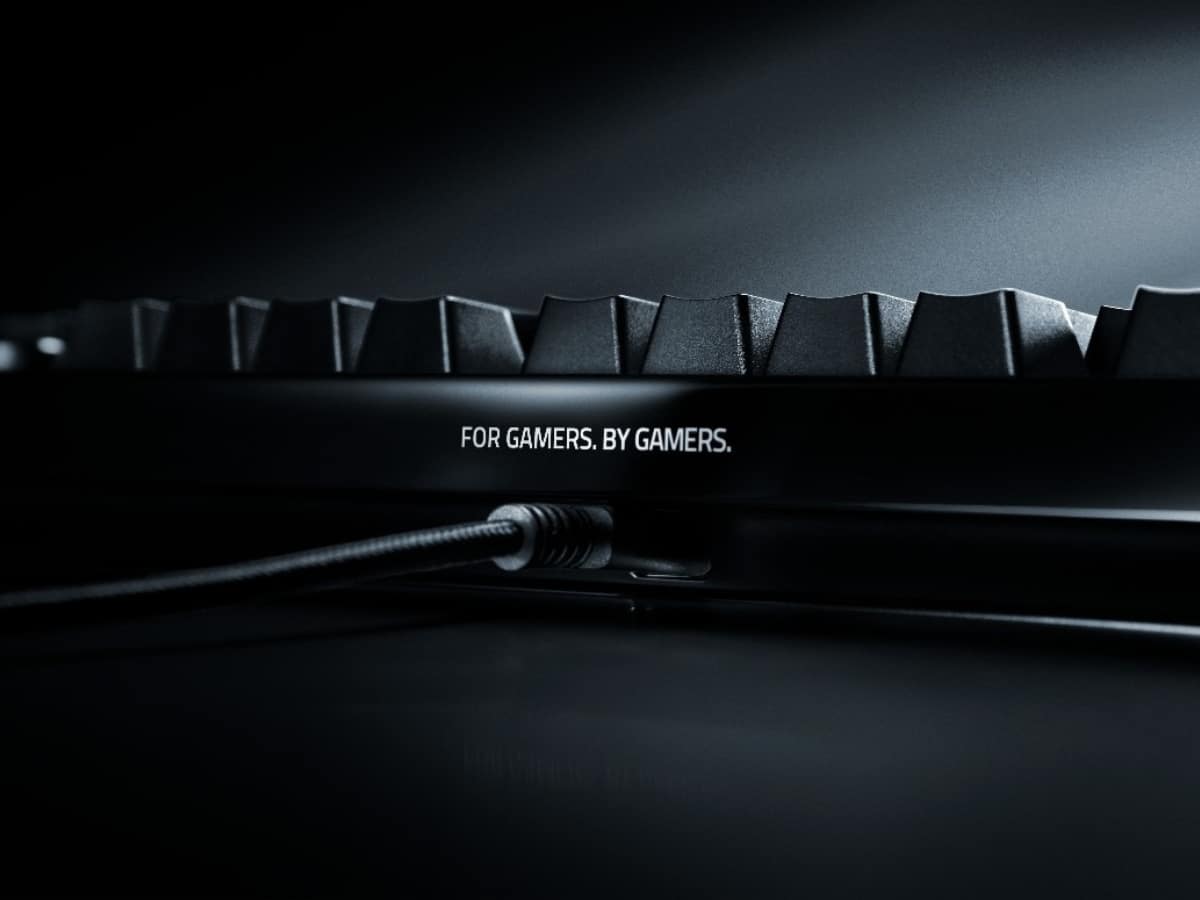
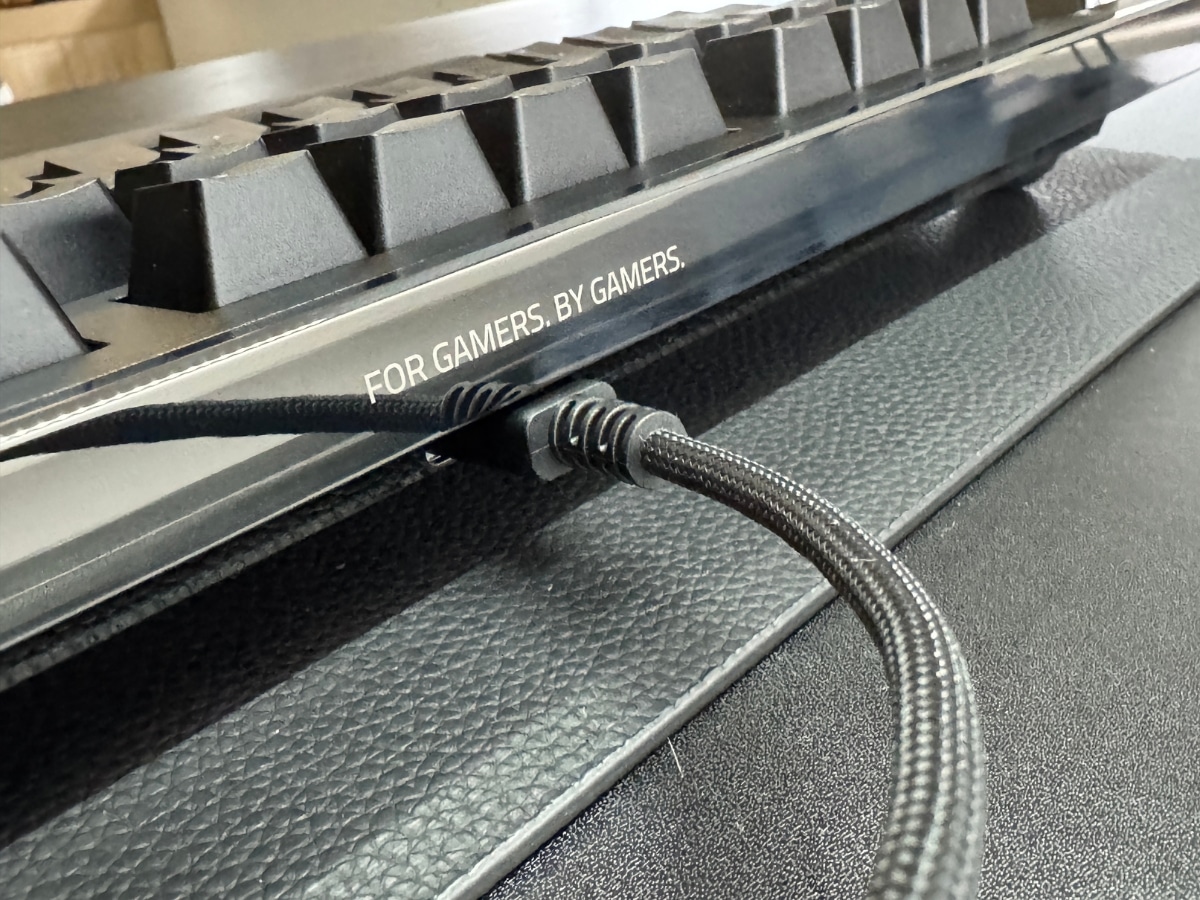
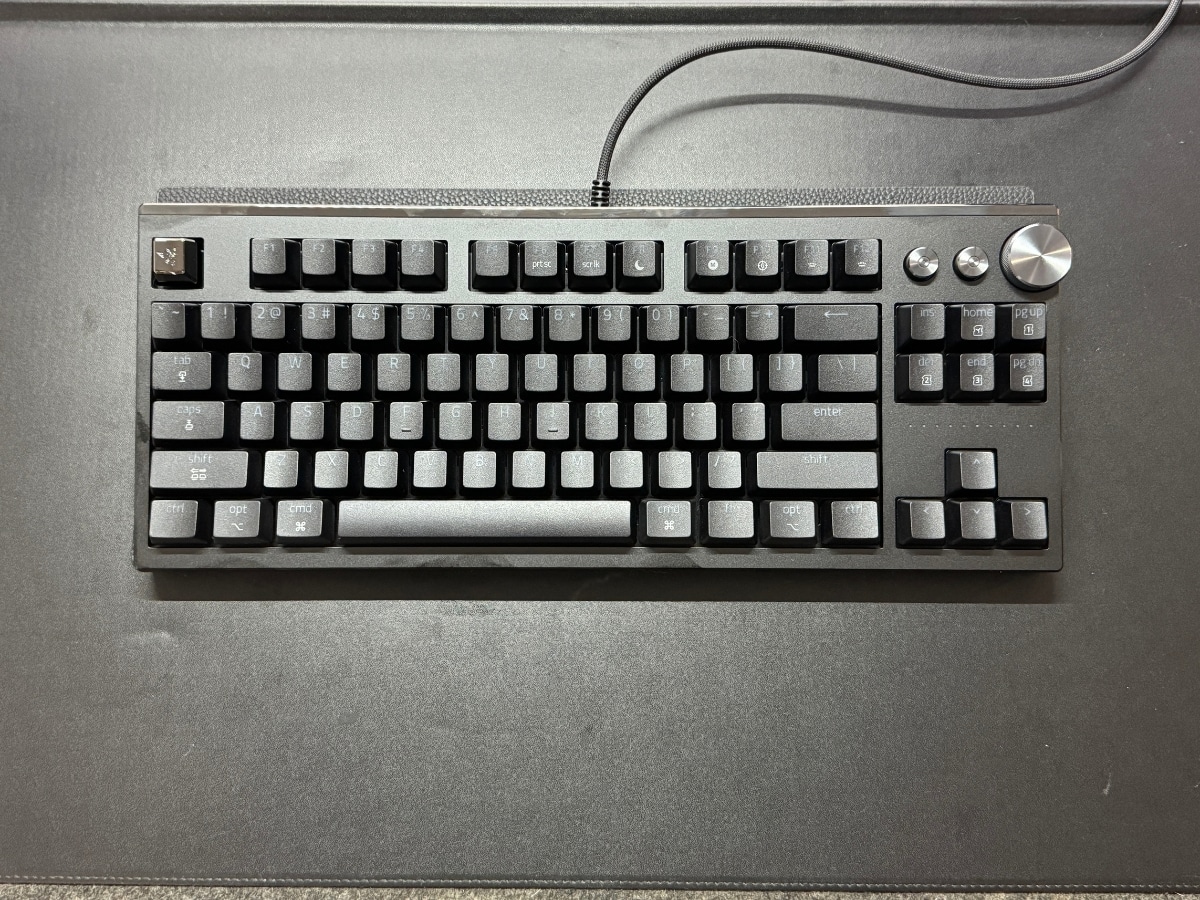
Putting the keyboard on my desk, I immediately notice the build quality. It’s a heavy black aluminium keyboard with a polished accent strip, a knurled control dial and enough weight to stay exactly where you put it.
The question is whether all that engineering and ceremony actually makes it better to use.
Still Built for PC Gamers
The Huntsman Signature Edition is built around Razer’s Analog Optical Switches Gen-2. Unlike a regular switch that simply registers whether a key has been pressed, these can detect how far the key has travelled.
That opens up a few avenues for control. You can adjust the actuation point, enable Rapid Trigger and use analogue-style inputs in supported games. Razer also includes True 8,000Hz HyperPolling and Snap Tap, which are the sort of features that make a lot more sense if you’re already thinking about keyboard latency, reset speed and directional inputs.
For gamers, the value is pretty clear. A shallower actuation point can mean faster inputs. Rapid Trigger can help keys reset more quickly. Snap Tap can prioritise one directional input over another, which is useful in games where movement timing can change the outcome of a fight.
For typing, the benefits are less obvious.
That doesn’t mean they’re pointless. It just means the cleverest parts of the Huntsman Signature Edition are solving problems I don’t really have. I’m not trying to counter-strafe in Valorant. I’m trying to write clean copy without second-guessing every keystroke.
Using it as a writing keyboard gives the whole thing a different kind of test. Most of its smartest features are wasted on me, but that also makes it easier to see what still carries across.
Using Razer Huntsman Signature Edition on a Mac
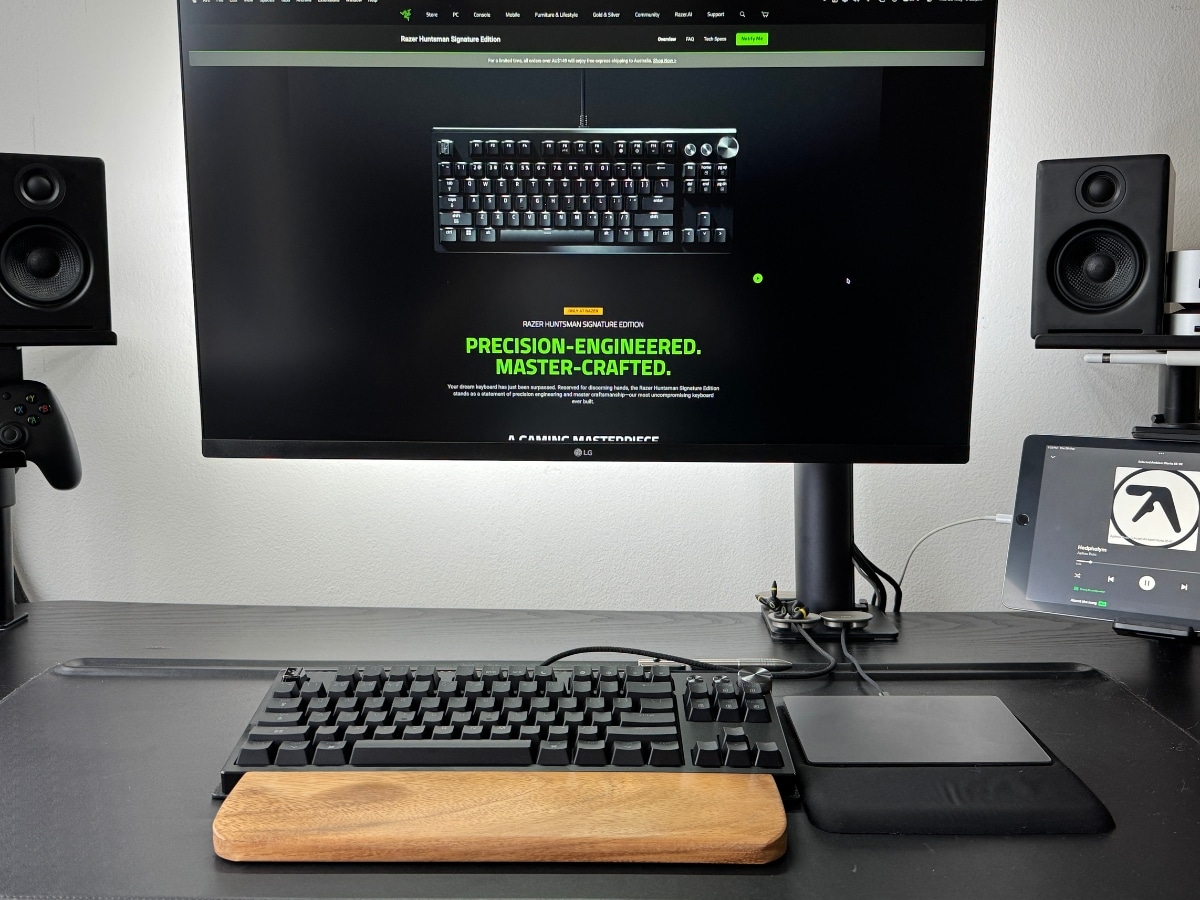
I tested the Huntsman Signature Edition with a Mac setup, comparing it against my MacBook Air keyboard, a Keychron Q1 Max and a Lofree Flow 84. I figured that’s a useful spread, because I’m not coming at this from the wasteland of a $12 office keyboard. I already use keyboards that feel good to type on.
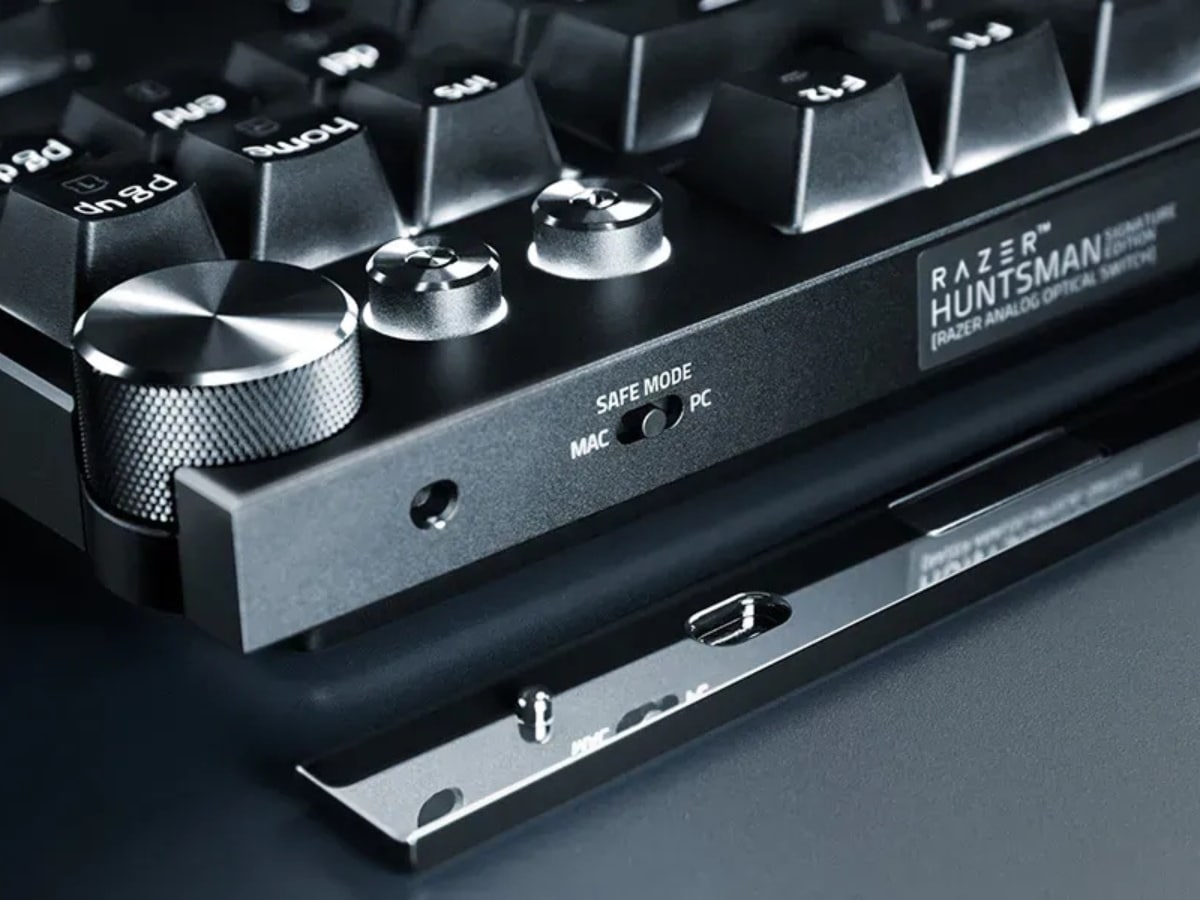
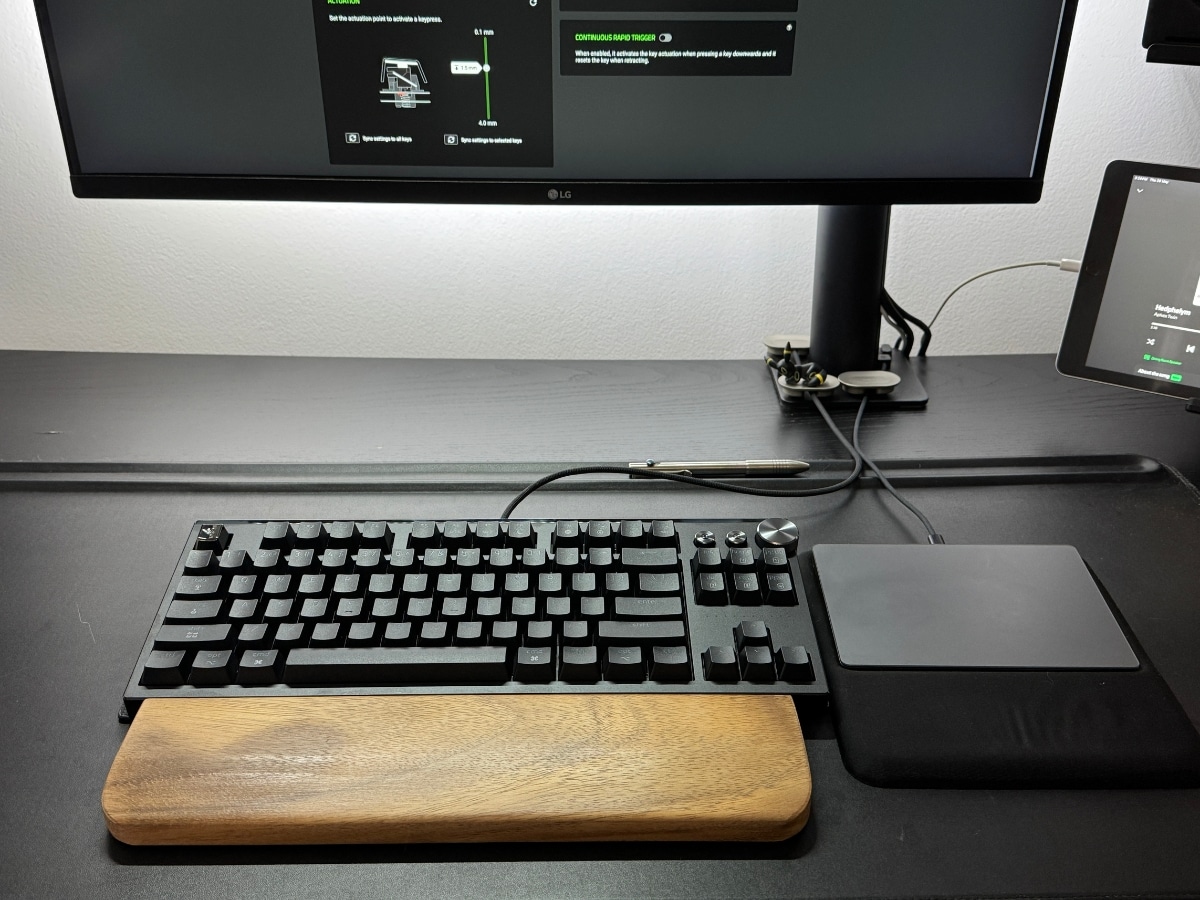
The Razer does include a Mac toggle and swappable Mac keycaps, which is appreciated. Once I swapped Command and Option in macOS settings, the keyboard behaved normally enough for daily typing. The control dial and custom buttons also worked, which was a nice surprise.
It works on Mac, but it still thinks like a PC keyboard.
The function row never quite behaved like a native Mac keyboard. Even with the Fn key, I couldn’t get the usual macOS shortcuts to work the way I’d expect. That’s not unique to Razer. It’s an issue I’ve had with plenty of gaming-first keyboards on Mac, and it usually turns support into a question of “useable” rather than “native”.
For most people, that friction will be a one-time annoyance rather than a dealbreaker. For Mac-first users who want everything to behave exactly like an Apple keyboard, it’s worth knowing before you plug it in.
There was also one cable quirk. The Huntsman Signature Edition worked perfectly with the supplied USB-A-to-USB-C cable, but not with my custom coiled USB-C cable. Razer is looking into that, and given the cable in question was an AliExpress purchase, it’s unlikely the keyboard’s fault. Still, it’s a reminder that a board this technically loaded may not play nicely with every third-party cable lying around your desk.
Testing the Razer Huntsman Signature Edition Typing Experience
Under the fingers, the typing experience didn’t immediately match the build’s weight and spectacle.
The keypresses are light, fast and smooth, but I was expecting more weight and more thock from something this substantial. Razer says the board has been tuned for a deep, composed sound and a smooth, controlled key response. I can hear the work that has gone into the foam damping layers, and the sound is certainly more controlled than that of a rattly gaming keyboard, but it’s not as heavy or satisfying as the presentation suggests.
Part of that may come down to what I’m used to. My Keychron Q1 Max has a more familiar mechanical weight, while the Lofree Flow 84 has a slimmer, softer typing feel that works well for long writing sessions. The Razer sits somewhere stranger. It feels serious as hardware, but lighter as a typing surface than its body suggests.
That made me second-guess a few strokes during the first few sessions. Not because the keyboard was inaccurate, but because it felt so eager. For gaming, that eagerness is probably useful. For writing, it takes some tuning.
The Actuation Settings Actually Matter
The feature I kept coming back to was adjustable actuation. Actuation is the point where a keypress registers. Set it shallow and the keyboard responds to a lighter press. Set it deeper and you need to push further before the input counts.
At 1mm, the Huntsman Signature Edition felt too twitchy for writing. It was fast, but not especially comfortable. At 1.5mm, it settled down a little and became more useable for longer typing sessions. I’m still not convinced I’ve found the perfect setting, and part of me suspects the difference would be far more obvious in a game than inside a Google Doc.
Still, this is the one feature that made me understand the keyboard better.
For writing, the trick isn’t making the keyboard faster. It’s finding the point where it stops feeling unruly and starts feeling deliberate. That’s a genuinely useful kind of control, even if most typists will never need the full range of what Razer is offering.
The same goes for Synapse. Razer’s software gives you a lot of control over actuation, Rapid Trigger, Snap Tap, lighting, profiles and so much more. For my use, a lot of that depth felt gamer-heavy. The lighting was mostly set-and-forget, and the deeper performance settings are clearly aimed at people tuning inputs for specific games.
That’s not a knock on the software. If you’re the kind of player who knows exactly how you want your WASD keys to behave across different games, the Huntsman Signature Edition gives you plenty to work with. If you’re typing an article, most of that control is interesting rather than necessary.
Razer Huntsman vs Standard Mechanical Keyboards
Compared with a MacBook Air keyboard or Apple-style low-profile setup, the Razer adds more travel, more control and a more intentional typing experience. You notice it every time you sit down, for better or worse.
Compared with other mechanical keyboards, it’s more subjective. The Keychron Q1 Max still gives me a more satisfying everyday typing feel out of the box. The Lofree Flow 84 is easier to live with if you want something slim and simple. The Razer isn’t trying to be either of those things. It’s a gaming keyboard with better materials, deeper controls and a much bigger sense of occasion.
That’s where the decision becomes clearer. If you spend most of your time writing, editing and working across macOS, the Huntsman Signature Edition is more keyboard than you need. It asks you to tune it, learn it and accept a bit of PC-first behaviour.
But it also makes normal keyboards feel very normal. Even when the typing feel didn’t quite match the drama of the build, the overall sense of quality was hard to ignore. The Huntsman Signature Edition makes a keyboard feel like part of the setup, not just something you use to get words onto the screen.
Razer Huntsman Signature Edition: Verdict
Razer Huntsman Signature Edition Pros & Cons
| Pros | Cons |
| Unmatched Build Quality: Heavy 6063 aluminium chassis and PVD mirror-polished accent bar ensure zero desk slip and a truly premium feel. | Prohibitive Price Point: At AUD $799, it represents a massive financial barrier for anyone who isn’t a competitive gaming purist. |
| Elite Gaming Performance: Loaded with top-tier tech including Gen-2 Analog Optical Switches, True 8,000Hz HyperPolling, and Snap Tap. | Friction on macOS: Lacks native, comprehensive software support on Mac, making the function row behaviour usable rather than native. |
| Granular Actuation Control: The adjustable 0.1mm to 4.0mm actuation tuning is a genuinely useful feature for dialling in a precise typing stroke. | Light, Eager Typing Feel: Eager switch response lacks the deep, heavy “thock” mechanical keyboard enthusiasts might expect from a board this substantial. |
| Luxurious Presentation: An over-the-top unboxing experience featuring a dedicated metal-clasped presentation case and full accessory kit. | Cable Pickiness: Highly advanced internal components mean it may not play nicely with some third-party custom coiled cables. |
| Thoughtful Inclusions: Features an on-board Mac toggle switch and physical swappable macOS keycaps right out of the box. |
I’m impressed by the Razer Huntsman Signature Edition, but I’m not personally converted.
As a premium gaming keyboard, it’s clearly serious. The control is excellent, the build is substantial, the actuation settings are genuinely interesting and the whole package feels like Razer pushing the Huntsman idea as far as it can go. If you’re a Razer loyalist, a high-end PC gamer, a keyboard obsessive or someone who wants the most elaborate version of this platform, it makes a lot of sense, provided you can stomach the AUD$799 price point.
As a writing keyboard, it’s more complicated.
The actuation tuning improved the experience, but I never quite got it to the point where I’d choose it over my usual setup for daily copy work. The Mac experience is usable, but not native. The typing feel is fast and smooth, though not as heavy or thocky as I expected from a keyboard with this much ceremony around it.
That doesn’t make it a miss. It just means it’s built for someone else. If you’re a Mac-first writer who simply wants a better typing keyboard, there are easier options. If you’re a serious PC gamer who wants this much control under your fingers, the Huntsman Signature Edition is much easier to understand.
For me, it was great to use, easy to admire and too much keyboard for the job. For the right person, the Huntsman Signature Edition is, as Razer puts it, “power like no other.”
Razer Huntsman Signature Edition FAQs
The Razer Huntsman Signature Edition is priced at AUD$799 for the Australian market. This limited-quantity release features a non-serialised format, following the original 1,337-piece serialised run.
Yes, it is useable on Mac and includes a dedicated macOS physical toggle switch alongside swappable Mac keycaps. However, because Razer Synapse lacks full native macOS support, the function row shortcuts do not perfectly mimic Apple hardware, and advanced feature customisation must be handled via the Synapse Web Beta or saved to onboard memory via a PC.
The Razer Huntsman Signature Edition upgrades the standard layout with an ultra-premium CNC-milled 6063 aluminium chassis, a PVD mirror-polished bottom plate, a layered internal acoustic damping structure, a dedicated media dial with custom buttons, and ships in a luxury collector’s presentation case.


















Comments
We love hearing from you. or to leave a comment.